Test Functions
Power Blazer 657
<rate> Advanced - <transceiver> Control
<rate> Advanced - <transceiver> Control
Note: Where <rate>, when displayed, is the rate selected for the test and
<transceiver> is the selected connector.
From the Test menu, tap Functions, <rate> Advanced, and the
<transceiver> Control tab.
Port, available with FlexE BERT, allows selecting the physical port to be
displayed.
FlexE PHY Number, available with FlexE BERT, indicates the FlexE
PHY number assigned to the port.
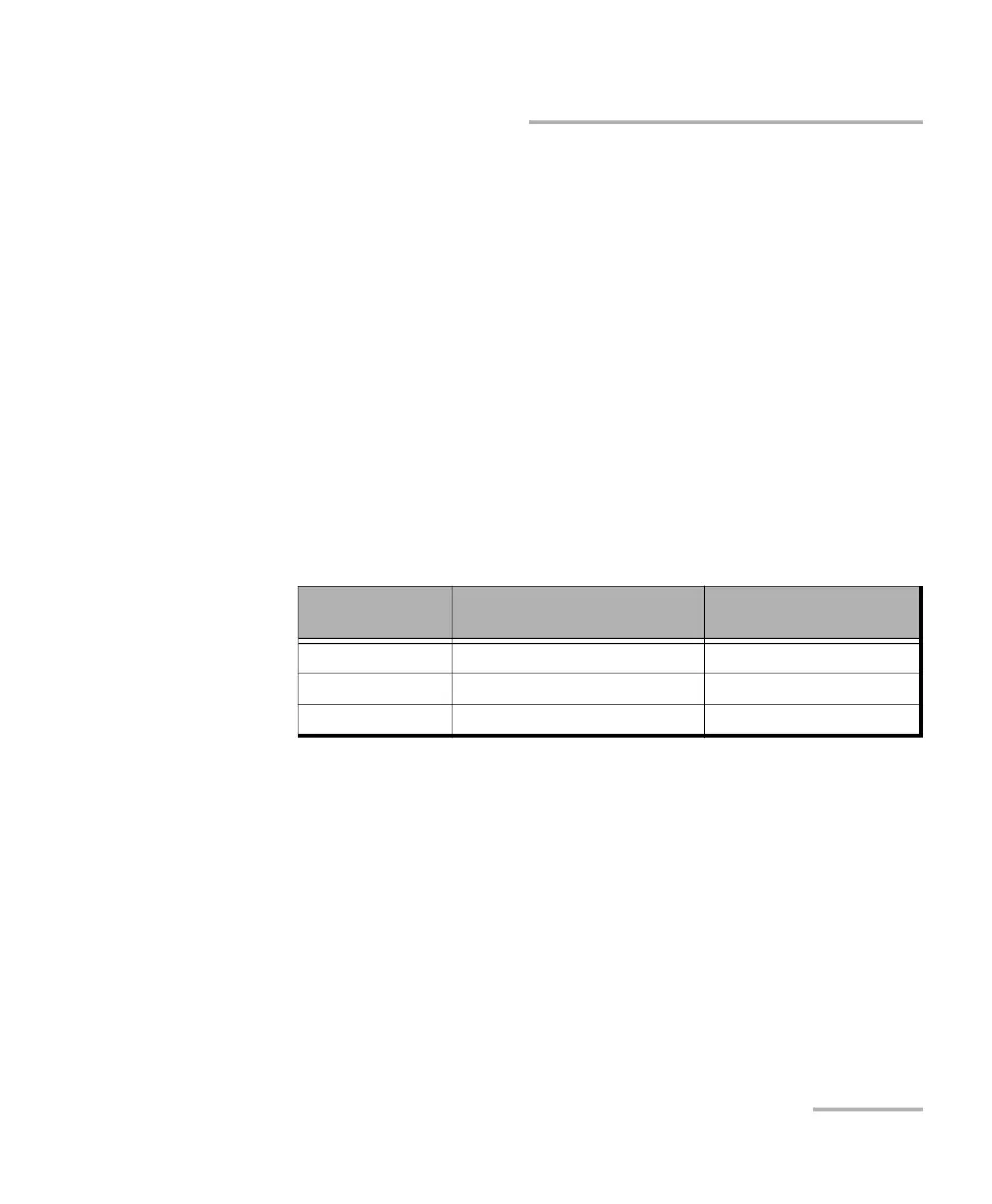
<transceiver> Reference Clock (MHz) allows selecting the reference
clock that will be used by the transceiver. Available with CFP4/CFP8
transceiver.
<transceiver> Power Class indicates the power class of the inserted
transceiver module. Not available with SFP transceivers.
<transceiver> Control Pins
Allows the following transceiver control pin settings. Refer to the MSA
standards for more information. Not available with SFP transceivers.
Note: To apply any control, first select its check box then clear it; the control is
applied only when the selected check box is cleared.
TX Disable (CFP2/4/8) check box (cleared by default).
Interface/Rate
1/160 Host Lane Rate
(default - recommended)
1/40 Host Lane Rate
OTU4 174.7031 MHz 698.8123 MHz
100GE 161.1328 MHz 644.5313 MHz
400GE 156.25 MHz 625.0 MHz












 To Next Page