Getting Started
Power Blazer 19
Turning On the Unit
Turning On the Unit
Turn on the platform. Refer to the platform user guide for more
information.
Starting the Module Application
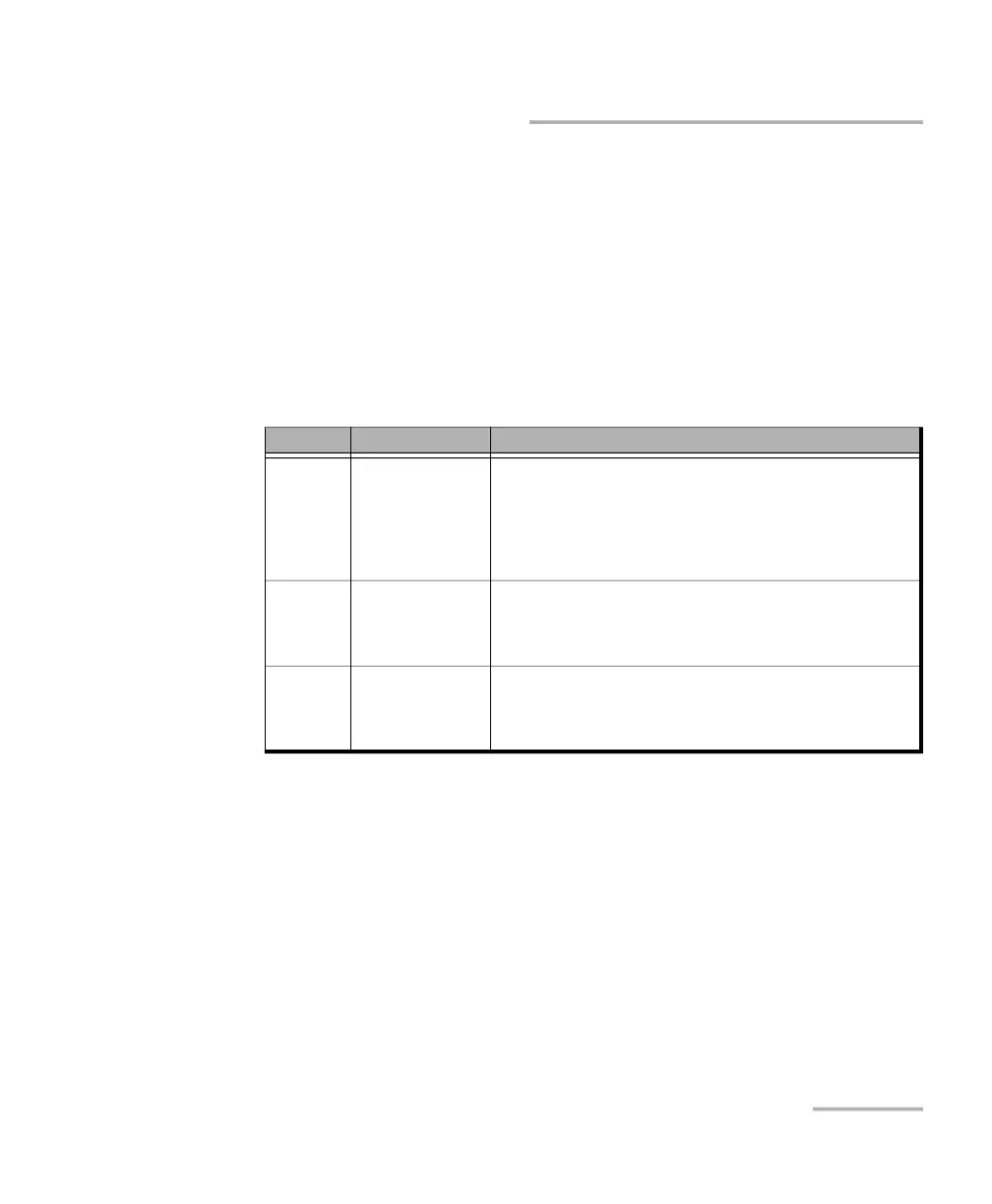
The module can be configured and controlled by starting the application(s)
as described in the following table:
To start the application:
From ToolBox X tap the desired application button.
Note: Refer to the respective user guides for more information on iORF, OpticalRF,
and BBU-Emulation applications.
Module Application Comment
88200NGE
88460
88480,
88481,
88482,
88800
Power Blazer Only one application available.
88260 Power Blazer
iORF
a
OpticalRF
a
BBU-Emulation
a
Only one application can run at once per module.
Furthermore, only one instance of the iORF or OpticalRF
application can run on the associated platform.
8880
8870
Power Blazer
iORF
a
OpticalRF
a
BBU-Emulation
a
a. Not supported on FTB-2, LTB-2, and LTB-8.
Only one application can run at once per module.
Furthermore, only one instance of the iORF, OpticalRF, or
BBU-Emulation application can run on the associated
platform.












 To Next Page