Setup
Power Blazer 325
Local Details - iSAM
Local Details - iSAM
From the test menu, tap Setup, Test Configurator, and the More button
from the Local block.
LINK indicates the port link status (at the PCS level for parallel
interfaces): link up (green arrow), error or link down (red arrow),
or awaiting incoming data to provide a status (gray arrow).
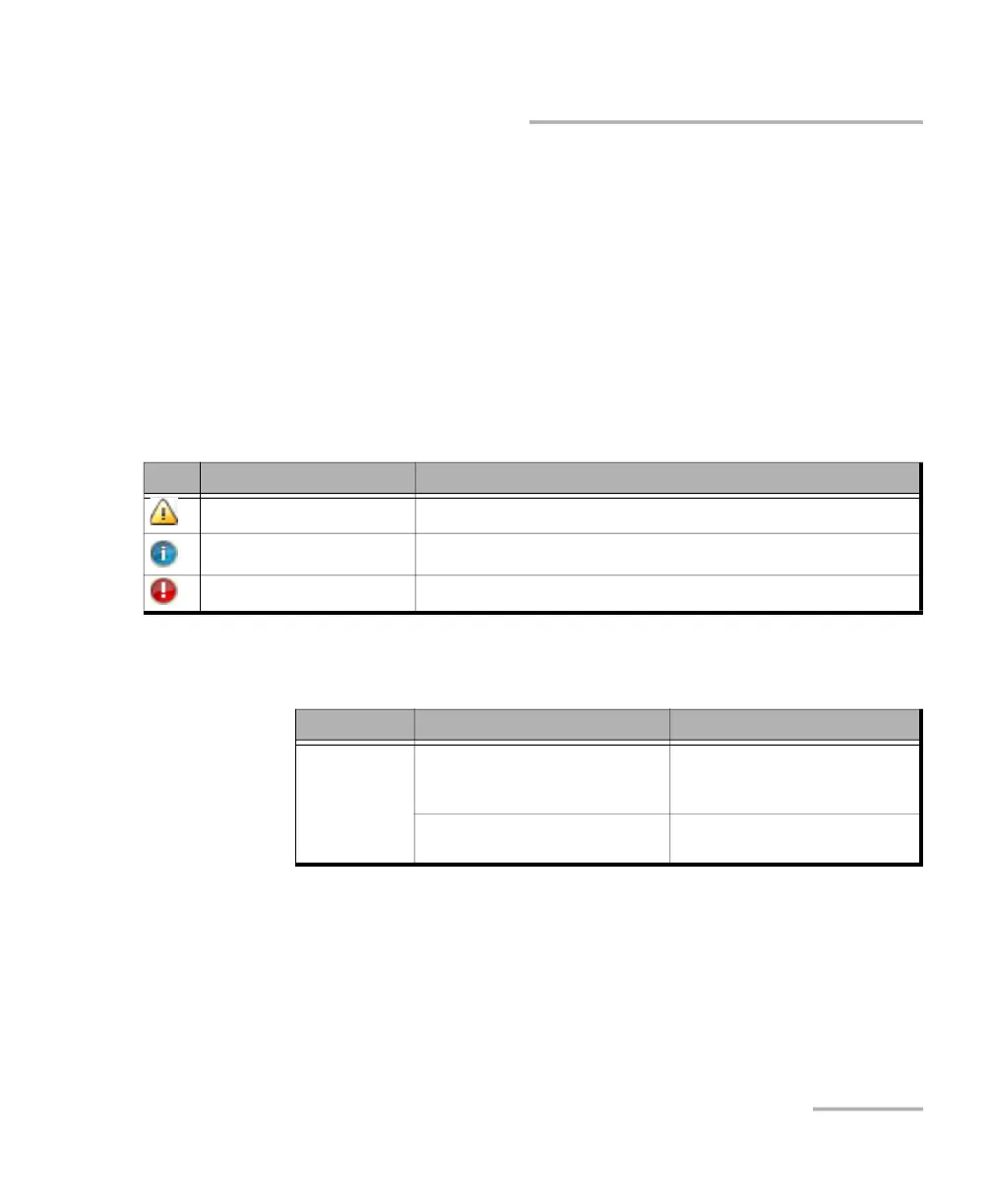
Note: For 88260, a message is displayed when there is a warning or a problem
with the transceiver system as described in the following table:
Interface/Rate:
Icon Displayed Message Description
Missing TA-... No transceiver system detected
Validating TA-... Validation process is on-going
Invalid TA-... Validating process completed and incompatibility has been found
Unit Interface/Rate Connector
88708880 10GE LAN
1GE Optical
100M Optical
Port 1 - SFP+
Port 2 - SFP+
10/100/1000M Electrical Port 1 - RJ45
Port 2 - SFP+ (RJ45)
a












 To Next Page