Chapter 8 Advanced Copy Management
8.2 Functions in the Action Area for Advanced Copy
ETERNUS Web GUI User’s Guide
220
Copyright 2011 FUJITSU LIMITED P2X0-1090-02ENZ0
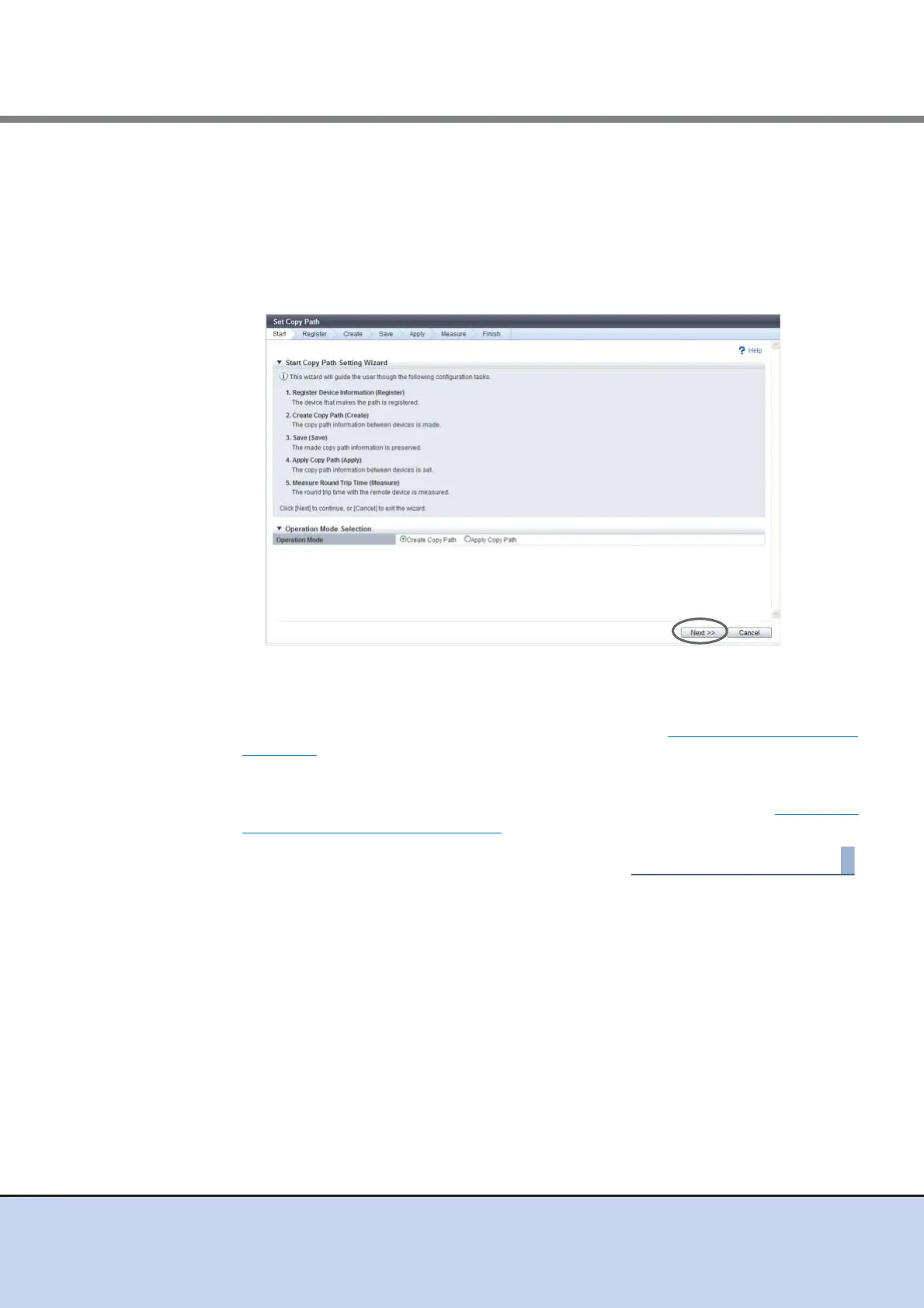
2 Select the operation mode, and click the [Next] button.
• Operation Mode
- Create Copy Path
Create a REC path and apply to the ETERNUS DX Disk storage system.
- Apply Copy Path
Apply the existing copy path information file to the ETERNUS DX Disk storage sys-
tem.
The displayed screen is different depending on the selected operation.
■ When selecting "Create Copy Path"
The [Base Information Selection] screen appears. Proceed to "Register Base Information"
(page 221).
■ When selecting "Apply Copy Path"
The [Copy Path Information File Selection] screen appears. Proceed to "Copy Path
Information File Selection" (page 234).



 To Next Page