Chapter 9 Connectivity Management
9.2 Functions in the Action Area for Connectivity
ETERNUS Web GUI User’s Guide
364
Copyright 2011 FUJITSU LIMITED P2X0-1090-02ENZ0
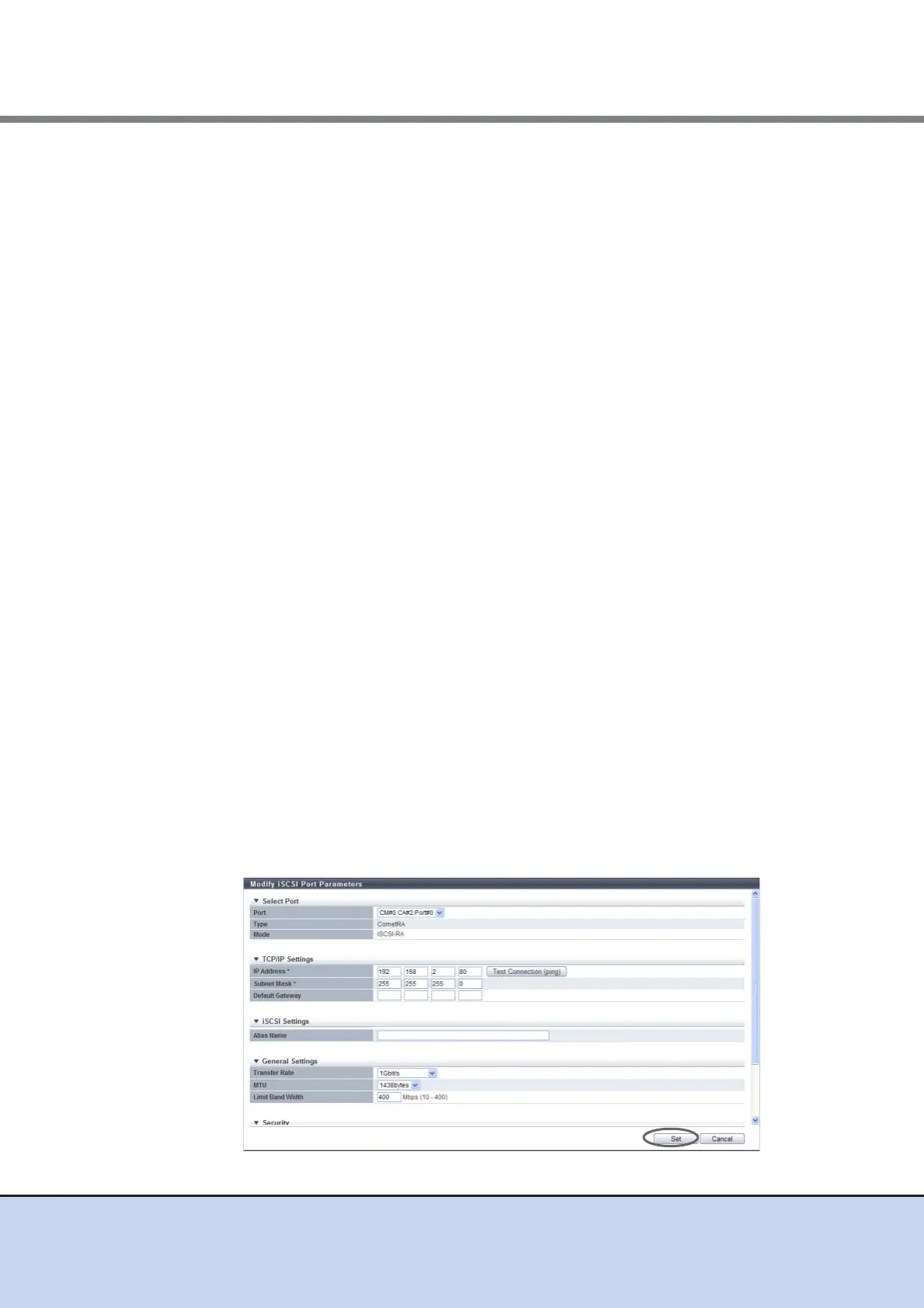
● General Settings
• VLAN_ID
Select whether to use a manually specified VLAN ID ("Fixed") or an automatically spec-
ified VLAN ID ("Auto").
When "Fixed" is selected, enter the VLAN ID between 0 and 4095.
• MTU
Specify the MTU size of the target port between 576 and 9000 bytes.
"Maximum Transmission Unit (MTU)" is the maximum amount of data that can be
transmitted at the one time over the communication network.
● Security
• CHAP
Select "ON "to enable CHAP Authentication for the target port. Select "OFF" to disable
CHAP Authentication.
For CHAP authentication, an encrypted password based on a random key that the
ETERNUS DX Disk storage system receives from the host is sent, and connection
possibility is judged on the server side.
• CHAP User Name
When "ON" is selected for "CHAP", enter the user name to access the target port.
Make sure to set the user name and password in pairs.
The following input conditions apply:
- 1 - 255 alphanumeric characters and symbols
- Space
• New Password
When "ON" is selected for "CHAP", enter the password to access the target port. Make
sure to set the user name and password in pairs.
The following input conditions apply:
- 12 - 100 alphanumeric characters and symbols
- Space
• Confirm new Password
Specify the same password as that entered in the New Password field.
The following input conditions apply:
- 12 - 100 alphanumeric characters and symbols
- Space



 To Next Page