Chapter 3 Initial Setup
3.1 Initial Setup 1
ETERNUS Web GUI User’s Guide
39
Copyright 2011 FUJITSU LIMITED P2X0-1090-02ENZ0
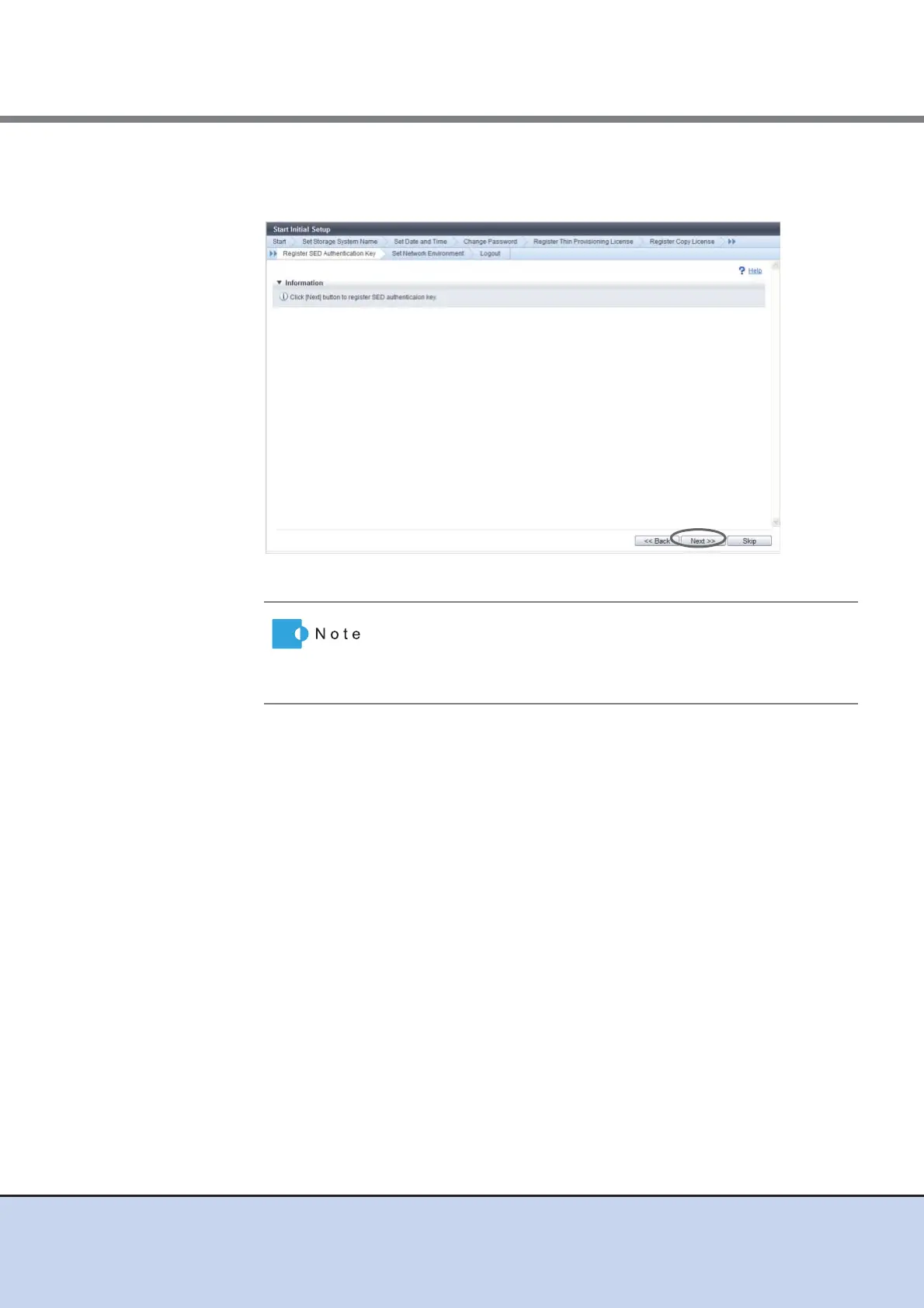
8 Proceed to [Register SED Authentication Key].
8-1 Click the [Next] button.
→ A confirmation screen appears.
8-2 Click the [OK] button.
→ SED Authentication Key registration starts.
8-3 Click the [Done] button.
• If the SED Authentication Key is already registered, proceed
to [Set Network Environment].
• Click the [Skip] button to proceed to the next screen without
setting.



 To Next Page