Chapter 11 System Management
11.2 Functions in the Action Area for System
ETERNUS Web GUI User’s Guide
470
Copyright 2011 FUJITSU LIMITED P2X0-1090-02ENZ0
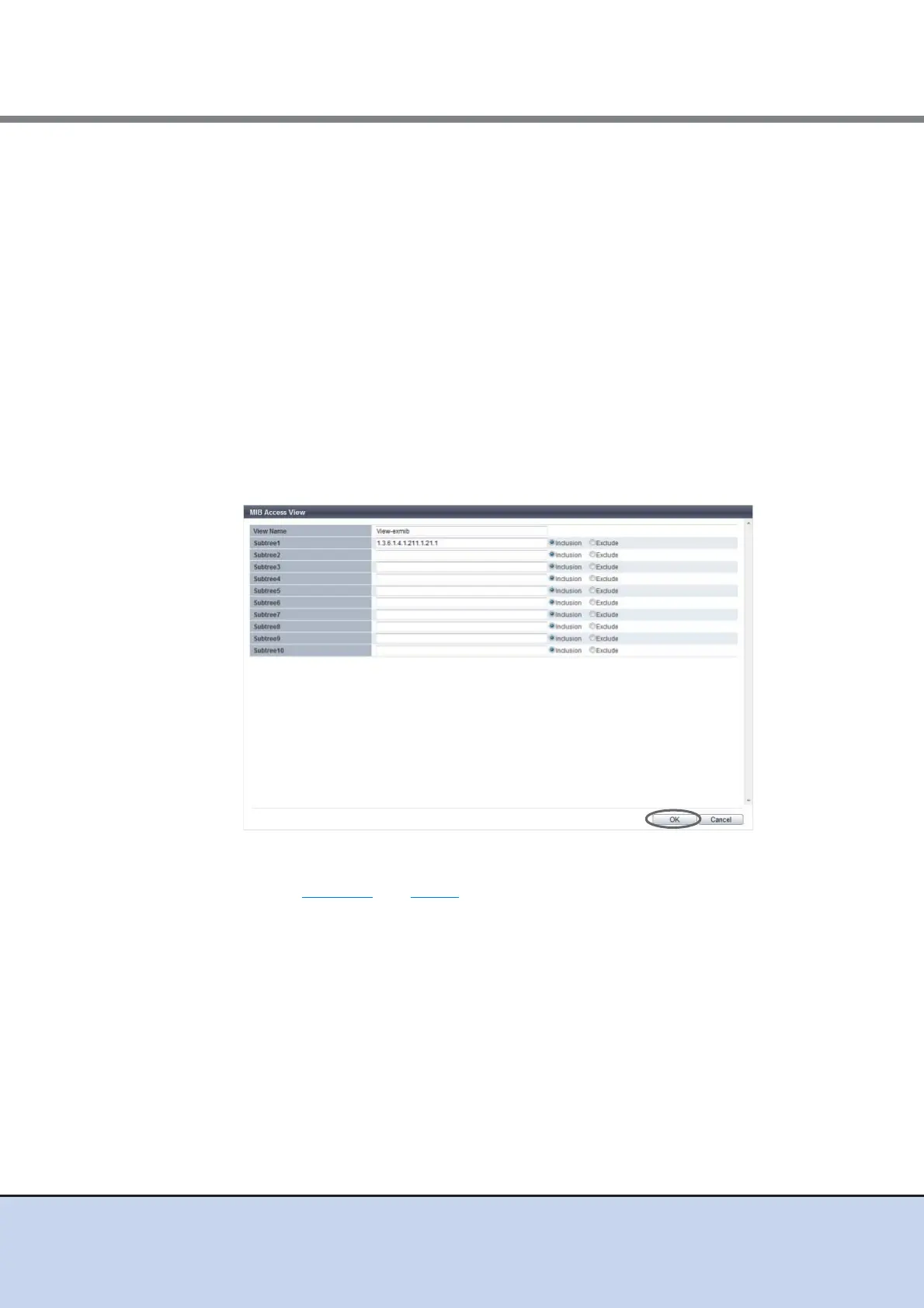
• Subtree1 - Subtree10
Specify the MIB access range of the corresponding view in the subtree. Enter the
subtree in the Object ID format (*1).
Select whether to include as or exclude from each subtree as the MIB access range.
One or more subtrees are required per view.
The same subtree cannot be specified multiple times in a single view. However, the
same subtree can be configured to different views.
The following input conditions apply:
- 1 - 251 alphabetic characters and numeric characters (1 - 65535)
- Spaces
*1: The "Object ID" is indicated by using "." (periods) in a format such as "1.3.6.1.2.1.1". The
setting range of each value that is separated using "."(periods) is 1 - 65535. A total of up to
251 characters can be entered (including periods). The following values cannot be entered
in the ETERNUS DX Disk storage system:
(1) Values starting with a period: ".1.3.6.1.2.1.1"
(2) Value ending with a period: "1.3. 6.1.2.1.1."
(3) Values with two consecutive periods: "1. . 3. 6. 1. 2. 1. 1"
(4) Values including "0": "1.3.6.1.2.0.1"
→ Return to the original screen.
4 Repeat Step 11.2 and Step 3 to configure multiple MIB Views.



 To Next Page