Chapter 11 System Management
11.2 Functions in the Action Area for System
ETERNUS Web GUI User’s Guide
496
Copyright 2011 FUJITSU LIMITED P2X0-1090-02ENZ0
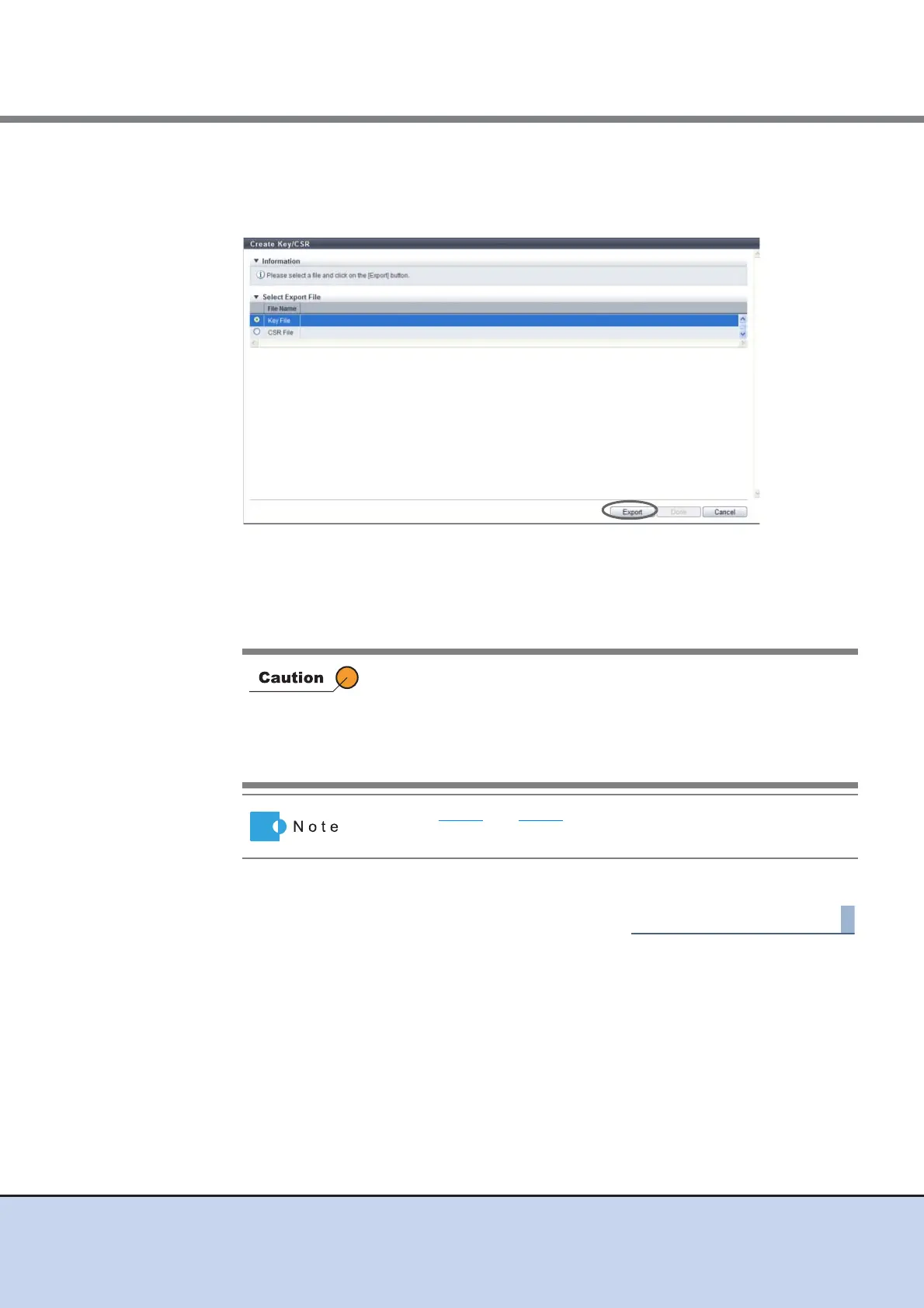
4 Select the file that is to be downloaded, and click the [Export] button.
• File Name
Select the target file to download from "Key File" or "CSR File".
→ The screen for saving the file is displayed.
5 Save both the key file and the CSR file.
The file name for the key file is "server. key". The file name for the CSR file is "server. csr".
→ The files are saved.
6 Click the [Done] button to return to the [Network] screen.
If the [Cancel] button in the [File Download] dialog box is clicked to
cancel the operation, an error may occur in the web browser.
To cancel the operation after the [File Download] dialog box is
displayed, wait at least 10 minutes before clicking the [Cancel] button
or click the [Save] button to complete the operation and delete the
unnecessary file.
Perform Step 4 and Step 5 for each server key file and CSR file that
is to exported.



 To Next Page