Chapter 11 System Management
11.2 Functions in the Action Area for System
ETERNUS Web GUI User’s Guide
561
Copyright 2011 FUJITSU LIMITED P2X0-1090-02ENZ0
• Type
The event level is displayed using the following symbols.
- I
- J
- P
- M
- R
- O (Other)
• Event Code
The event code is displayed.
• Event Message
The detailed event information is displayed.
3 Click the [Cancel] button to return to the [Display Event Log] screen.
■ Delete event logs
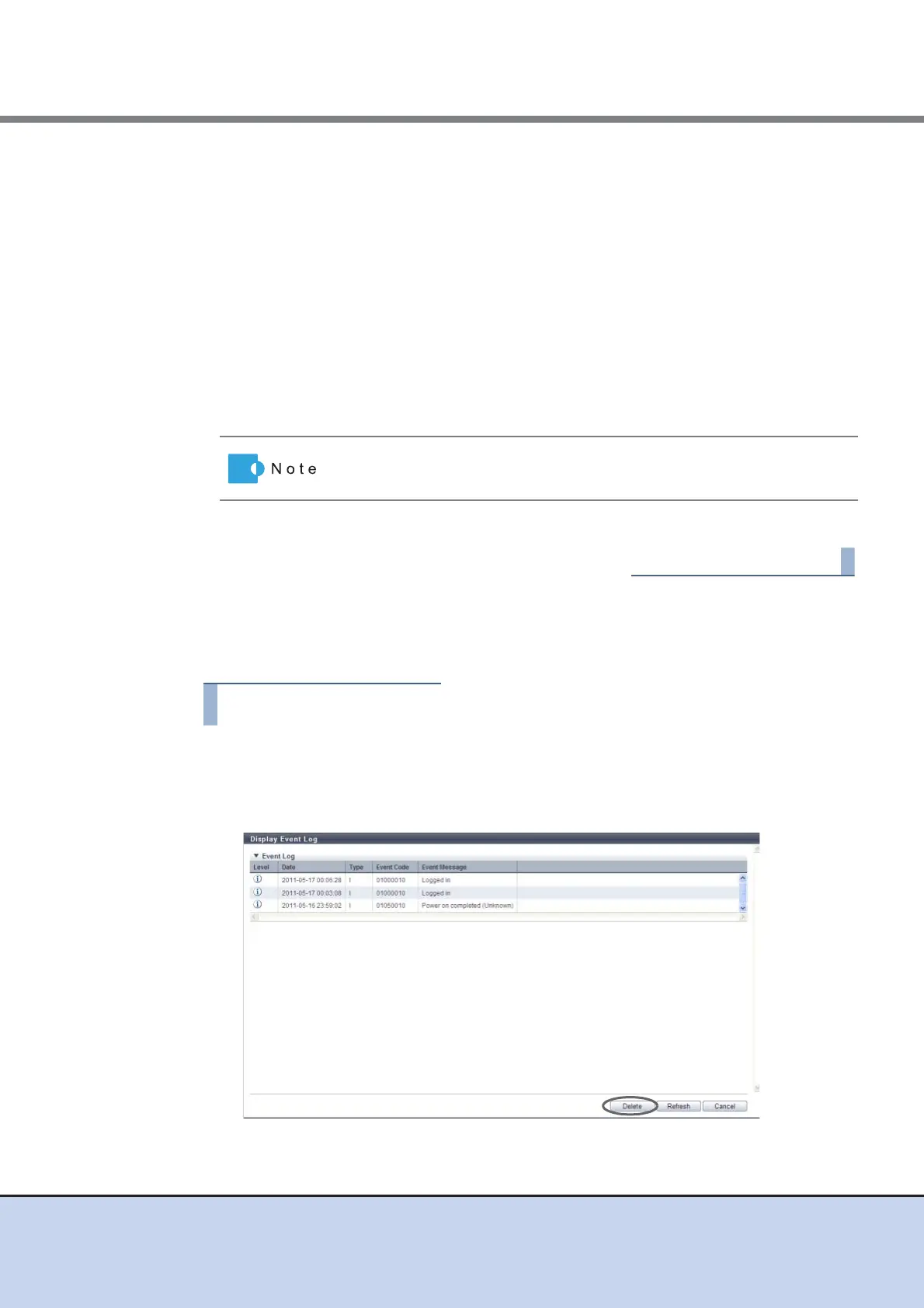
The procedure to delete event logs is as follows:
1 Click [Display/Delete Event Log] in [Action].
→ A confirmation screen appears.
2 Click the [Delete] button.
→ A confirmation screen appears.
Click the [Refresh] button to display the latest screen.



 To Next Page