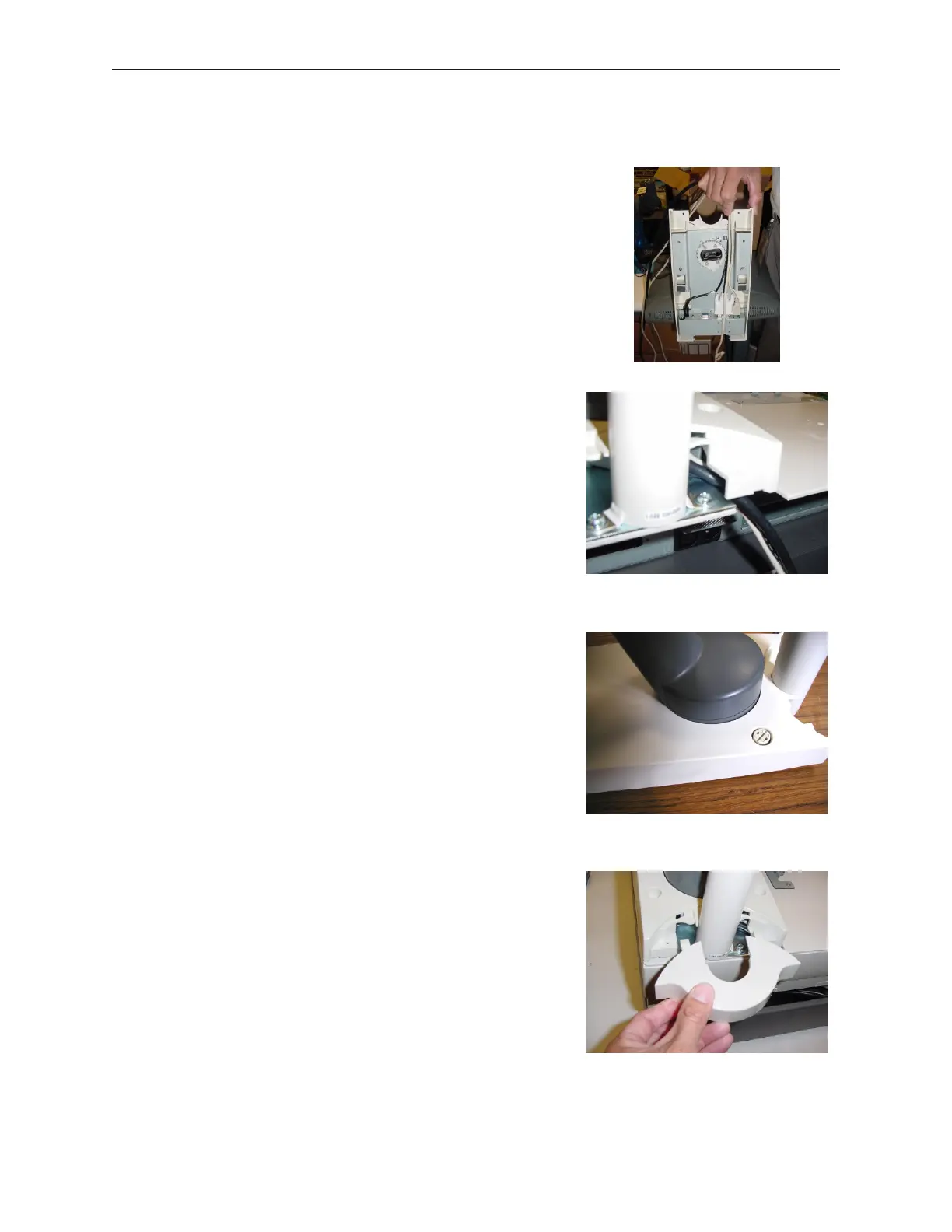
6. Connect all of the required cables to support the D15
display and route the keyboard cable under the stand
as shown.
7. Install the D15 display assembly onto the TP2K and
route the cables into the rear of the TP2K as shown.
8. Install the two plastic topped screws to fasten the rear
of the display base.
9. Attach the rear cover.
90000291 Rev 3.0 5-53
TeamPoS 2000 MAINTENANCE MANUAL



 To Next Page