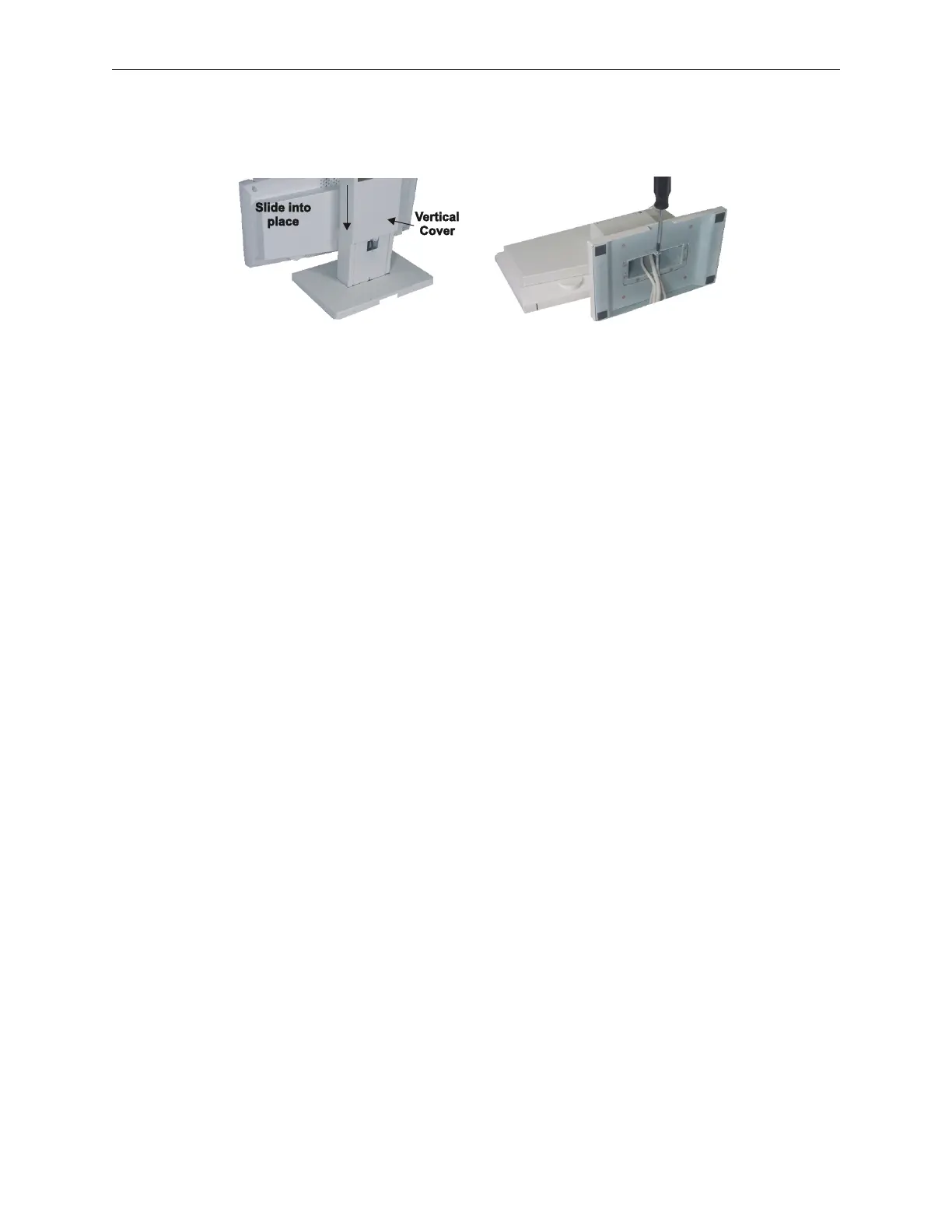
10. Slide the stand vertical cover into place and secure with one screw on the underside of
the stand.
11. Route cables through the check-stand/counter as required.
12. Connect cables to the TeamPoS 2000 control unit.
13. Install LCD with stand in the check-stand/counter.
14. When all peripherals are installed start control unit, (see General Operations, Chapter 6).
90000291 Rev 3.0 5-69
TeamPoS 2000 MAINTENANCE MANUAL



 To Next Page