4-12
Chapter 4 Connection to the External Devices INVOS Data Input
Connecting the BISx (Covidien)
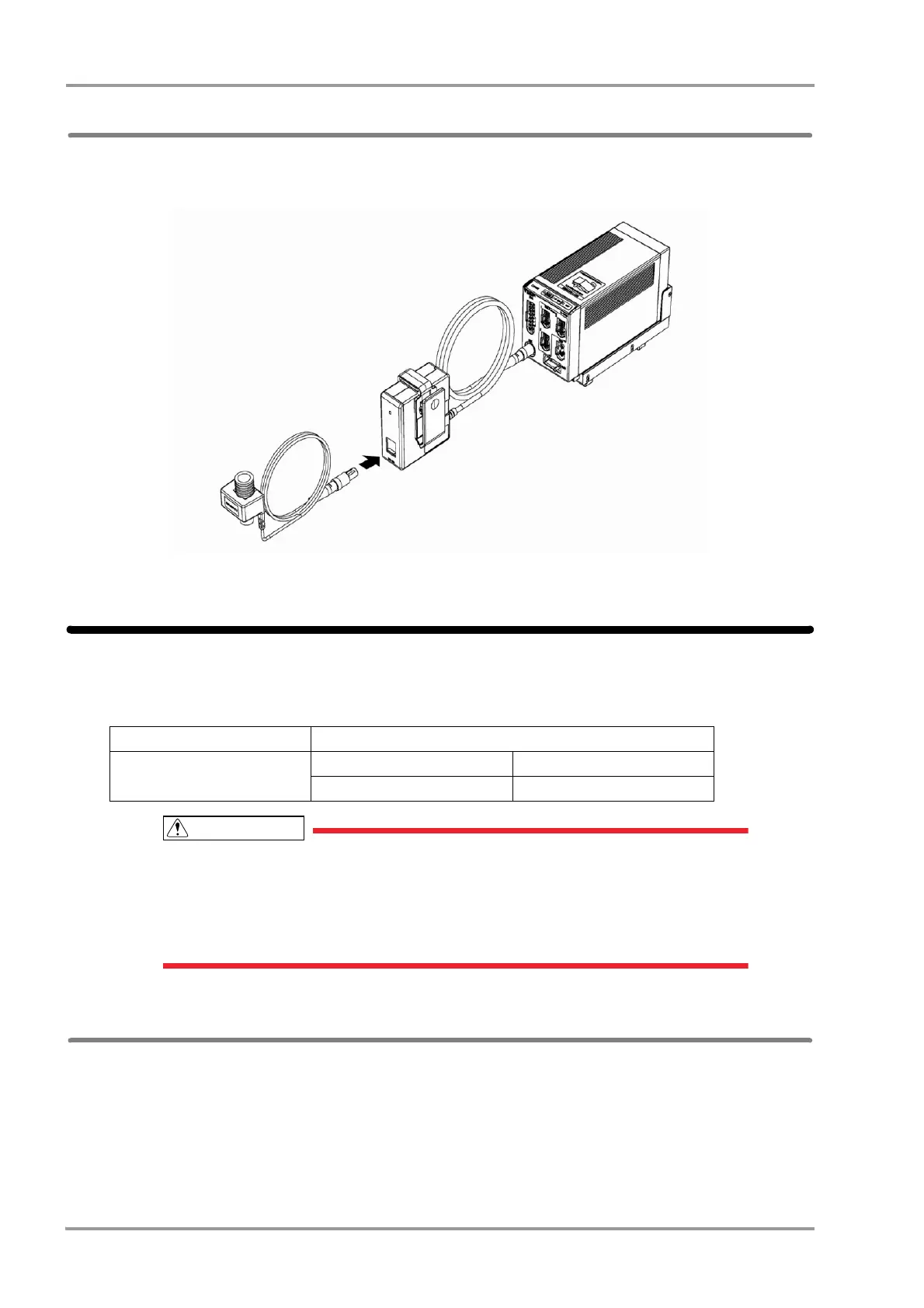
By connecting the BISx module (Covidien) using the HBX-800 BIS I/F Unit, BIS data can be monitored.
The HBX-800 can be connected to the AUX connector of the HS-8000 or DS-8007.
HBX-800 and HS-8000
INVOS Data Input
By connecting the INVOS 5100C Cerebral Oximeter (Covidien), regional cerebral oxygen saturation data can be
monitored.
When connecting this system and the INVOS 5100C, use only the specified connection
cable.
Make sure that the INVOS 5100C is connected to the specified connector on this system.
When connecting the cable, verify that the main power of this system and the INVOS 5100C
are OFF.
Connecting to the INVOS
1Connect the INVOS 5100C to the serial connector or status connector on the left side of the DSC-8500 or to
the HP-800 using the connection cable.
Non-Invasive Cerebral Oximeter Connection Cable
INVOS 5100C
For STATUS II Connector For Serial Connector
CJ-406RI-70Vigi CJO-04RS4



 To Next Page