1-17
Chapter 1 Installation of the Unit System Construction
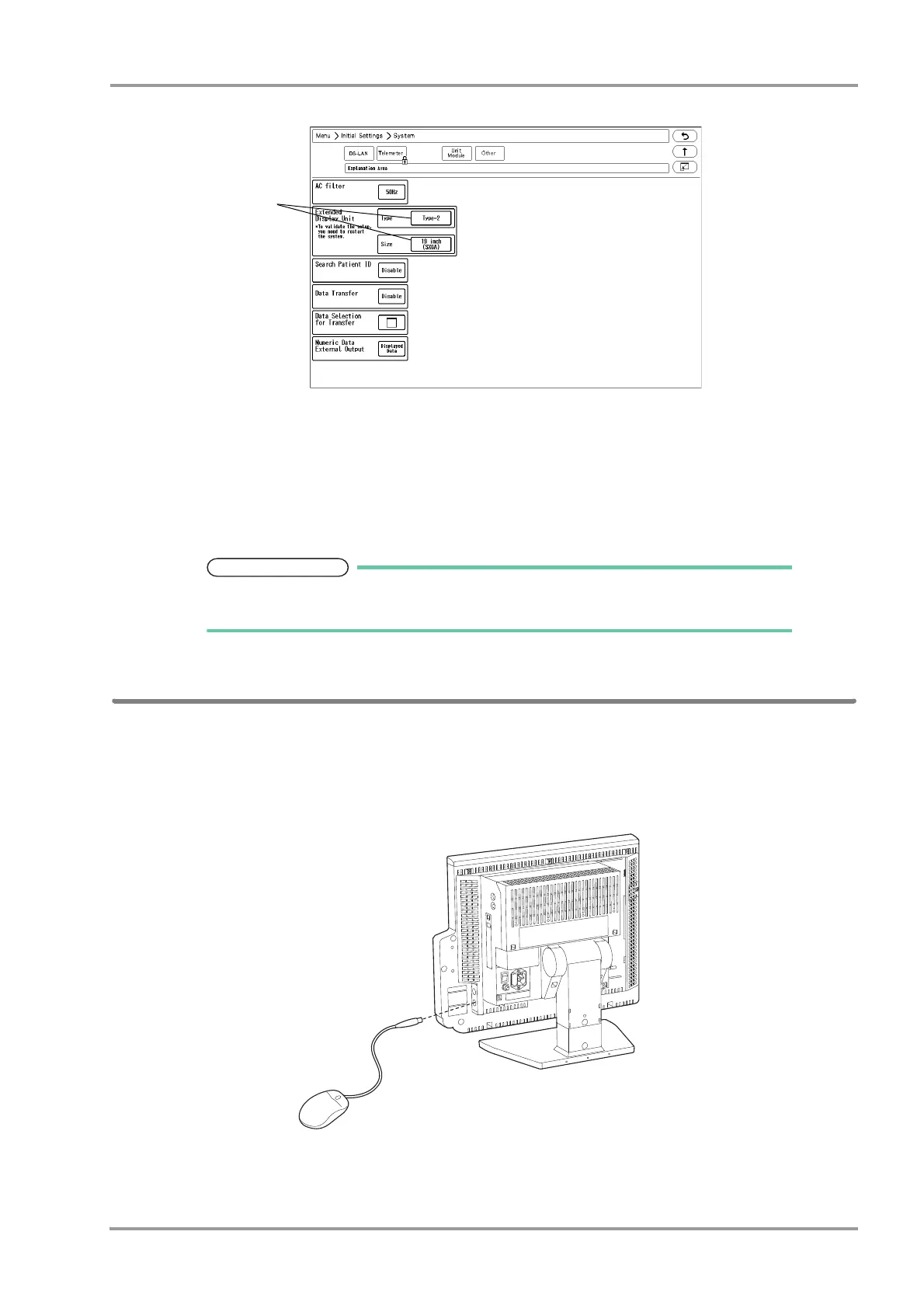
1Press the [Menu], [Initial Settings], [System], [Other] keys.
2Select the type and size of the extended display unit.
When connecting the LC-7019ET, select [Type-1].
When connecting the specified extended display unit other than LC-7019ET, select [Type-2].
3Contact our service representative for the touch panel calibration.
The calibration must be performed after connecting the extended display unit. Otherwise
it will not function properly.
Connecting the Mouse (Optional)
By connecting a commercially available mouse (including the track ball), the displayed keys can be controlled using
a mouse.
Use the PS/2 compatible mouse.
1Connect the mouse to the mouse connector located at the right side of the display unit.



 To Next Page