1-18
Chapter 1 Installation of the Unit Power Source and Ground Connection
Power Source and Ground Connection
This section explains about the power connection.
Power Connection of the Main Unit
Use only the specified 3-way AC power cable. Use of other cables may result in electric
shock to the patient and the operator.
The power cable must be connected to a hospital grade outlet. When connecting, do not use
a multiple portable socket-outlet.
When using multiple ME equipment simultaneously, perform equipotential grounding to
prevent potential difference between the equipments. Even a small potential difference may
result in electric shock to the patient and the operator.
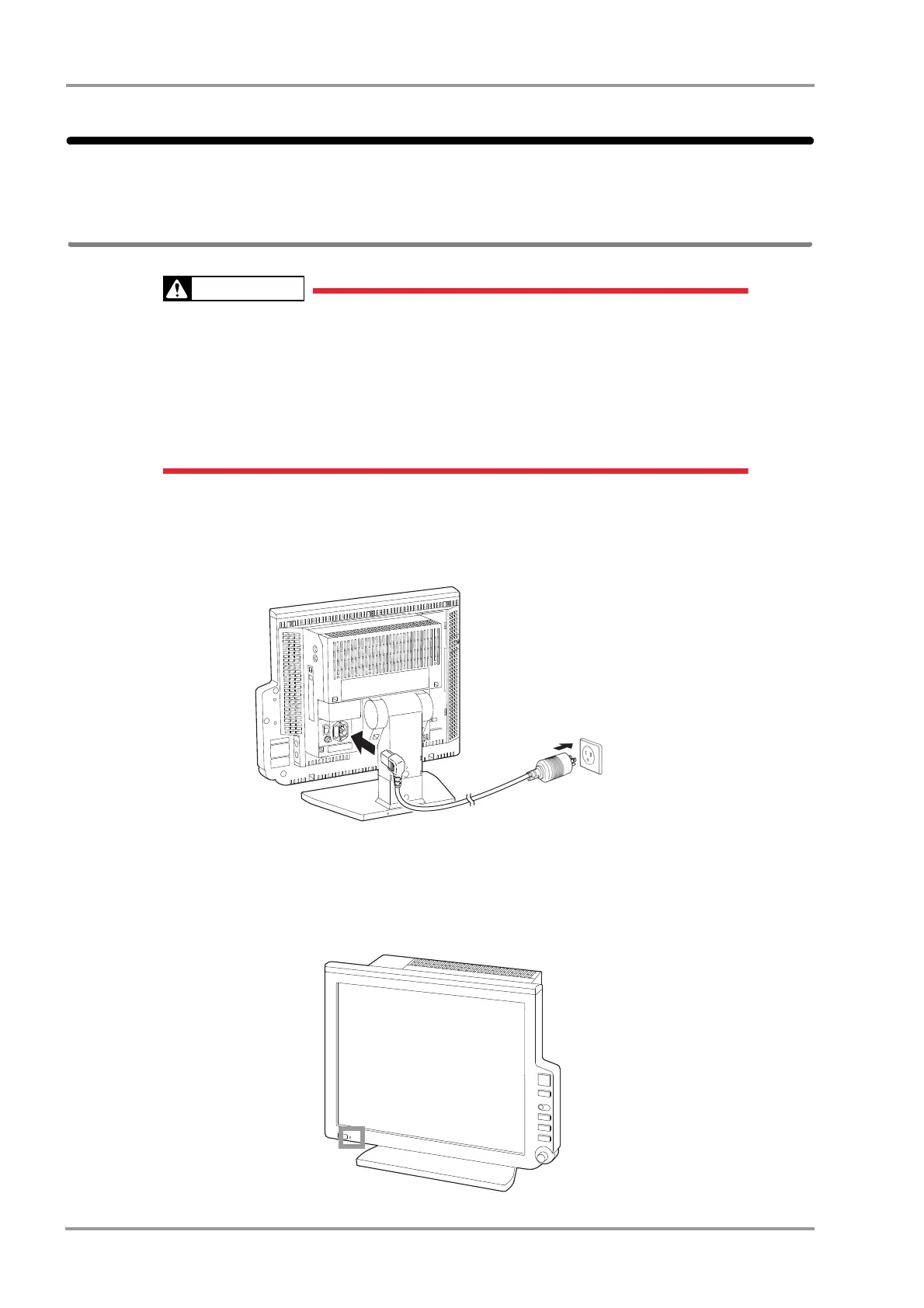
1Connect the power supply cable (CS-34) to the rear side of the main unit.
2Connect the other end of the power supply cable (CS-34) to the 3-way outlet with ground terminal.
3Turn ON the power switch on the main unit.
AC power will be supplied and the power supply LED on the front side of the main unit will light.
Green: Power ON
Orange: In Standby Mode



 To Next Page