1-15
Chapter 1 Installation of the Unit System Construction
About the setup:
(
"Connecting the MGU-800/MGU-810" P4-8)
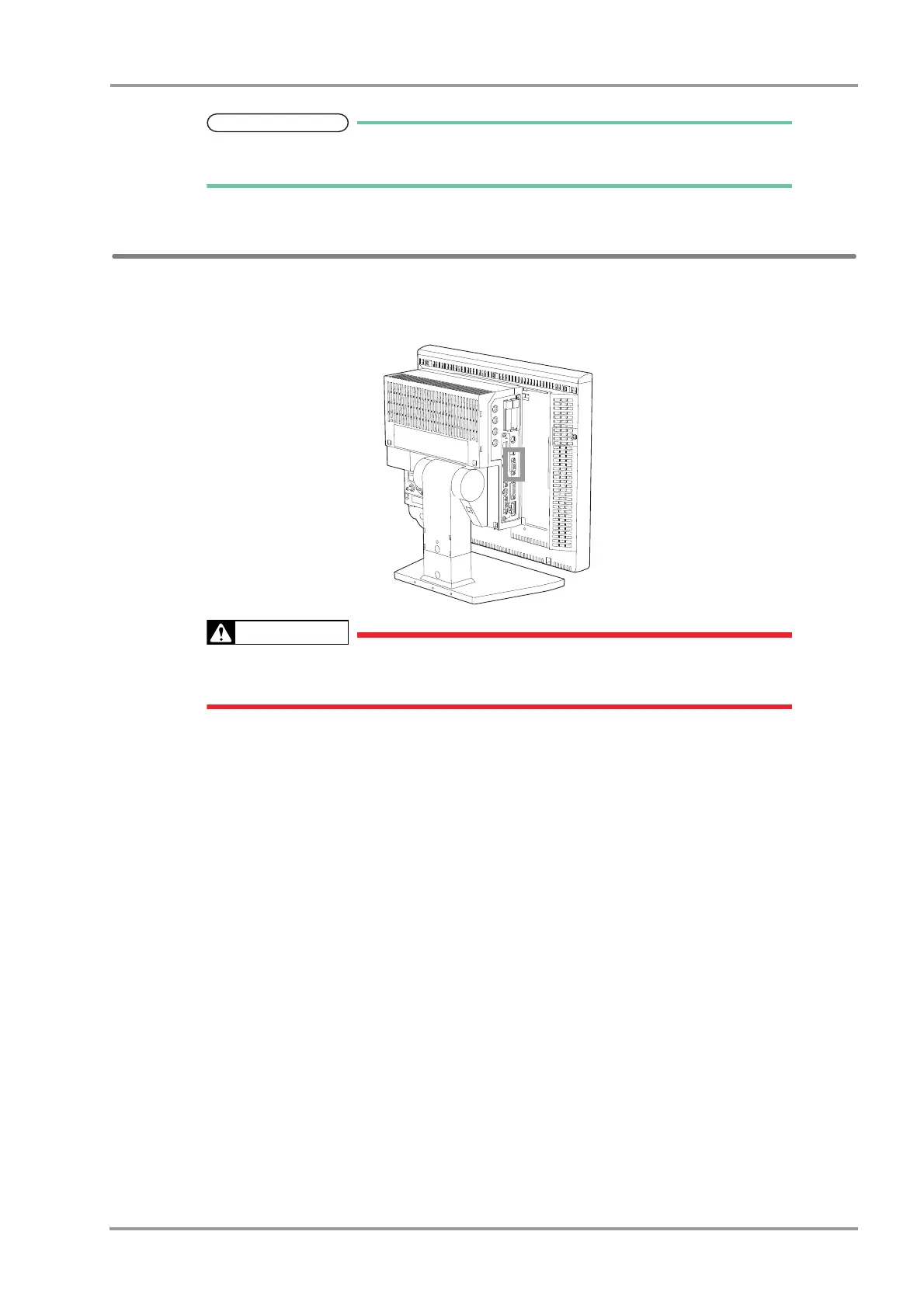
Connecting the External Monitor
The main unit is equipped with analog output connector for external monitor which allows connection of
commercially available display unit by analog RGB connection. When connecting, contact our service
representative.
The external monitor output of the DSC-8500 is not isolated. If connecting a commercially
available display unit, it should comply with IEC 60601-1.
A commercially available monitor satisfying the following condition should be used.
The external monitor output resolution will be the same as the display unit.
When connected with Display Unit LC-8019T/LC-8019TC
Resolution : SXGA Size (1280dot ×1024dot)
Horizontal Frequency : 63.98kHz
Vertical Frequency : 60.02Hz
When connected with Display Unit LC-8015T/LC-8015TC
Resolution XGA Size (1024dot ×768dot)
Horizontal Frequency 48.36kHz
Vertical Frequency 60.00Hz
Cable Length : 10m(max)
*
*:If using a cable longer than 3m, use low-loss cable to maintain the performance.



 To Next Page