5-20
Chapter 5 Initial Settings User I/F
Menu Setup
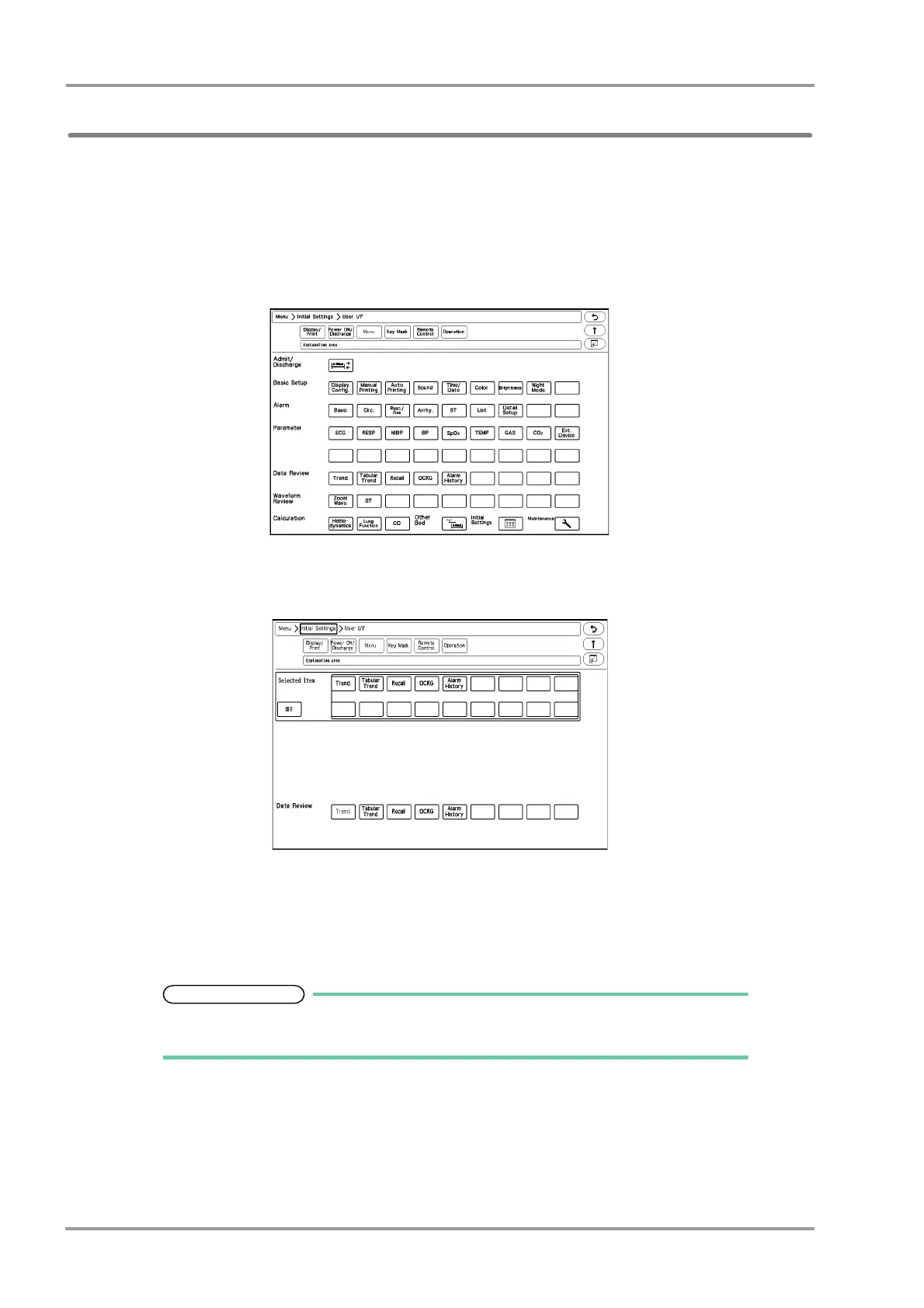
On the menu setup screen, the key displayed on the "Menu" screen can be customized.
The "Menu" screen is composed of 9 groups, which are "Admit/Discharge", "Basic Setup", "Alarm", "Parameter",
"Data Review", "Waveform Review", "Calculation", "Initial Settings", "Maintenance".
The keys displayed for each group can be customized.
1Press the [Menu], [Initial Settings], [User I/F], [Menu] keys.
The menu setup screen will be displayed.
2Press the group area to customize the keys.
The key selection for the selected group will be displayed.
3Select the key position from the lower area.
The selected key position will be displayed in blue.
4Select the key from the upper area to be assigned to the selected key position.
The set key position will be automatically updated, but it can be also changed by pressing
the key.



 To Next Page