5-22
Chapter 5 Initial Settings User I/F
If there are no lower level items for the selected item, the display will not change.
The lower level items will be displayed.
3Press for the item to mask.
Only the items with displayed with blue frame can be masked. For the items with
white frame, display the lower items to perform the mask setting.
Even if the key mask setting is performed for the "Initial Setting", the [Key Mask] key
cannot be masked.
4Press for the item to display.
Remote Control Setup
The initial settings for the remote control can be performed.
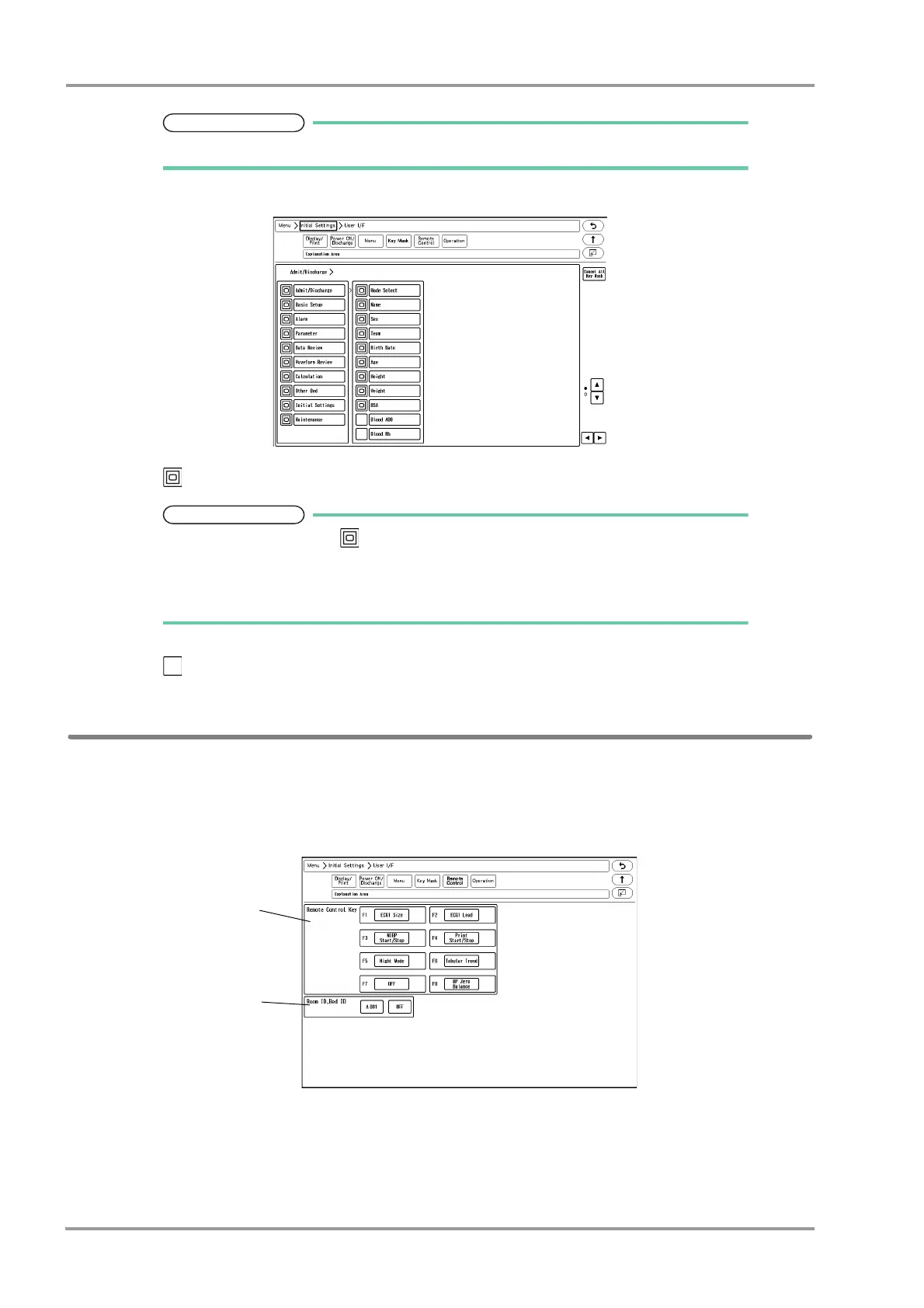
1Press the [Menu], [Initial Settings], [User I/F], [Remote Control] keys.
The "Remote Control" menu will be displayed.
2Set the remote control function.
1 Press the key for F1 to F8 to change the remote control function.



 To Next Page