5-25
Chapter 5 Initial Settings User I/F
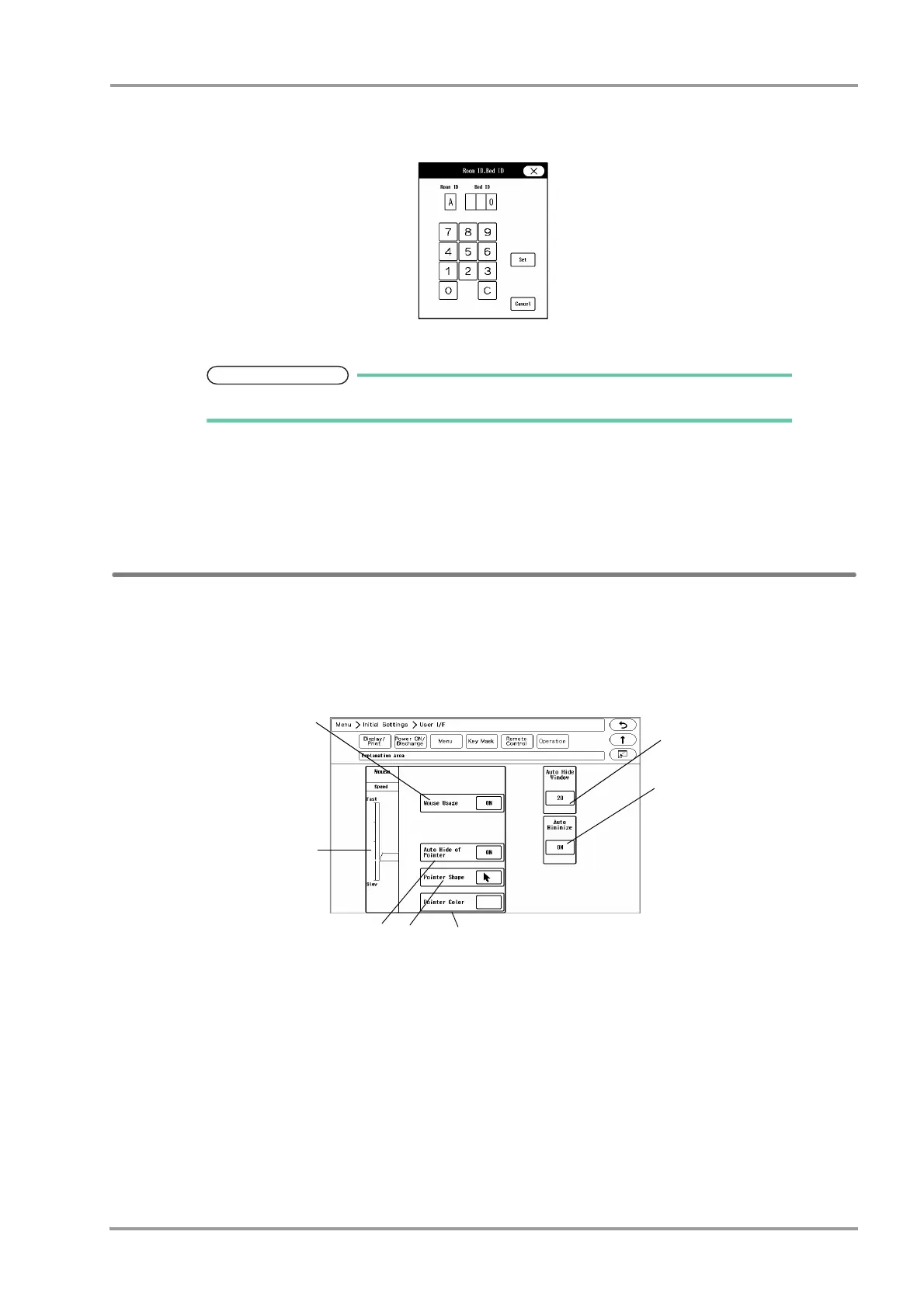
[A] to [H]: The keys to enter the Bed ID will be displayed.
[P]: DS-LAN setting will be applied for the Bed ID.
5 Use the numeric keys to enter the Bed ID.
Set the Bed ID in the range from 1 to 32.
6 Press the [Set] / [Cancel] key.
[Set]: The entered Room ID/Bed ID will be set.
[Cancel]: The entered Room ID/Bed ID will be canceled.
Operation Related Setup
The initial settings for the operation can be performed.
1Press the [Menu], [Initial Settings], [User I/F], [Operation] keys.
The operation setup screen will be displayed.
1 Mouse (optional) can be used for monitor operation.
[ON]: Mouse operation will be enabled when connected.
[OFF]: Mouse operation will be disabled even if connected.
2 Window display can be automatically closed after fixed duration.
[OFF]: Window display will not automatically close.
[5] to [60]: If no operation was performed for set duration, the window display will automatically close. However,
the windows for "Data Review", "Waveform Review", "Calculation", "Initial Settings" will not automatically
close.



 To Next Page