1-19
Chapter 1 Installation of the Unit Power Source and Ground Connection
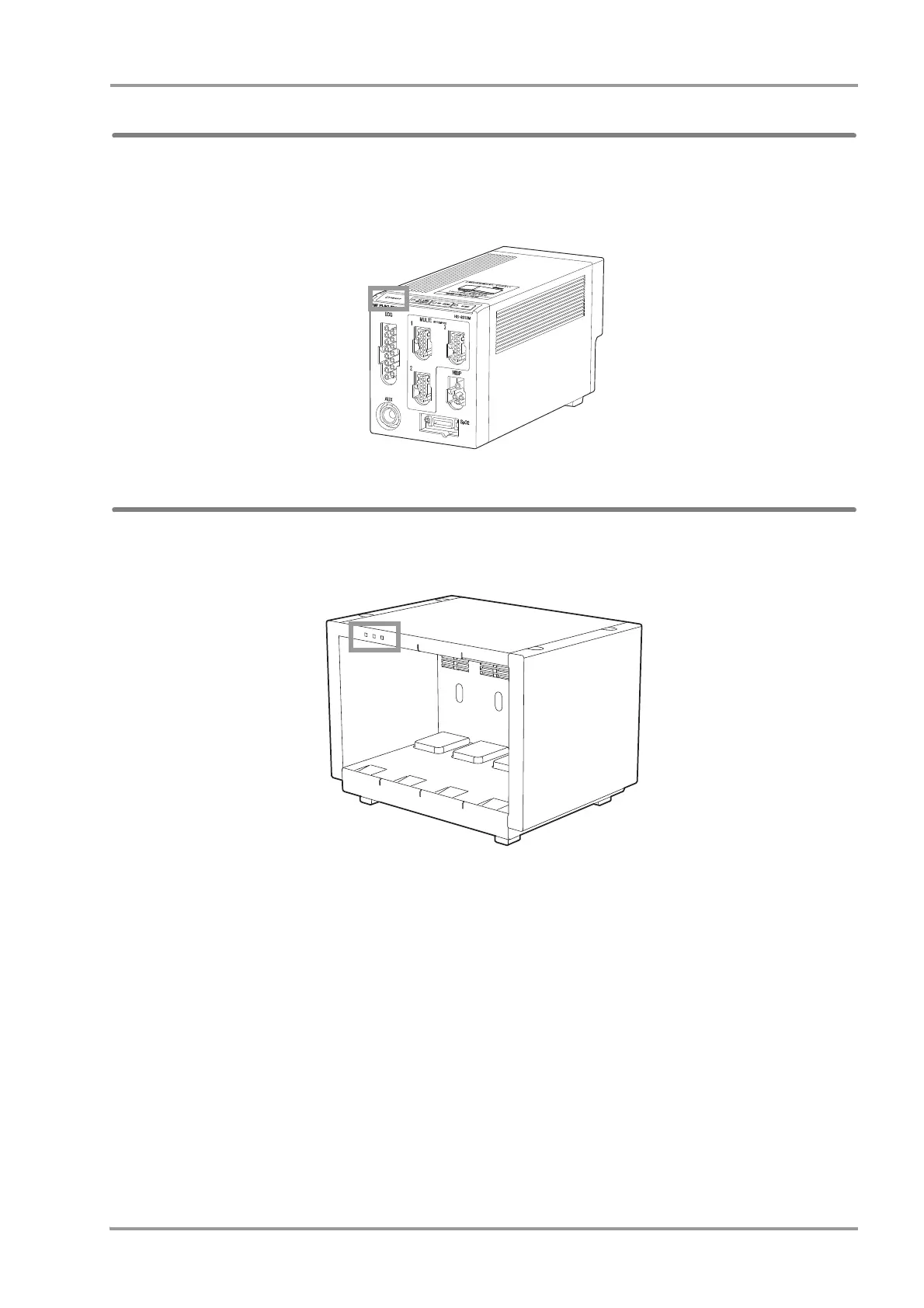
Power Connection of the Super Unit
When the power supply switch on the main unit is turned ON, AC power will be supplied to the Super Unit and power
supply LED on the front side will light.
Green: Power is ON and AC power is supplied.
Light OFF: AC power is not supplied
Power Connection of the Input Box
When the power supply switch on the main unit is turned ON, AC power will be supplied to the Input Box and LAN-
ID setting indicator on the front side will light.



 To Next Page