8-2
Chapter 8 Cleaning/Disinfecting/Storing Cleaning the Equipment and Sensors
Recording Paper
The recording paper is thermal type. Storage over an extended period of time at a high temperature may change the
quality of the printed content, and make it illegible. When storing, follow the precautions below.
Store in a place where light is shut off and avoid direct sunlight.
Do not leave the paper in a high temperature (50 °C/122 °F and above).
Do not store the paper in a polyvinyl chloride bag.
Do not expose the paper to alcohol, hydrochloric acid, or ester ketone.
Avoid using adhesive agents other than water based glue.
Cleaning the Equipment and Sensors
This section explains how to clean/disinfect the equipment and sensors.
Do not sterilize the equipment.
Do not disinfect the equipment while monitoring patient.
Touch Panel
Since the display unit of the DS-8500 System incorporates a touch panel, finger prints and other stains are likely to
appear on the touch panel. Follow the procedure below to clean the touch panel. For disinfecting procedure, refer to
the next section, "Housing"..
Never use strong-acidic cleaning solution.
To clean the touch panel, use an optional cleaning cloth, eyeglass cleaning cloth, soft cotton
cloth, or non-woven cloth (pulp, rayon, polyethylene, etc.).
1Press the [Key Lock] key on the Home Display for more than 2 seconds.
Assign the [Key Lock] key to the user key area in advance.
(
Operation Manual "To Configure the Display" P10-7)
If the touch panel is not touched for 30 seconds, the key lock condition will be
automatically canceled.When the key lock condition is canceled, press the [Key Lock] key
again.
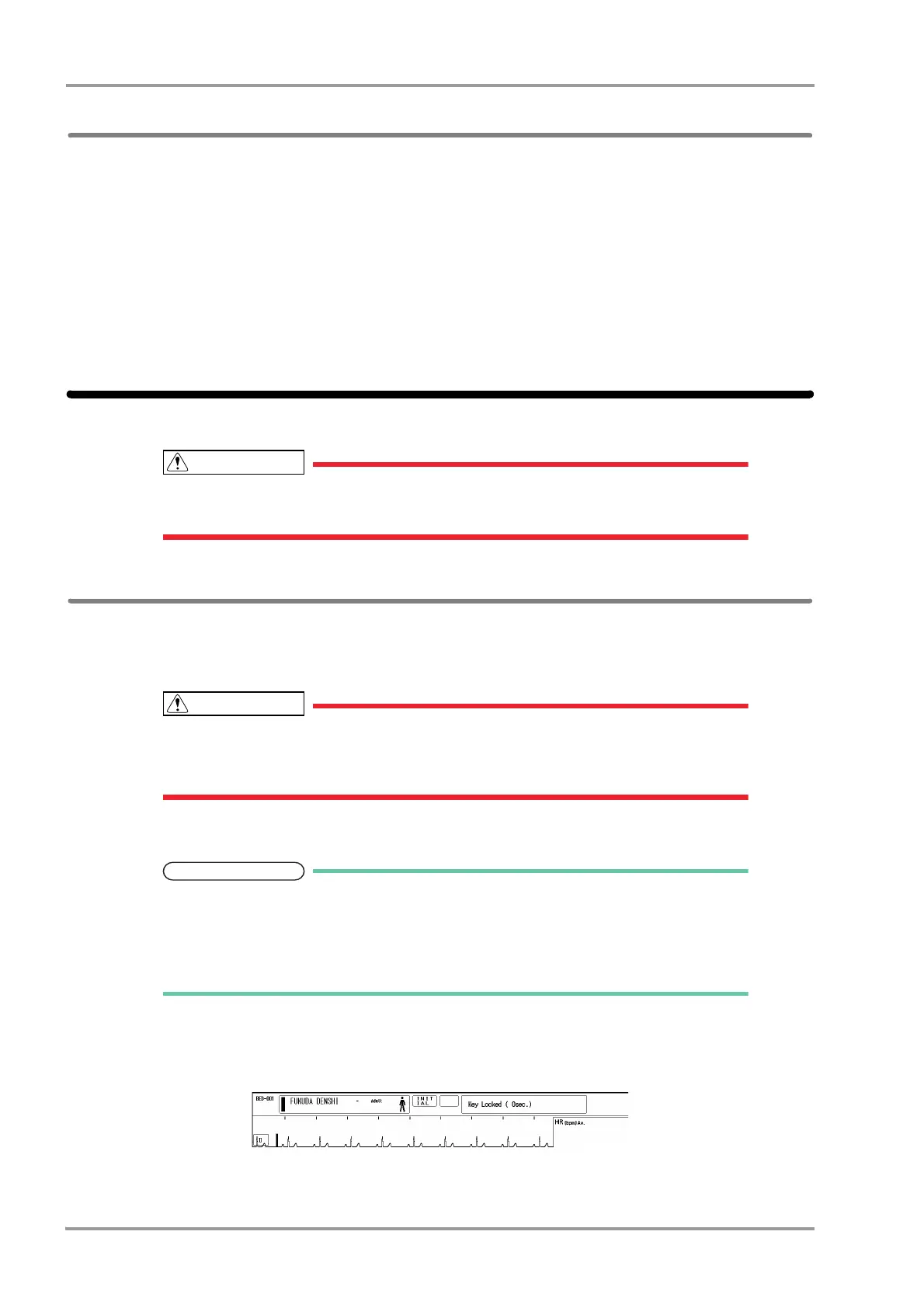
<Key Locked> will be displayed.
While this message is displayed, the touch panel key will be deactivated.
If <LEAD OFF> or other message is displayed, the key lock message will not be displayed.
2Wipe the touch panel using a cleaning cloth.



 To Next Page