5-2
Chapter 5 Initial Settings Administrator Setup
Administrator Setup
This section explains about the "Administrator Setup" menu.
The "Administrator Setup" is composed of [Key Lock] and [Password Setup].
To display the administrator setup menu, a password is required. There are 3 levels of
password with different operation authorization. With higher level password, the lower level
settings can be changed.
For details of the password, contact Fukuda Denshi service representative.
Key Lock
1Press the [Menu], [Initial Settings], [Admin. Setup] keys.
2Enter the password.
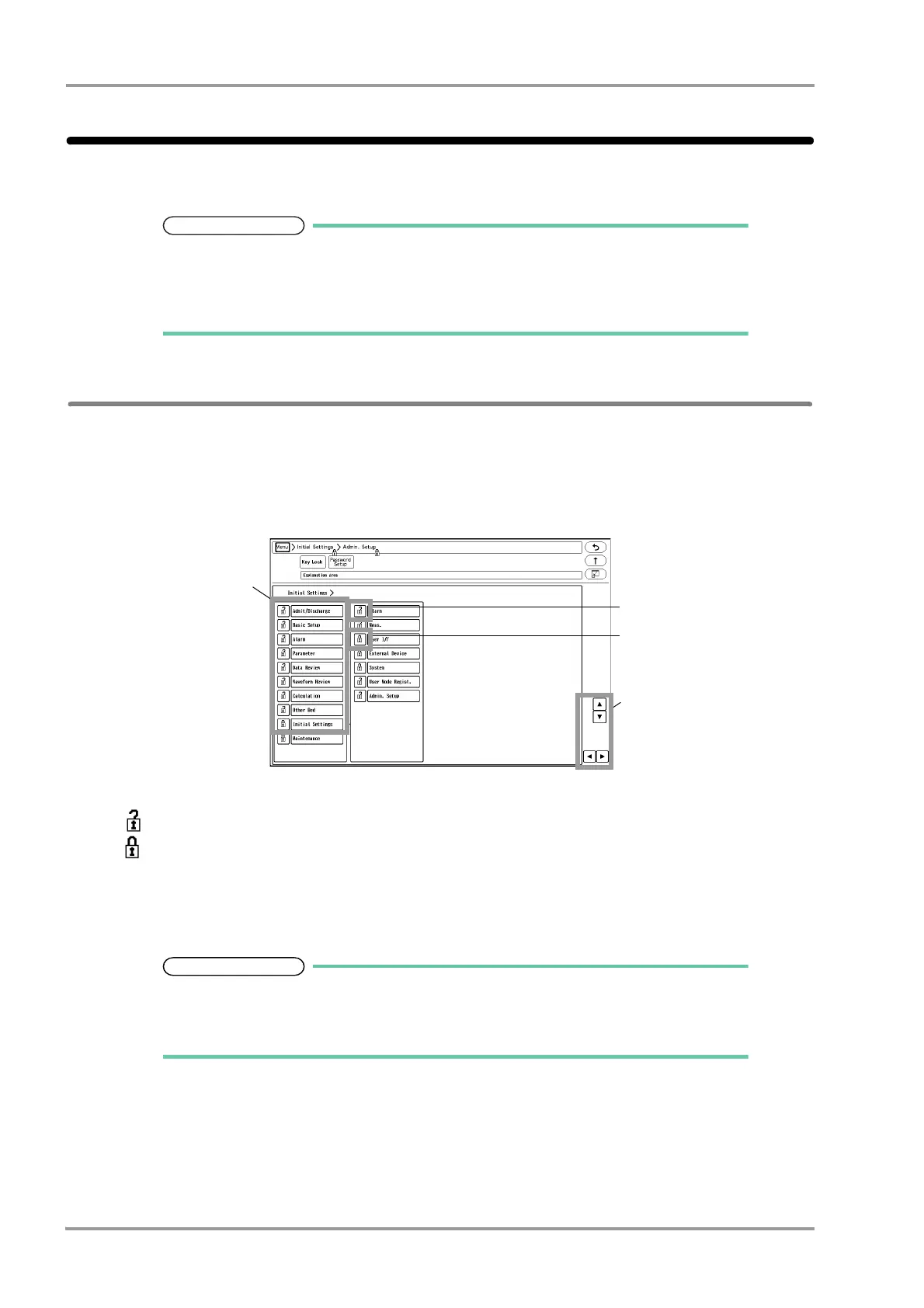
The "Key Lock" menu will be displayed.
1 The lower level items will be displayed.
2 This indicates unlocked item. It is displayed in white.
3 This indicates locked item. To change the setting, an authorized password is required.
There are 3 levels of password which are distinguished by the color of the icon.
The level is in the order of red>yellow>green. For example, the following operation is possible.
Red: Manager > Yellow: Administrator > Green: User
4 The page will switch.
Maximum of 3 types of password can be set for the administrator which can individually lock
the setting with each password.
The items that can be protected by password will be displayed in a tree format.



 To Next Page