1-16
Chapter 1 Installation of the Unit System Construction
Connecting the Extended Display Unit
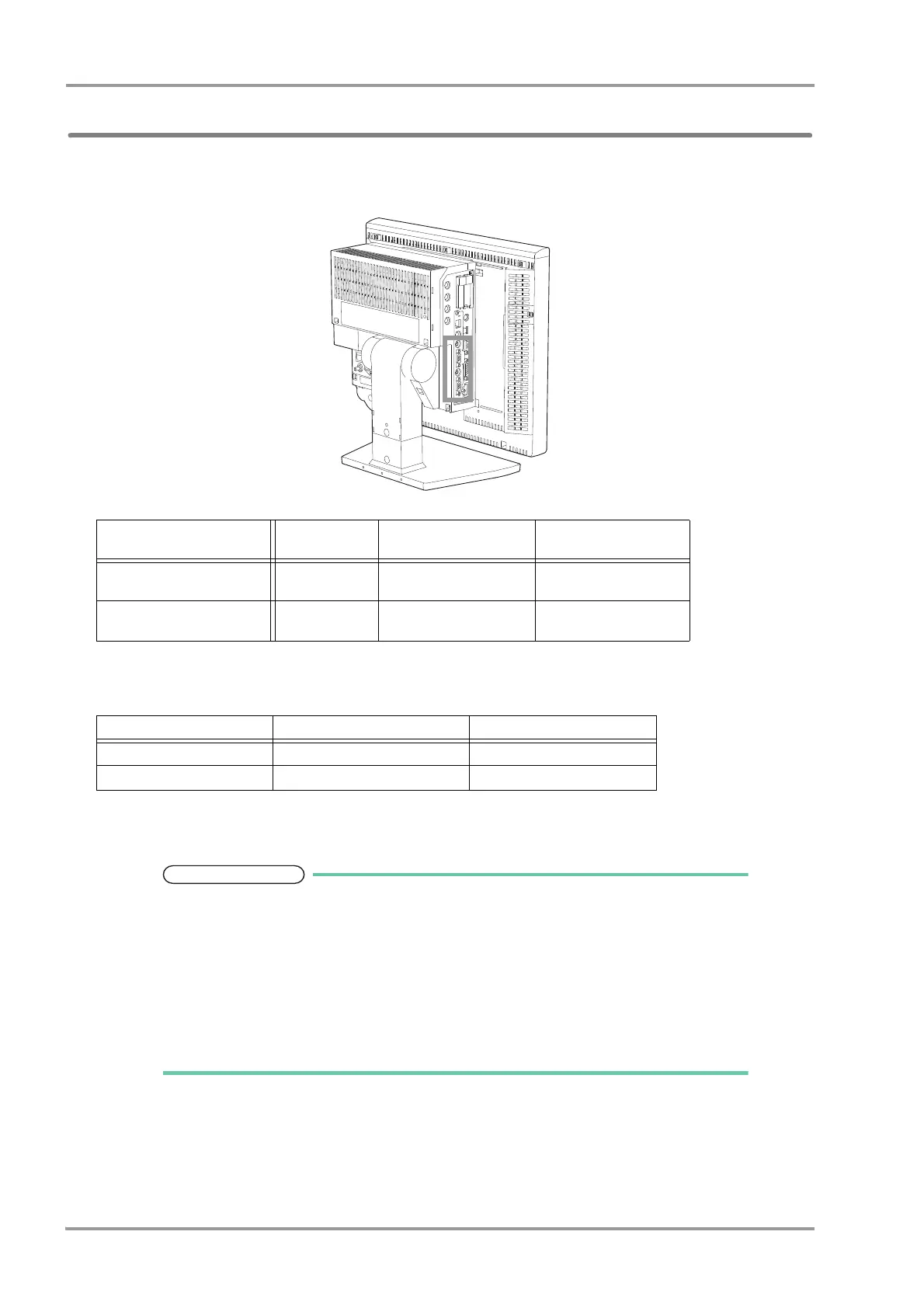
For the main unit equipped with extended board, maximum of 2 extended display units can be connected. Video
output connector and touch panel connector are equipped to allow connecting the optional extended display unit.
When connecting, contact our service representative for the touch panel calibration.
Extended Display Unit Connection
Connect the extended display unit using the accessory cables.
Extended Display Unit Setup
Select the extended display unit type.
To validate the setup, the system needs to be restarted.
The change in type will become effective after the system is restarted.
If the type is not correctly set, touch panel operation cannot be performed from the extended
display unit.
If the LC-8015T/LC-8015TC Display Unit is used for the main display, the size of the
extended display unit that can be connected is 15 inch (XGA).
Pay attention not to accidentally connect the extended display unit to the external monitor
output connector.
Model Type and Additional Function
Model Type External Output
Extended Display Unit
Output
LAN (TCP/IP IF)
DSC-8510
(without extended board)
Yes No No
DSC-8530
(with extended board)
Yes 2ch 1ch
Extended Display Unit Type Video Output Cable Touch Panel Cable
Extended Display 1 VIDEO-OUT-A Connector COM-A Connector
Extended Display 2 VIDEO-OUT-B Connector COM-B Connector



 To Next Page