5-14
Chapter 5 Initial Settings User I/F
5 Set the display priority of the parameter to be displayed inside the HR/PR numeric data box.
This priority setting will be applied when [Auto] is selected for "HR/PR", or when [HR/PR] user key is used to
switch the HR/PR source.
Select the priority order from the dropdown list.
For example, if [ECG/SpO
2
/BP] is selected, HR/PR source will be set in the priority of ECG>SpO
2
-1>SpO
2
-
2>BP.
6 Set the "GAS Display during Undetected Breath".
[None]: When a respiration is not detected, inspiratory and expiratory data will become invalid and bar
marks will be displayed instead.
[Insp. Only]: When a respiration is not detected, only the inspiratory data will become valid and bar marks
will be displayed for expiratory data.
7 Set the "Catheter Manufacturer for CC Input".
Press one of the keys, and enter the manufacturer name on the displayed window.
(Max. 8 characters)
User I/F
Display/Print Setup
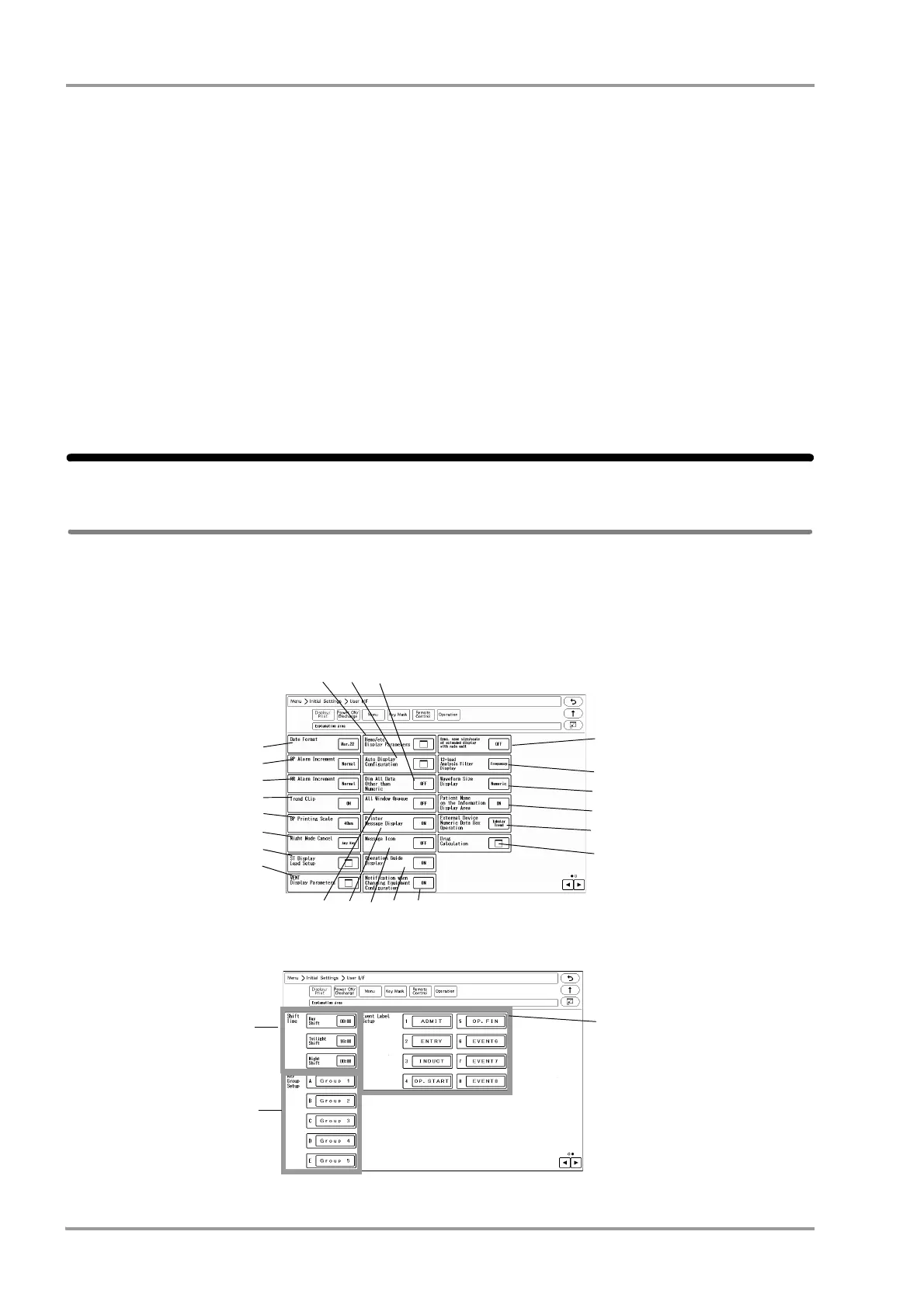
On the "Display/Print" menu, initial settings for displaying/printing can be performed.
1Press the [Menu], [Initial Settings], [User I/F] keys.
The "Display/Print" setup menu will be displayed.
Page 1
Page 2
1
2
3
4
5
6
7
8
9 10 11
18
12 13 14 15 16
17
19
20
21
22



 To Next Page