5-3
Chapter 5 Initial Settings Administrator Setup
Password Setup
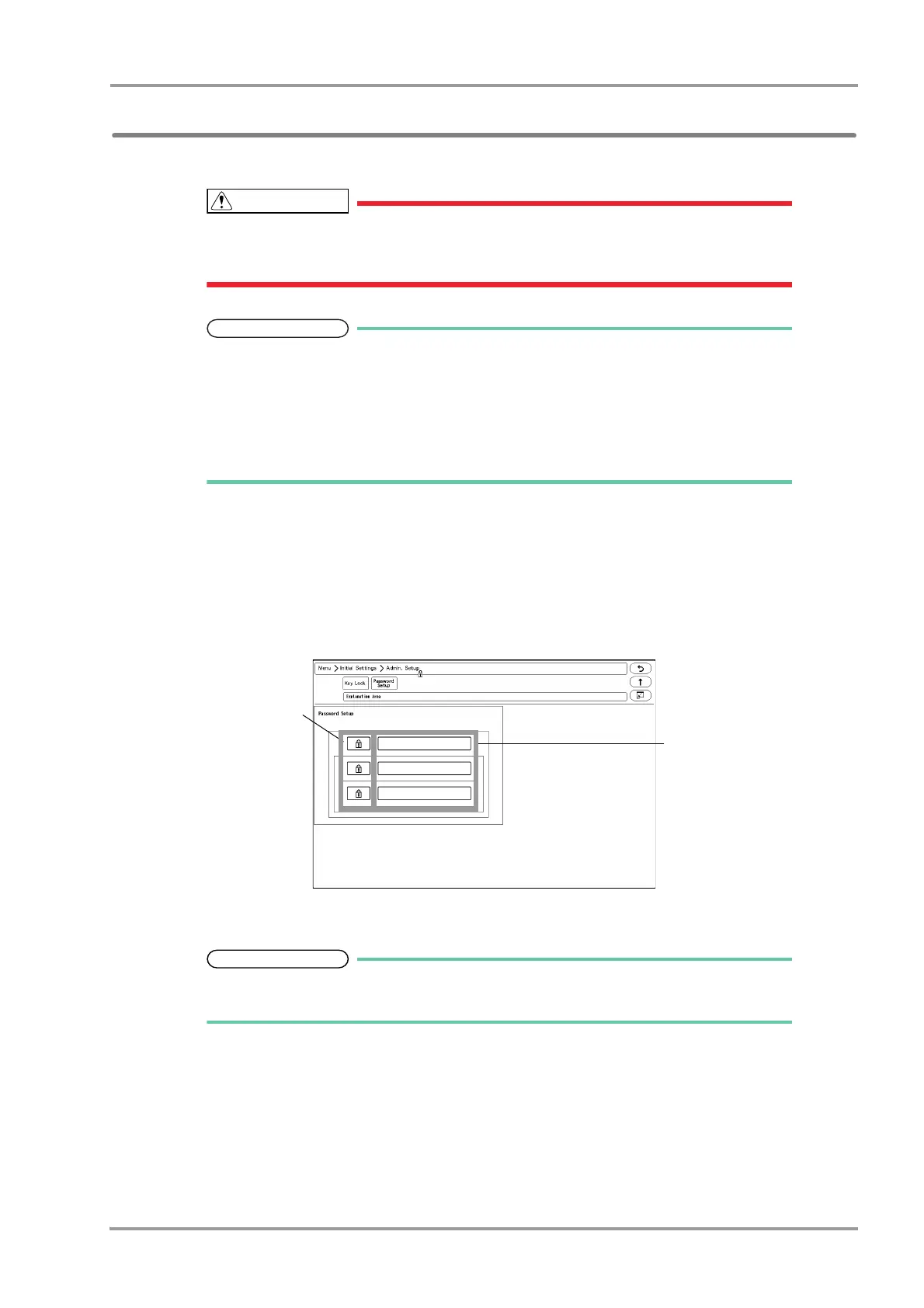
This section explains how to change the password and how to enter the administrator name.
Do not forget the password.
The password should be strictly controlled.
The default passwords are set as follows.
Red Key: 11111111
Yellow Key: 22222222
Green Key: 33333333
Before using the equipment, make sure to change the password.
For details of the password, contact Fukuda Denshi Service Representative.
1Press the [Menu], [Initial Settings], [Admin. Setup] keys.
2Enter the password.
3Press the [Password Setup] key.
The password setup screen will be displayed.
4Enter the password.
Depending on the password, the operation authorization will differ. With higher level
password, the lower level settings can be changed.
1 Press the key for the level to change the password.



 To Next Page