5-4
Chapter 5 Initial Settings Administrator Setup
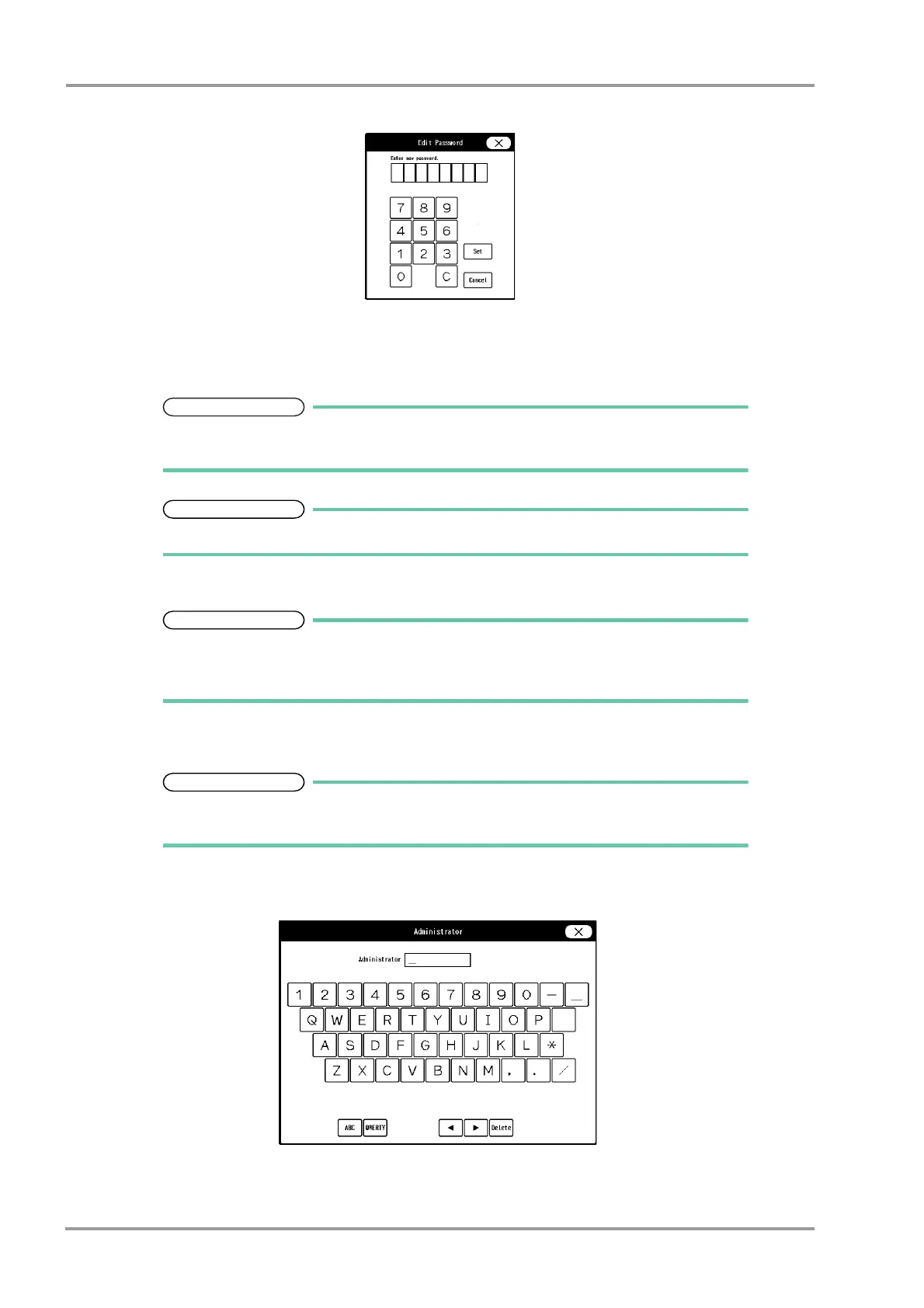
The "Edit Password " window will be displayed.
2 Enter the current password using the numeric keys.
3 Press the [Set] key.
4 Enter the new password using the numeric keys.
As the authorization level is distinguished by the password, the password cannot be
duplicated.
Maximum of 8 digits can be set for the password.
5 For confirmation, enter the new password again.
There are 3 levels of password which are distinguished by the color of the icon.
The level is in the order of red>yellow>green and are distinguished by the entered
password to display the administrator setup menu.
5Set the administrator name.
Depending on the password, the operation authorization will differ. With higher level
password, the lower level settings can be changed.
1 Press the key for the level to change the administrator name.
The "Administrator" window will be displayed.
2 Enter the administrator name using the alphanumeric keys.



 To Next Page