3-5
Chapter 3 Using the CF card Formatting the SD Card
2Format the CF card.
1 Make sure that the card is inserted to Slot 2 (located on the backside), and that the card is unformatted or
is for the full disclosure waveform data.
2 Select [Full Disc. Wave] and press [Format (Hold 2 sec.)] for 2 seconds.
3 Wait until the format completes.
It will take about 5 minutes. During the format process, do not remove the CF card or turn OFF the power.
4 When the format process is completed, the "CF Card Format" window will close and storing of the full
disclosure waveform will automatically start.
Formatting the SD Card
In this section, formatting of SD card to be used for HS-8000 data transfer is explained.
It will take about 1 minute to format the SD card. Do not format the card during monitoring
as all operation will not be possible during the format process.
During the format process, do not turn OFF the power, or enter into standby condition, or
remove the HS-8000 or SD card. It may damage the SD card.
The SD card formatted on other HS-8000 cannot be used.
1Make sure that the SD card is inserted to HS-8000, and that the card is unformatted and is the specified card
for data transfer.
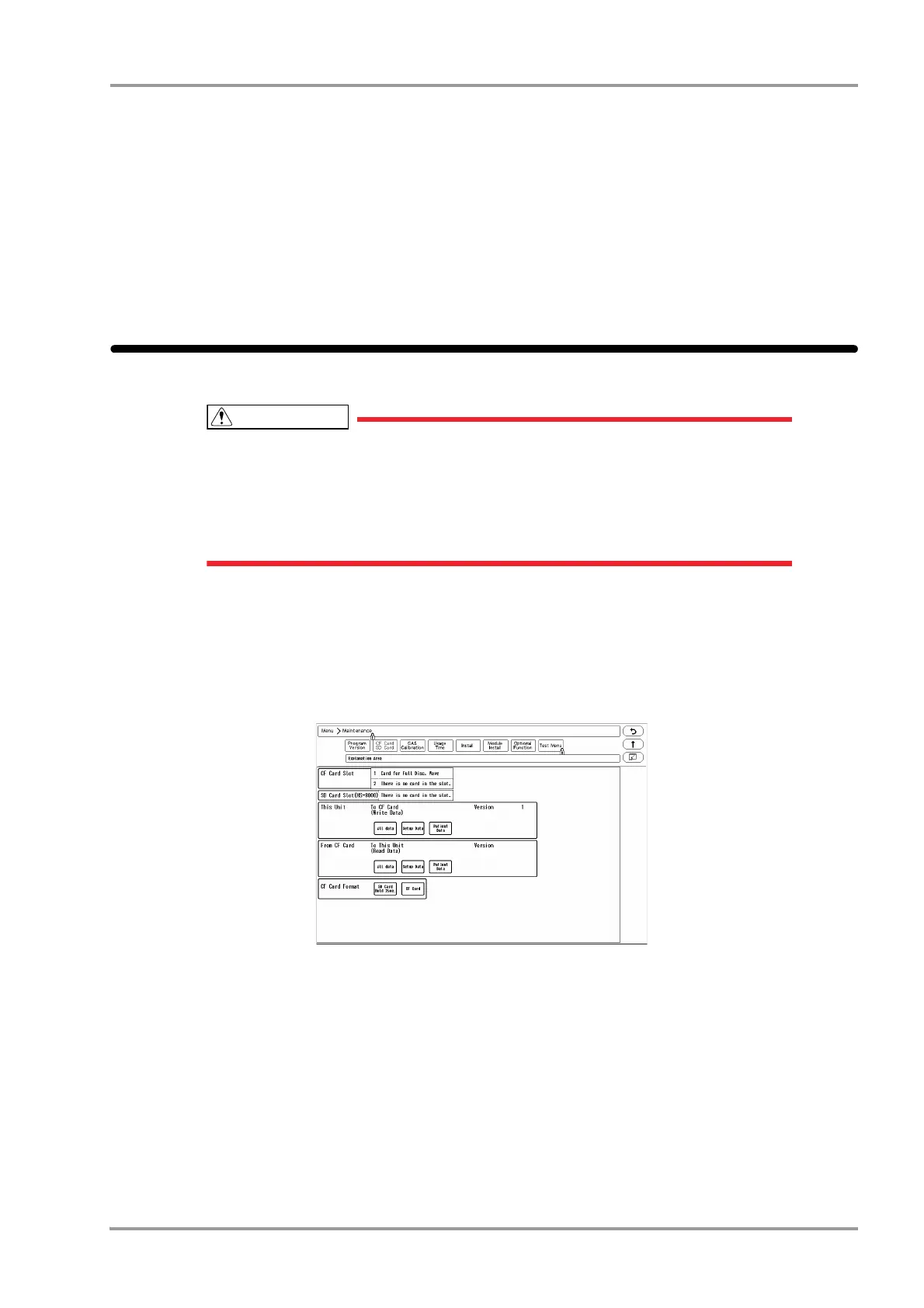
2Press the [Menu], [Maintenance], [CF Card SD Card] keys.
The "CF Card SD Card" screen will be displayed.
3Format the SD card.
1 Press the [SD Card Hold 2sec.] key for 2 seconds.
2 <Format in progress> will be displayed for "SD Card Slot". Wait until <Card for Data Transfer> is displayed.
The format process will take about 1 minute. During the process, do not remove the SD card, HS-8000 or
turn OFF the power.
3 When <Card for Data Transfer> is displayed, the format process is complete.



 To Next Page