4-27
Chapter 4 Connection to the External Devices Using the Magnetic Card Reader
After the setup, check if the data of other patient's card can be correctly read.
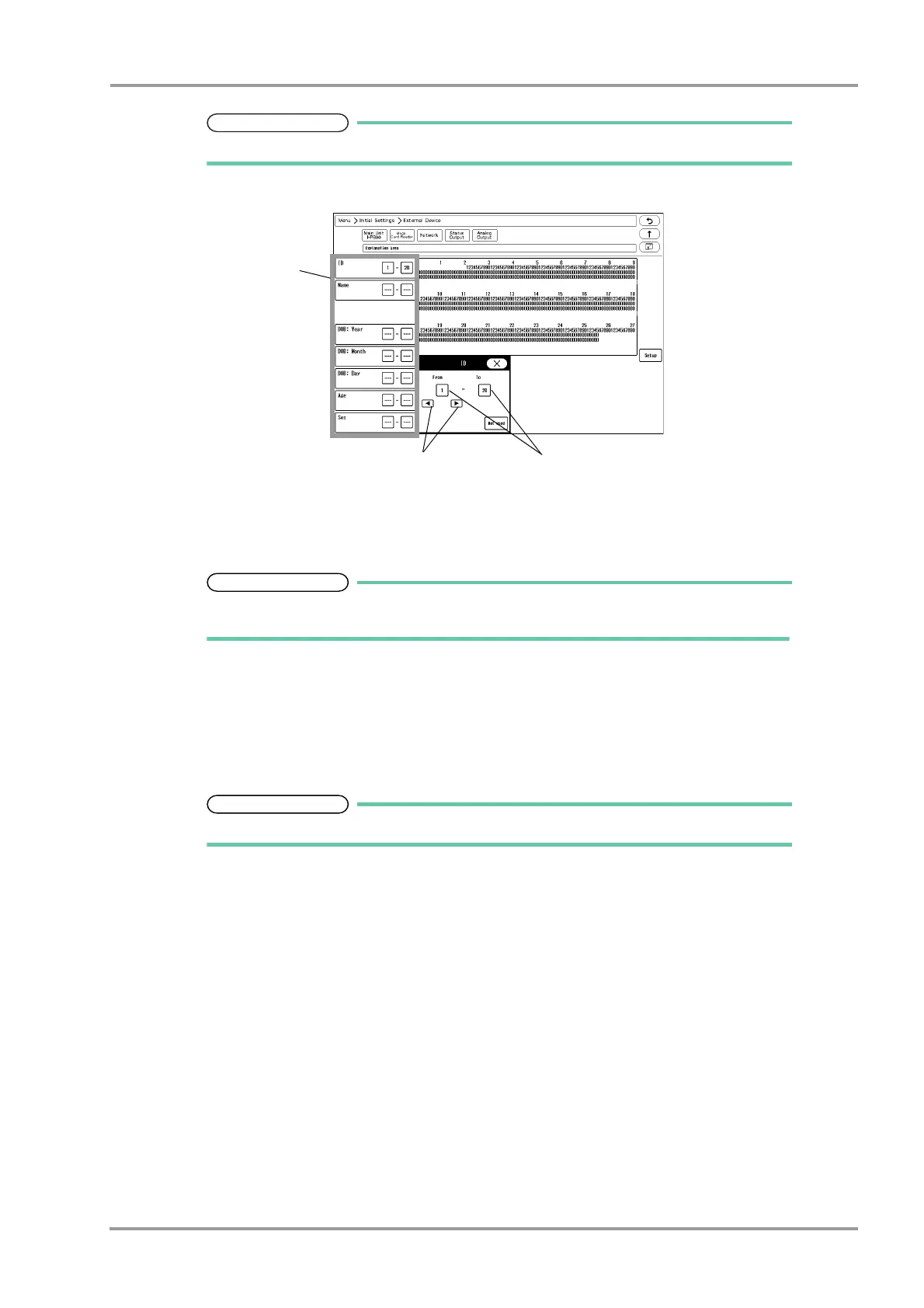
7Enter the starting digit and ending digit for each data.
1 Select the item to enter from the list displayed at left.
2 Enter the starting digit or ending digit in the range of 1 to 255 using the left or right button.
3 Press the [1] key for "From" or the [20] key for "To".
If the data is not present on the magnetic card, enter [Not Used] for both starting and
ending digit.
4 Repeat step 1 to 3.
8Set the "Auto Reference to Central Monitor when Reading Patient ID".
[ON]: Patient information can be automatically acquired from the central monitor using the magnetic card.
[OFF]: Patient information cannot be received.
To use this function, select [Enable] for "Search ID" under [Initial Settings > System > Other].



 To Next Page