5-28
Chapter 5 Initial Settings System Setup
1 Press the key for "Search Patient ID".
The dropdown list will be displayed.
2 Select from [Enable] or [Disable].
[Enable]: Patient data can be searched on the patient data server using the patient ID.
(
Operation Manual "Entering Patient Information from the Patient Data Server (When DS-LANIII is
used)" P5-6)
[Disable]: Patient data will not be searched on the patient data server.
5Set the "Data Transfer" function when the HS-8000 or DS-8007 is connected.
1 Press the key for "Data Transfer".
The dropdown list will be displayed.
2 Select from [HS-800]/[Disable]/[Transport].
{HS-8000]: The data transfer function with the HS-8000 will be enabled.
[Disable]: The data transfer function will be disabled.
[Transport]: The data transfer function with the DS-8007 will be enabled.
If the data transfer function is enabled and alarm sound suspend function is ON, the
alarm sound will be automatically suspended for 5 minutes when the Super Unit is
connected.
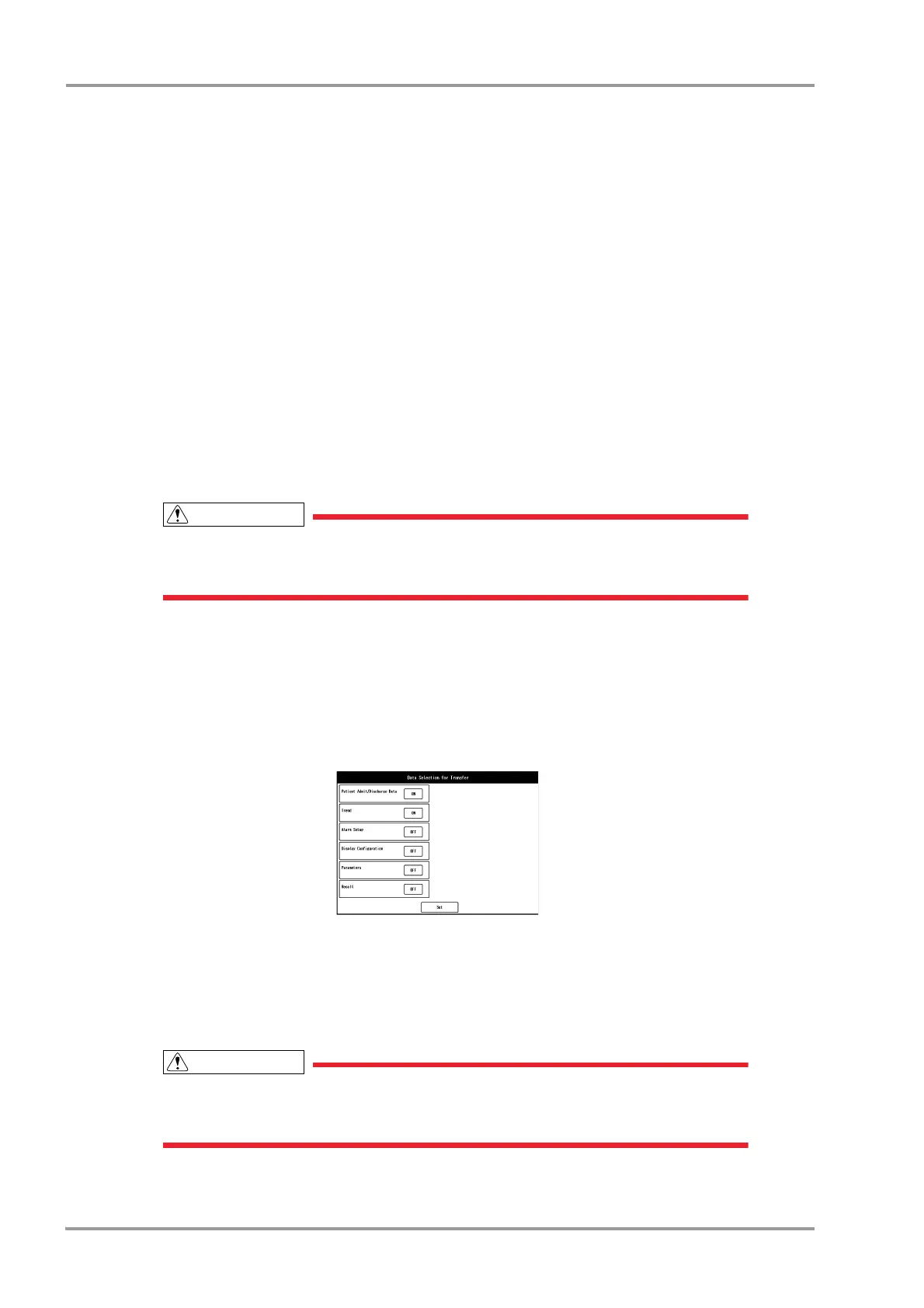
6Set the "Data for Transfer".
The data to be transferred can be changed on the patient selection screen which will be displayed when
connected to the Super Unit.
This setting is enabled only when [HS-8000] or [Transport] is selected for "Data Transfer".
1 Press the key for "Data for Transfer".
The "Data Selection for Transfer" menu will be displayed.
2 Select [ON]/[OFF] for each item.
[ON]: Data will be transferred when connected to the Super Unit.
[OFF]: Data will not be transferred.
3 Press the [Set] key to finalize the setup.
To transfer the recall data, a specified SD card (SD-8G) which has been formatted on
this system needs to be inserted to the Super Unit.
(
"Formatting the SD Card" P3-5)



 To Next Page