GE MEDICAL SYSTEMS
D
IRECTION 5184024-100, REVISION 5 LOGIQWORKS® BASIC SERVICE MANUAL
Chapter 3 Installation 3-53
3-4-3-15 Monitor Connections of System based on Dell Precision 360
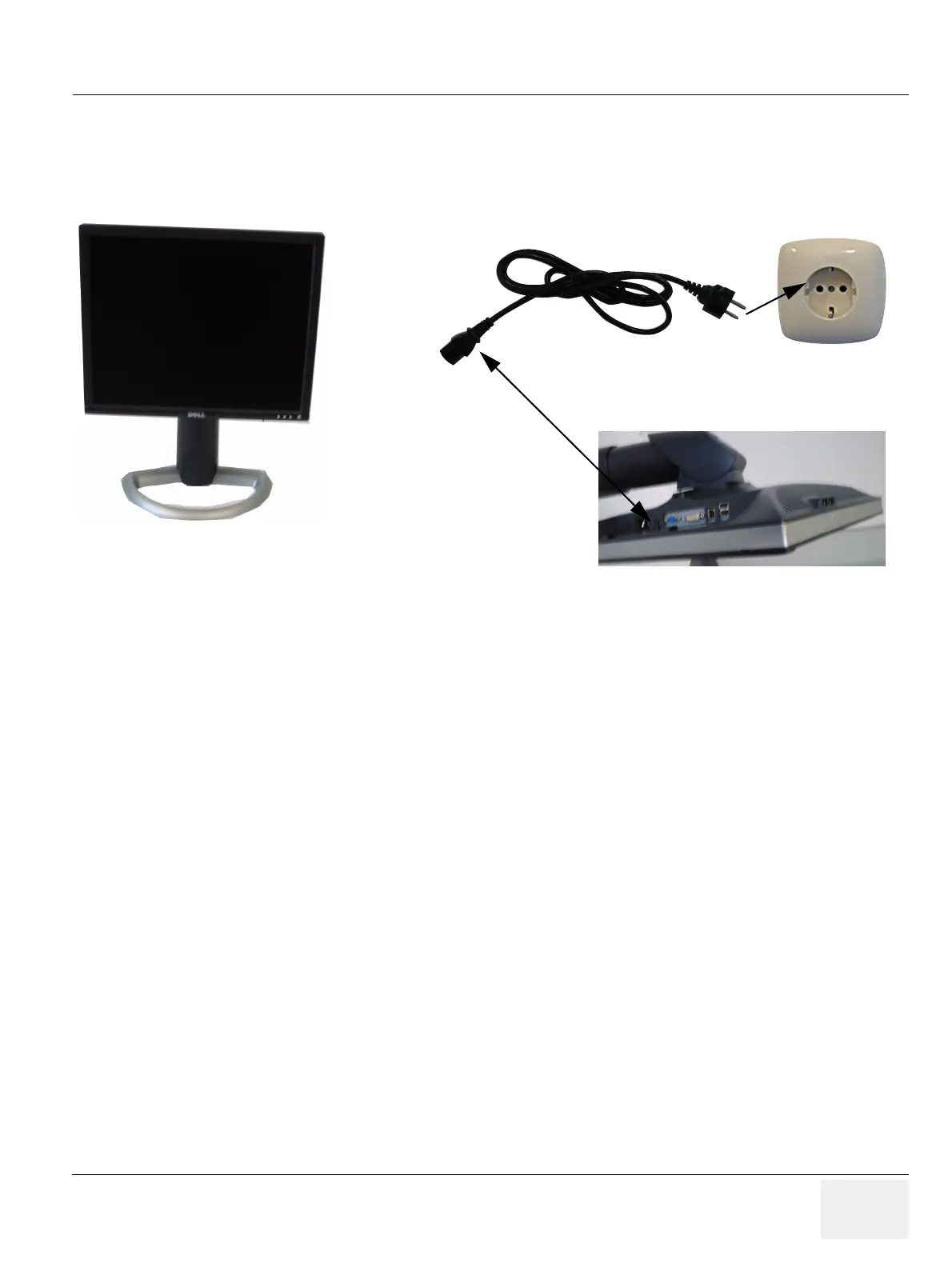
1.) Connect the Monitor Power Cable to the rear of the Monitor.
2.) Connect the other end to a Wall Power Outlet.
Figure 3-40 LCD Monitor Power Connection
Rear of LCD Monitor



 To Next Page