GE MEDICAL SYSTEMS
DIRECTION 5184024-100, REVISION 5 LOGIQWORKS BASIC SERVICE MANUAL
3-186 Section 3-5 - Configuration
3-5-10-2 Setting up and configuring destinations
To add a teleradiology destination
1.) Select Connection -> Destinations... from the menu bar in the Data Selector.
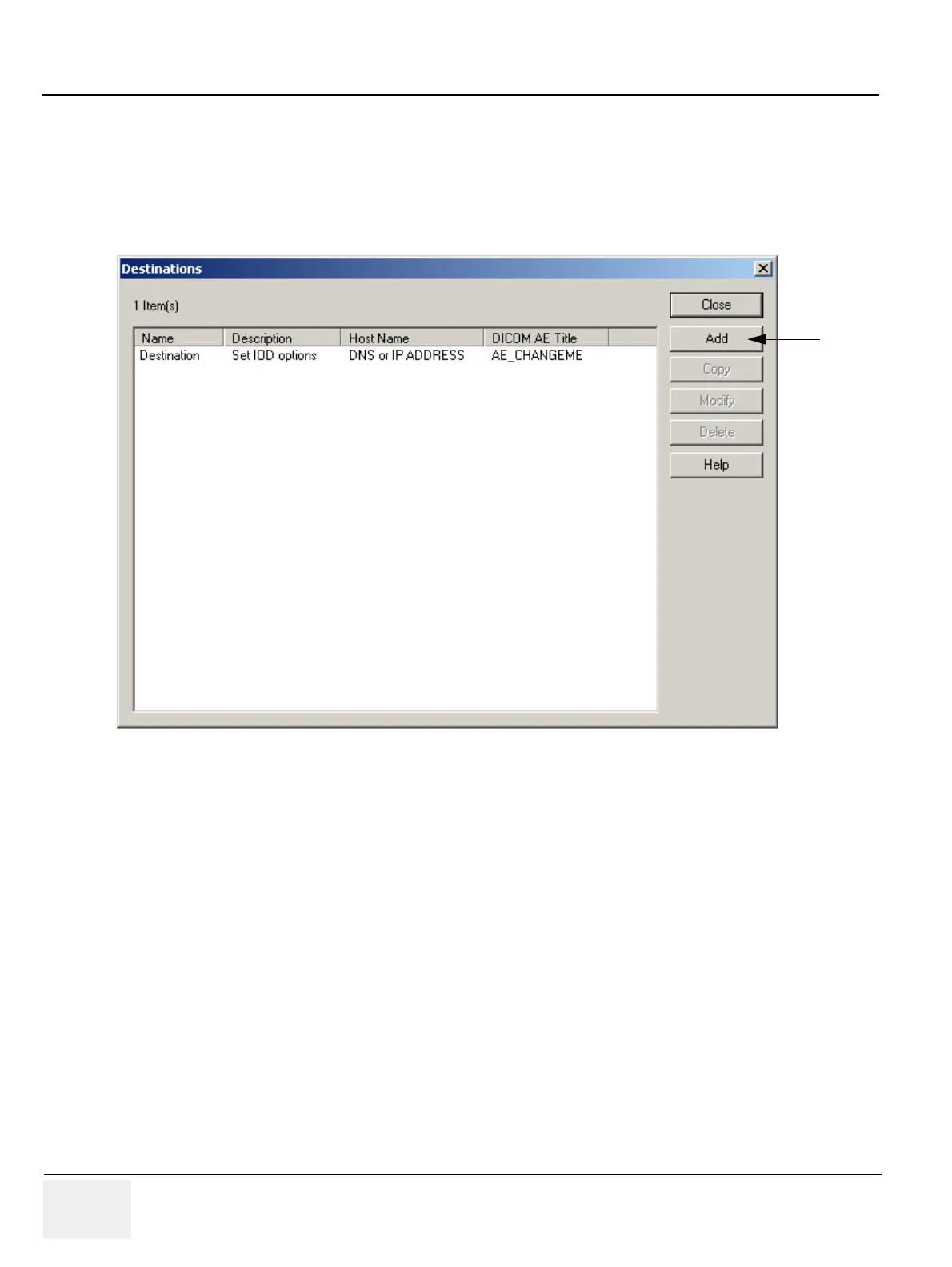
2.) In the Destinations dialog box, click Add. The Add Destinations dialog opens.
Figure 3-159 Configure Destinations - Default
2.



 To Next Page