GE MEDICAL SYSTEMS
D
IRECTION 5184024-100, REVISION 5 LOGIQWORKS® BASIC SERVICE MANUAL
Chapter 3 Installation 3-63
3-4-6 Initialize Service Platform for LOGIQworks up to Version 2.0 (cont’d)
3-4-6-1 Modem Configuration
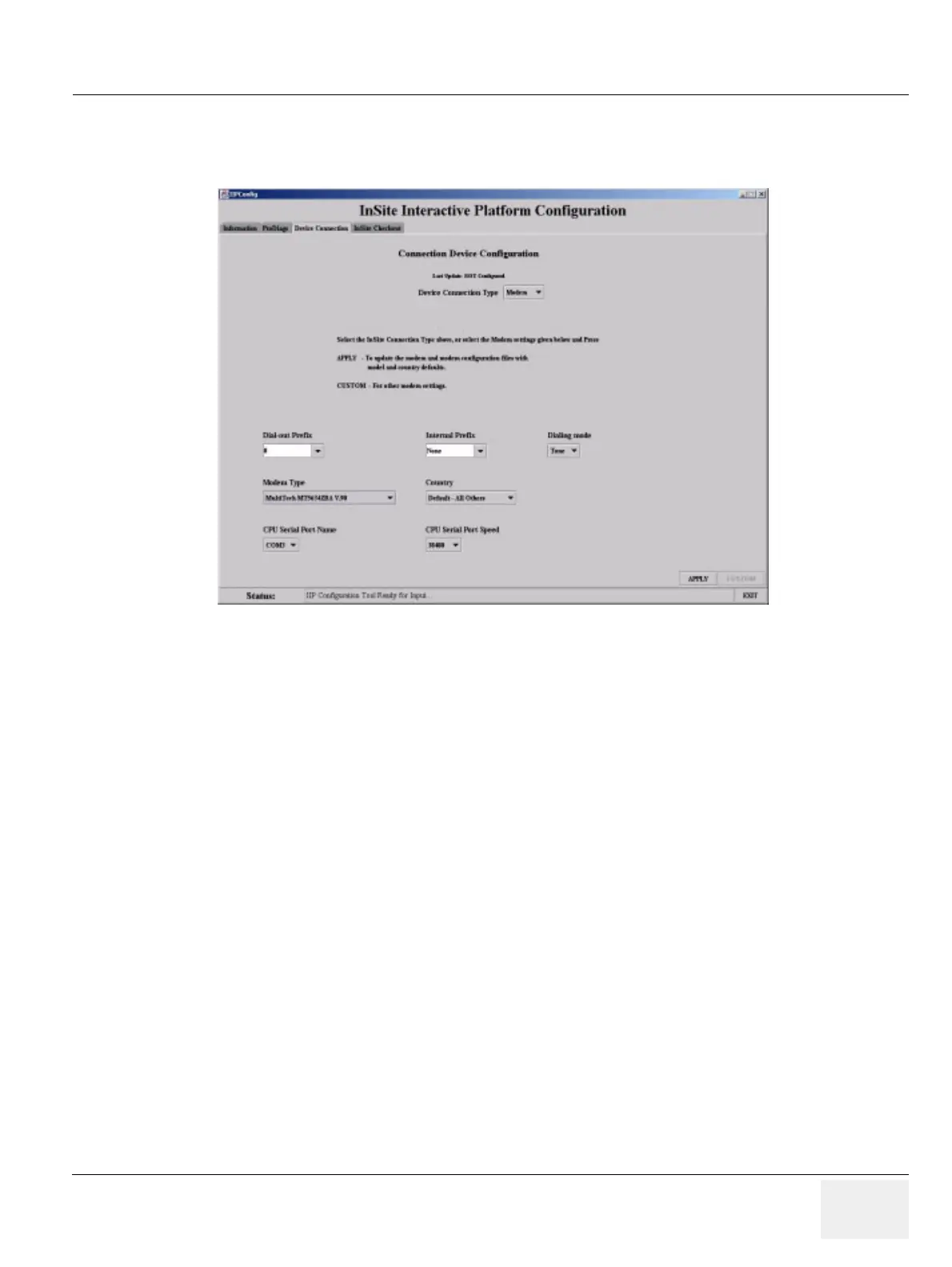
6.) Select “Modem” as device connection type.
7.) Select one of the following items corresponding to your telephone connection:
- Dial out prefix
- Internal prefix
- COM3 serial port
- Dialing Mode
- Modem Type “MultiTech MT5634 ZBA V.90”
- CPU Serial Port Speed 38400
- Country
8.) Click “Apply”. The “Location Information” window pops up.
9.) Enter the appropriate information and click “OK”.
10.)Click “OK” to the system message.
Figure 3-47 Configuring the “Device connection” tab



 To Next Page