GE MEDICAL SYSTEMS
DIRECTION 5184024-100, REVISION 5 LOGIQWORKS BASIC SERVICE MANUAL
3-84 Section 3-5 - Configuration
3-5-2-4 Popup Menu (cont’d)
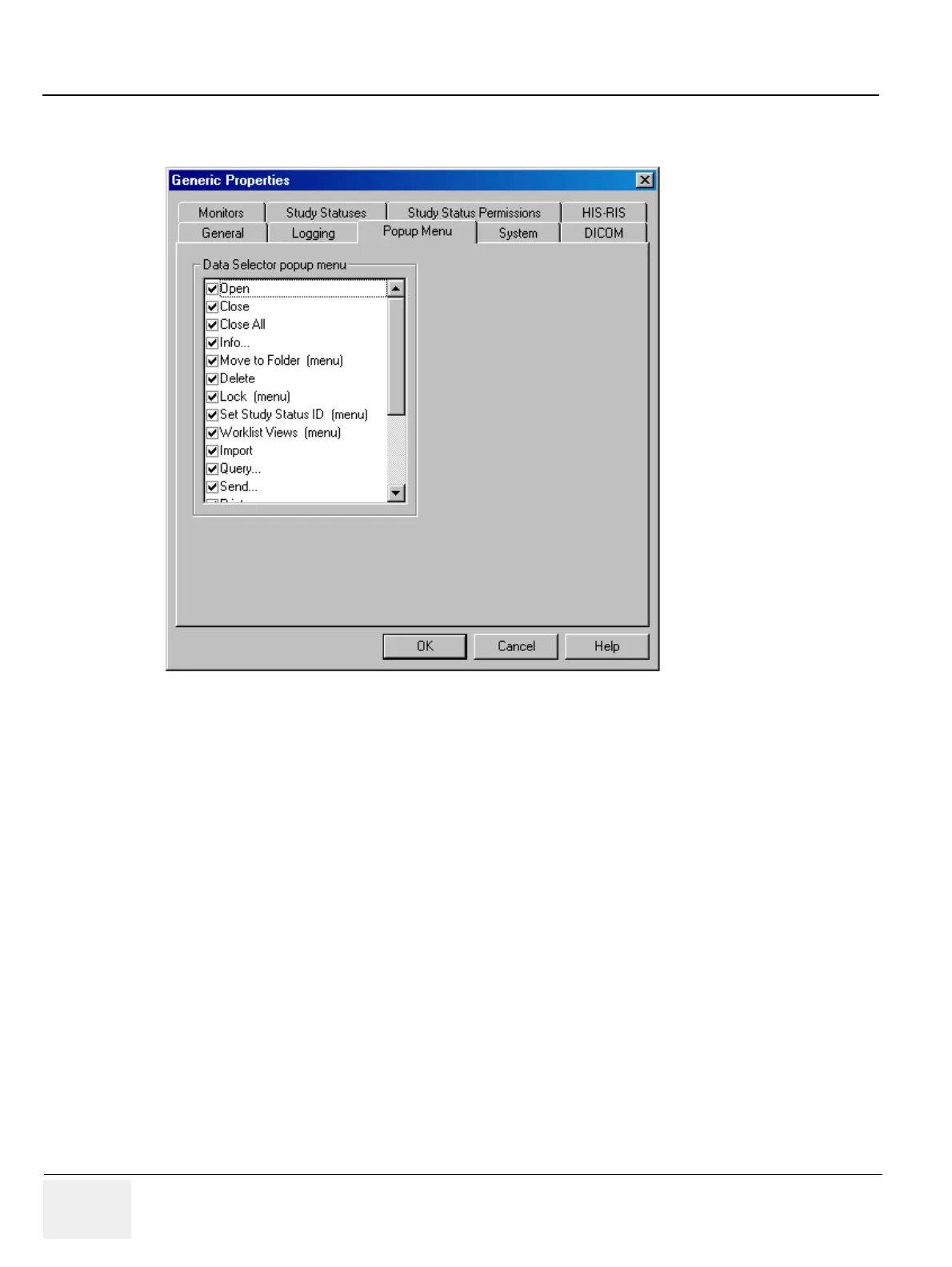
Check the boxes next to the menu items to select the ones you want to appear on the pop-up menu that
appears when right-clicking in the Data Selector.
3-5-2-5 System Properties
To set display (system) properties:
1.) Select Configuration > Generic... from the Data Selector menu.
2.) Select the System tab from the Generic Properties dialog.
Figure 3-72 General Settings - Popup Menu



 To Next Page