GE MEDICAL SYSTEMS
DIRECTION 5184024-100, REVISION 5 LOGIQWORKS® BASIC SERVICE MANUAL
4-8 Section 4-3 - System Check
4-3-2 Application Level Check
4-3-2-1 Check the Program start up and the Data Selector
If not already started automatically during system start up, go to the desktop and double-click the
LOGIQworks icon
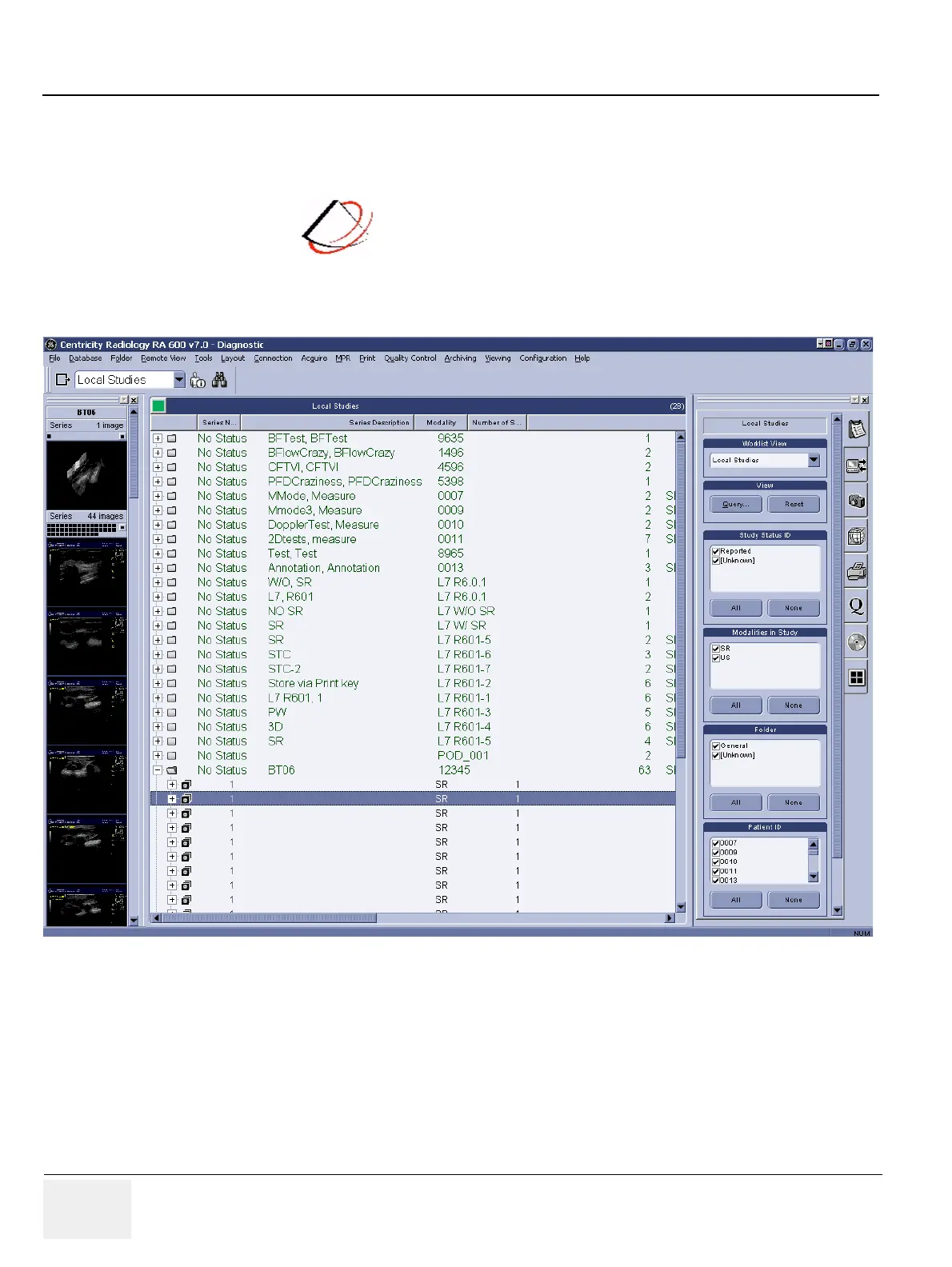
When the application is up and running the initial view should be the following:
Figure 4-6 LOGIQworks Data Selector



 To Next Page