GE MEDICAL SYSTEMS
DIRECTION 5184024-100, REVISION 5 LOGIQWORKS BASIC SERVICE MANUAL
3-166 Section 3-5 - Configuration
3-5-7-1 General (cont’d)
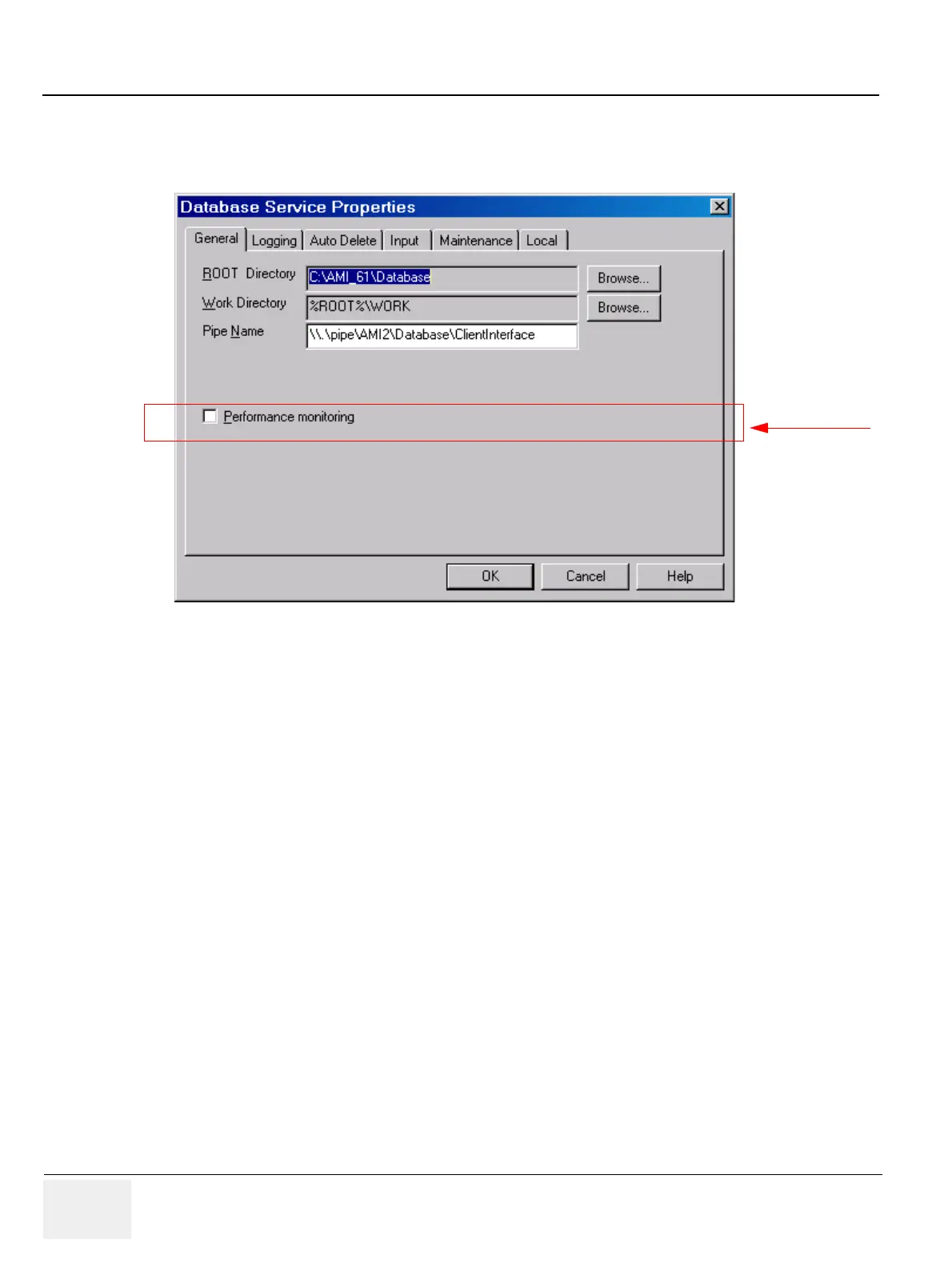
2.) Select the General tab from the Database Service Properties page.
• Performance monitoring: Creates a log (DBS_Performance.log) of RadWorks' performance. The
name of the log is DBS_Performance.log and it is stored in the RadStore log
directory%DATADIR%\LOG
3-5-7-2 Logging
To set and view RadWorks' logging properties:
1.) Select Configuration > Database Service... from the Data Selector menu.
2.) Select the Logging tab from the Database Service Properties page.
Figure 3-140 Database Service Properties - General (Default Settings)
Administrator only



 To Next Page