GE MEDICAL SYSTEMS
DIRECTION 5184024-100, REVISION 5 LOGIQWORKS® BASIC SERVICE MANUAL
1-6 Section 1-2 - Important Conventions
1-2-3 Product Icons
The following table describes the purpose and location of safety labels and other important information
provided on the equipment.
Table 1-8 Product Icons
LABEL/SYMBOL PURPOSE/MEANING LOCATION
Identification and Rating Plate
Manufacturer's name and address
Model and serial numbers
Electrical ratings
On top of PC
Device Listing/Certification Labels
Laboratory logo or labels denoting
conformance with industry safety standards
such as UL or IEC.
Rear side of the unit
Rear side of the monitor
Type/Class Label Used to indicate the degree of safety or protection.
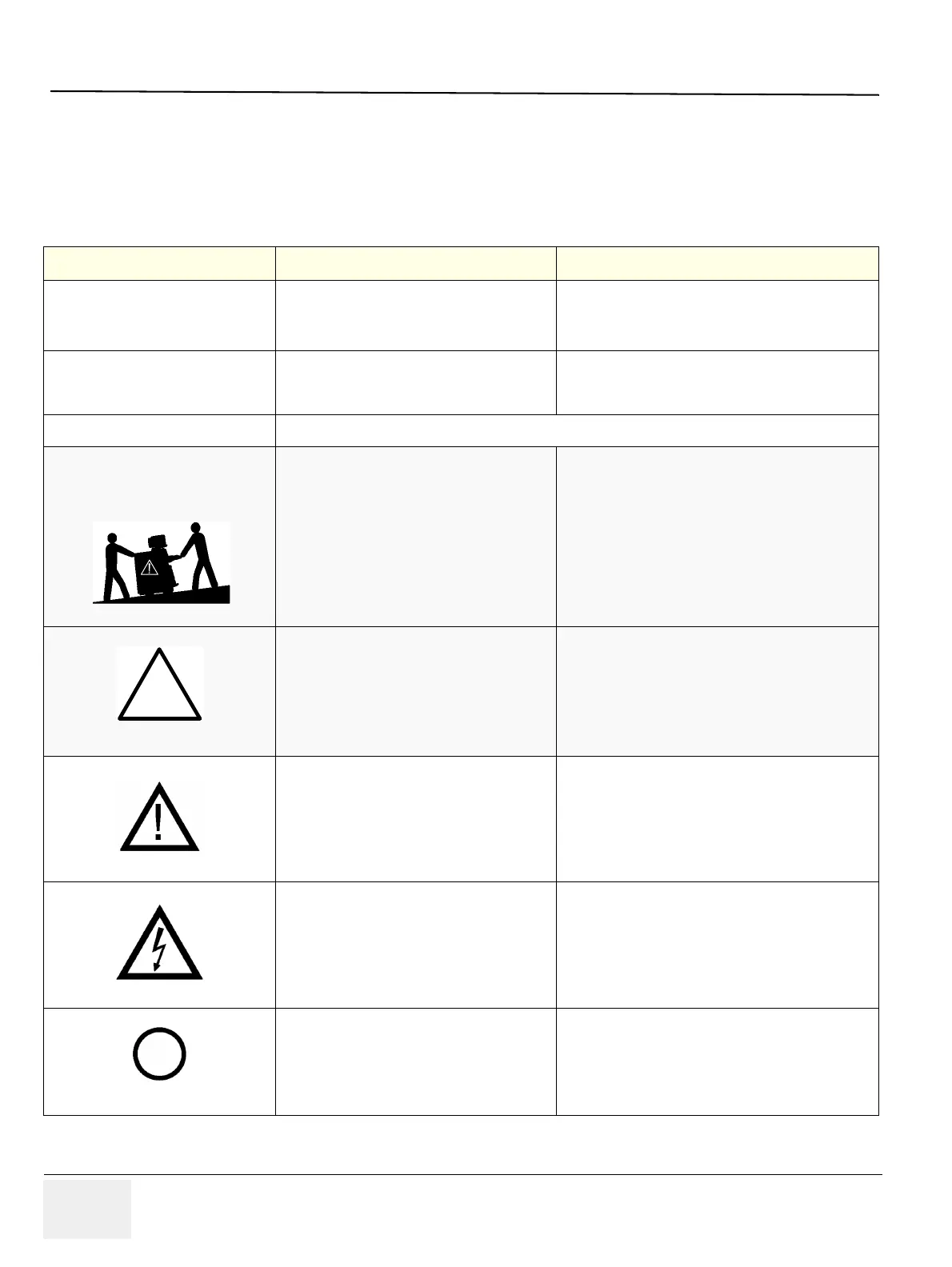
“CAUTION
This unit weighs...
Special care must be used to avoid..."
This precaution is intended to prevent injury
that may result if one person attempt to move
the unit considerable distances or on an incline
due to the weight of the unit.
Service Manual
"CAUTION" The equilateral triangle is usually
used in combination with other symbols to
advise or warn the user.
Various
ATTENTION - Consult accompanying
documents " is intended to alert the user to
refer to the operator manual or other
instructions when complete information cannot
be provided on the label.
Various
"CAUTION - Dangerous voltage" (the lightning
flash with arrowhead in equilateral triangle) is
used to indicate electric shock hazards.
Various
"Mains OFF" Indicates the power off position of
the mains power switch.
ON/OFF switches



 To Next Page