GE MEDICAL SYSTEMS
D
IRECTION 5184024-100, REVISION 5 LOGIQWORKS BASIC SERVICE MANUAL
Chapter 4 Functional Checks 4-9
4-3-2-2 Confirm images can be displayed on the graphical user interface
1.) If not already done, start the LOGIQworks application.
2.) Make sure you have GE Ultrasound Raw Data studies available in the local view or you have a CD
or DVD work list view configured, see Section 3-5-11-1 "Reading DICOM volume from DVD or CD"
on page 3-193 for more details.
3.) In the Data Selector select one study for viewing. Double click on it (anywhere in the row in your
study or patient list).
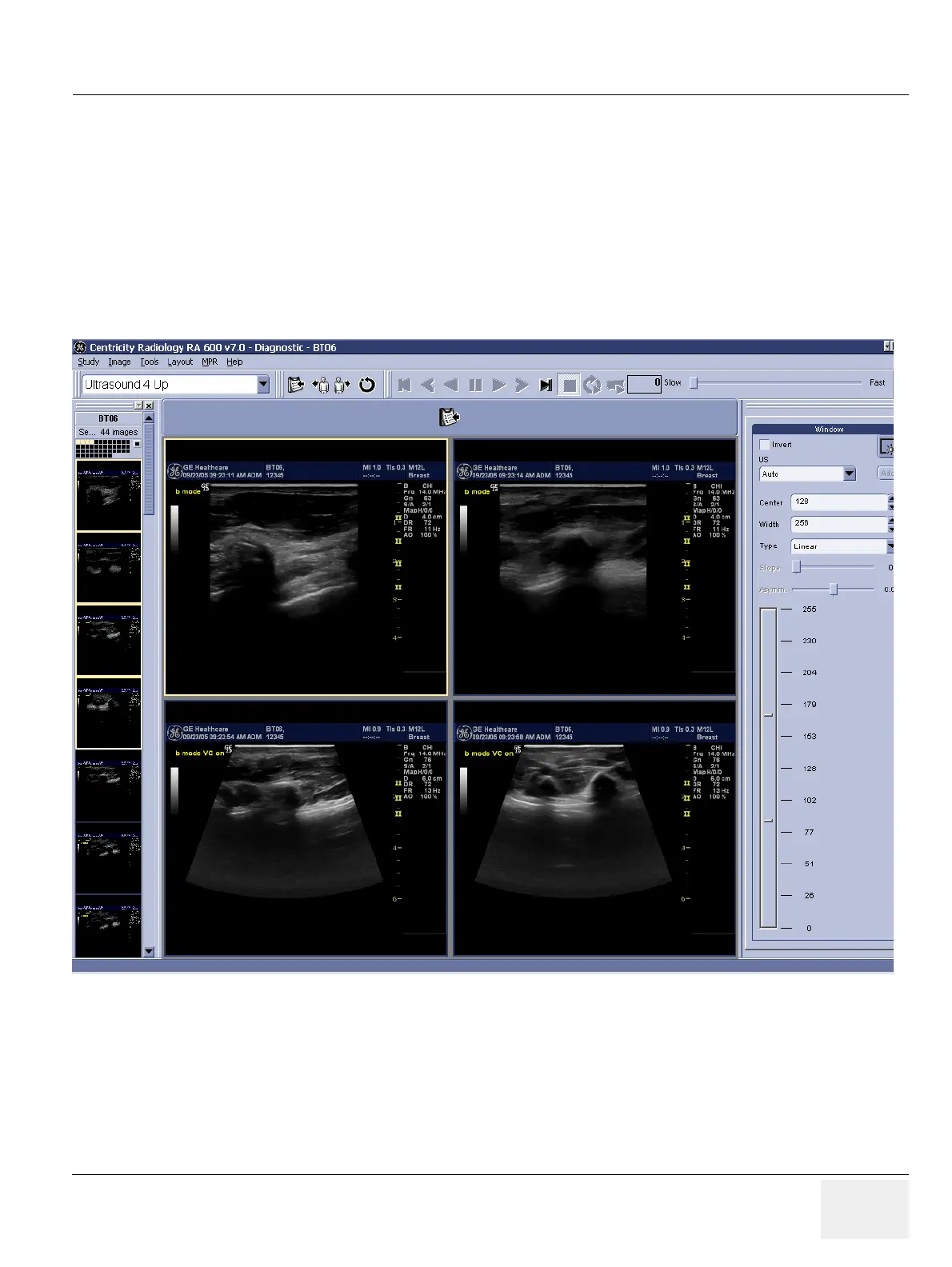
4.) All the series contained into the selected study will be opened automatically and the application will
switch to the Viewing Section and display the study.
Figure 4-7 RA600 Viewing Section



 To Next Page