GE MEDICAL SYSTEMS
DIRECTION 5184024-100, REVISION 5 LOGIQWORKS® BASIC SERVICE MANUAL
4-2 Section 4-3 - System Check
Section 4-3
System Check
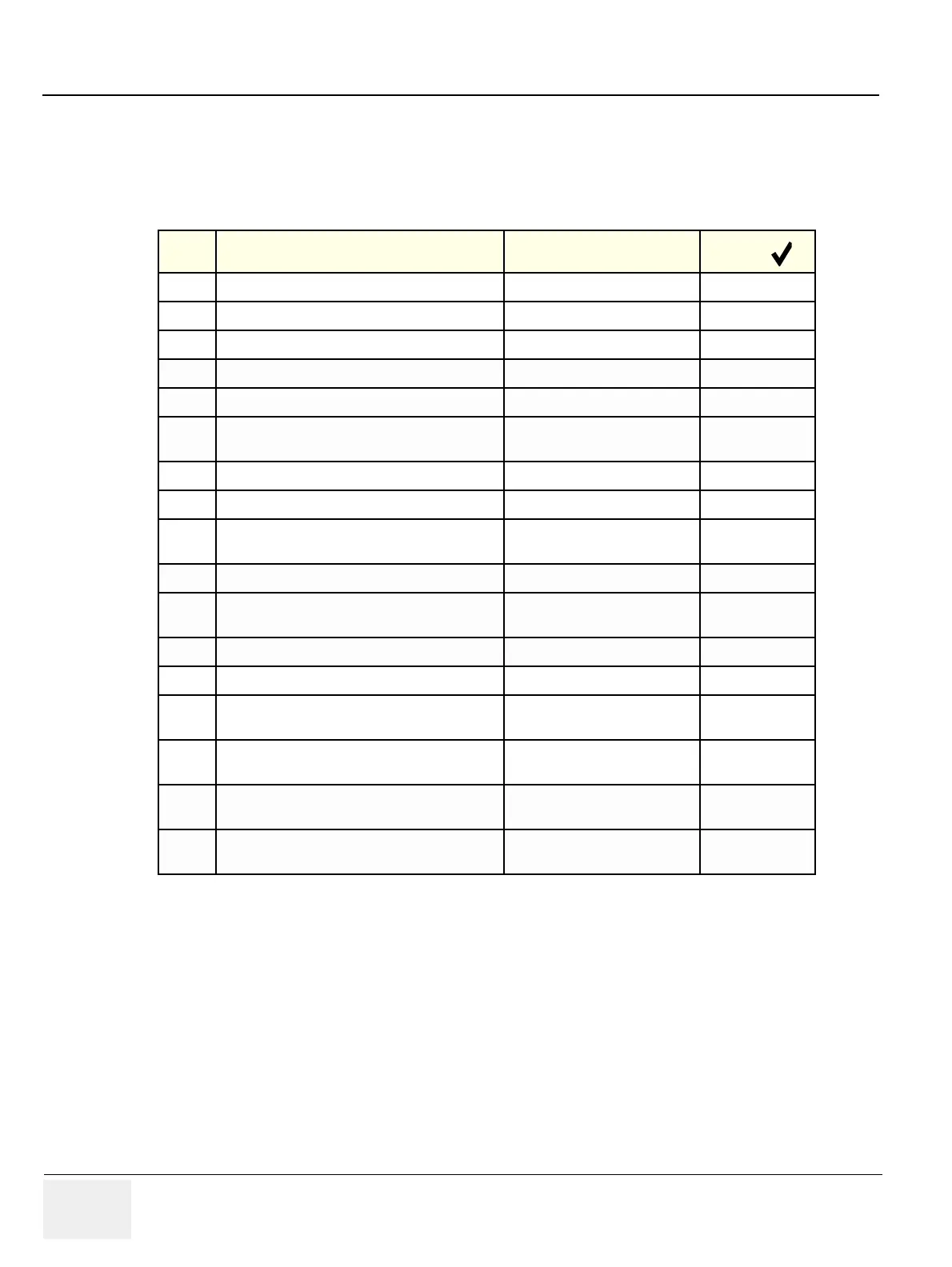
Table 4-3 Hardware & Software Function Check
Step Task See Chapter
Check ( )
1 Boot the system and log on as lwuser see Section 3-4-4 on page 3-60
2 Check reading from CD-R/RW see Section 4-3-8 on page 4-23
3 Check modem see Section 4-3-6 on page 4-21
4 Check system time see 3-5-1-1 on page 3-68
5 Check units see 3-5-1-2 on page 3-70
6 Check monitor setup
see 3-5-1-3 on page 3-71 and 3-
5-2-7 on page 3-88
7 Check network configuration see 3-5-1-4 on page 3-76
8 Check the DICOM connection see 4-3-1-1 on page 4-3
9
Check the Ethernet connection to remote DICOM
devices
see 4-3-1-2 on page 4-7
10 Check LOGIQworks services see Section 4-4 on page 4-26
11
Check that all ordered software options are
available.
see 3-5-13-3 on page 3-203
12 Check the Program start up and the Data Selector see 4-3-2-1 on page 4-8
13 Check generic DICOM settings see 3-5-2-6 on page 3-87
14
Check LOGIQworks connectivity settings:
Receiving devices (destinations)
see 3-5-10-2 on page 3-186
15
Check LOGIQworks connectivity settings:
Sending devices (origins)
see 3-5-10-1 on page 3-183
16
Check images can be sent to a configured
destination device
see 4-3-2-3 on page 4-10
17
Check images can be displayed in the viewing
section
see 4-3-2-2 on page 4-9



 To Next Page