GE MEDICAL SYSTEMS
DIRECTION 5184024-100, REVISION 5 LOGIQWORKS BASIC SERVICE MANUAL
3-68 Section 3-5 - Configuration
Section 3-5
Configuration
This chapter provides you with information on how to configure your LOGIQworks at an operating
system and application level.
When you receive your LOGIQworks system all these configuration settings are already pre configured
according to the information you provided with the Data Collection Document (please refer to Section
"Recommendation: A permanent broadband to the internet. The customer is responsible for the
connectivity, configuration and operation of this internet access funktionality." on page 2-14.
Please verify that all of these settings are correct.
3-5-1 Windows level configuration
3-5-1-1 Set System Time
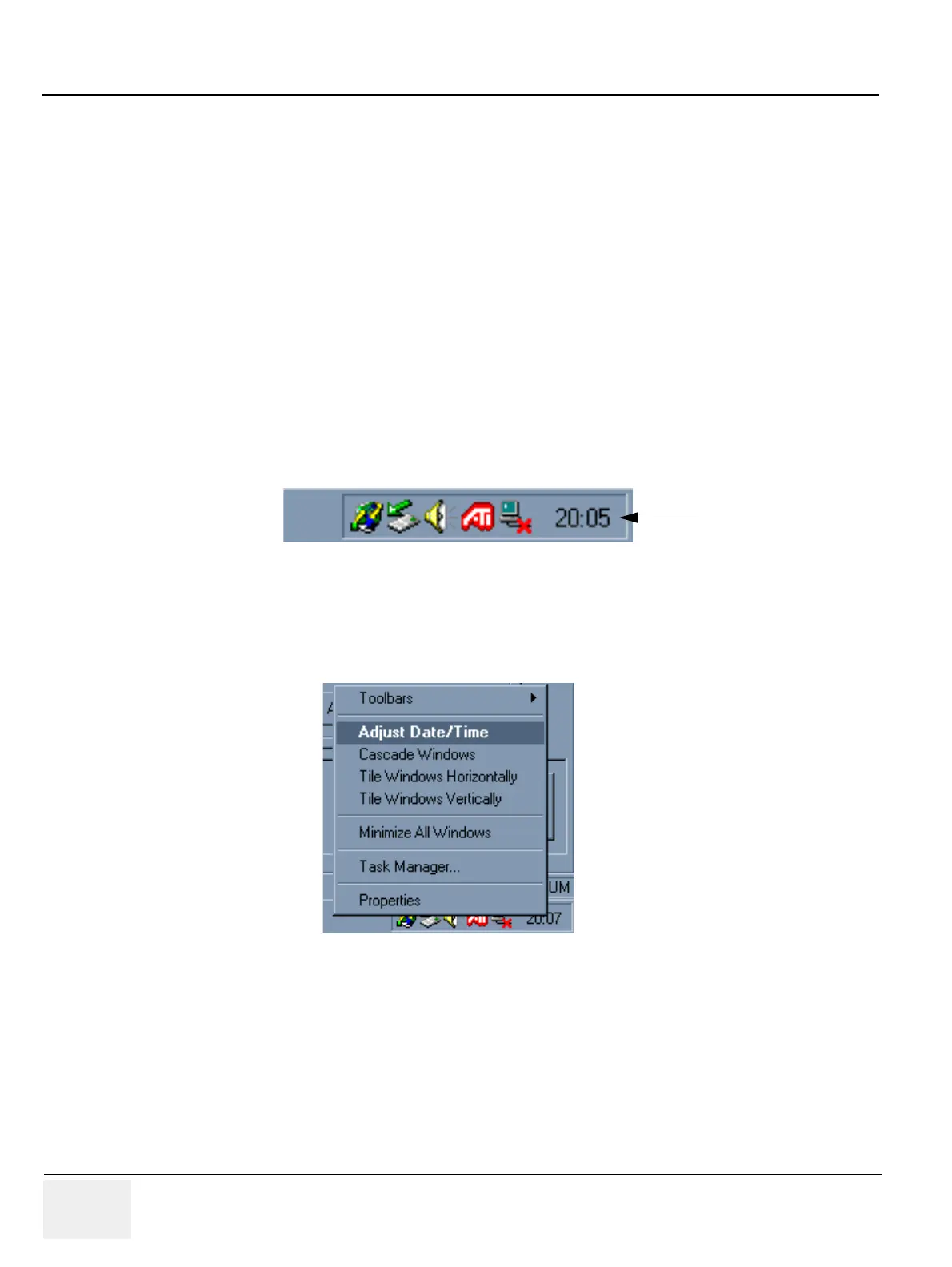
1.) From Windows, right click on the clock located on the task bar.
2.) Select the Adjust Date/Time menu option.
3.) Click the Time Zone tab and set appropriately.
Figure 3-54 Windows Task bar
Figure 3-55 Windows Task bar - Date/Time-Adjustment
1.



 To Next Page