GE MEDICAL SYSTEMS
D
IRECTION 5184024-100, REVISION 5 LOGIQWORKS BASIC SERVICE MANUAL
Chapter 8 Replacement Procedures 8-23
8-3-1-6 Recover with Spare Part Recovery CD
Recover the system with Spare Part recovery DVD P/N 2413251 for DELL 340 and 2366663-2 for DELL
360 and 2413250 for Dell 370
1.) Proceed the steps in Section 8-3-1-1 "Complete reformatting of a System" by using the Spare Part
Recovery DVD.
2.) Reboot the system.
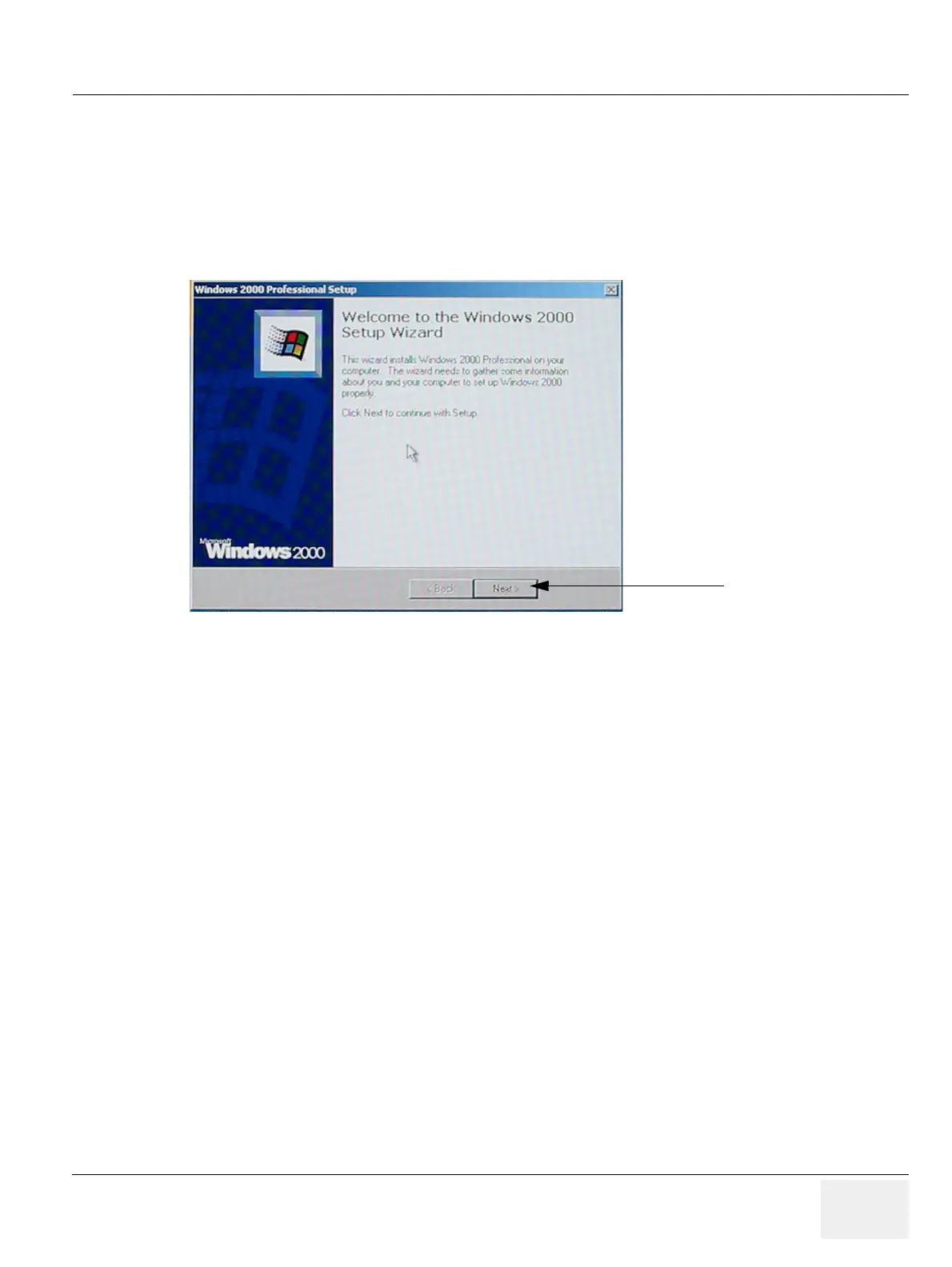
3.) Click “Next” to continue.
Figure 8-25 Setup Wizard
3.



 To Next Page