GE MEDICAL SYSTEMS
D
IRECTION 5184024-100, REVISION 5 LOGIQWORKS® BASIC SERVICE MANUAL
Chapter 3 Installation 3-65
3-4-6-1 Modem Configuration (cont’d)
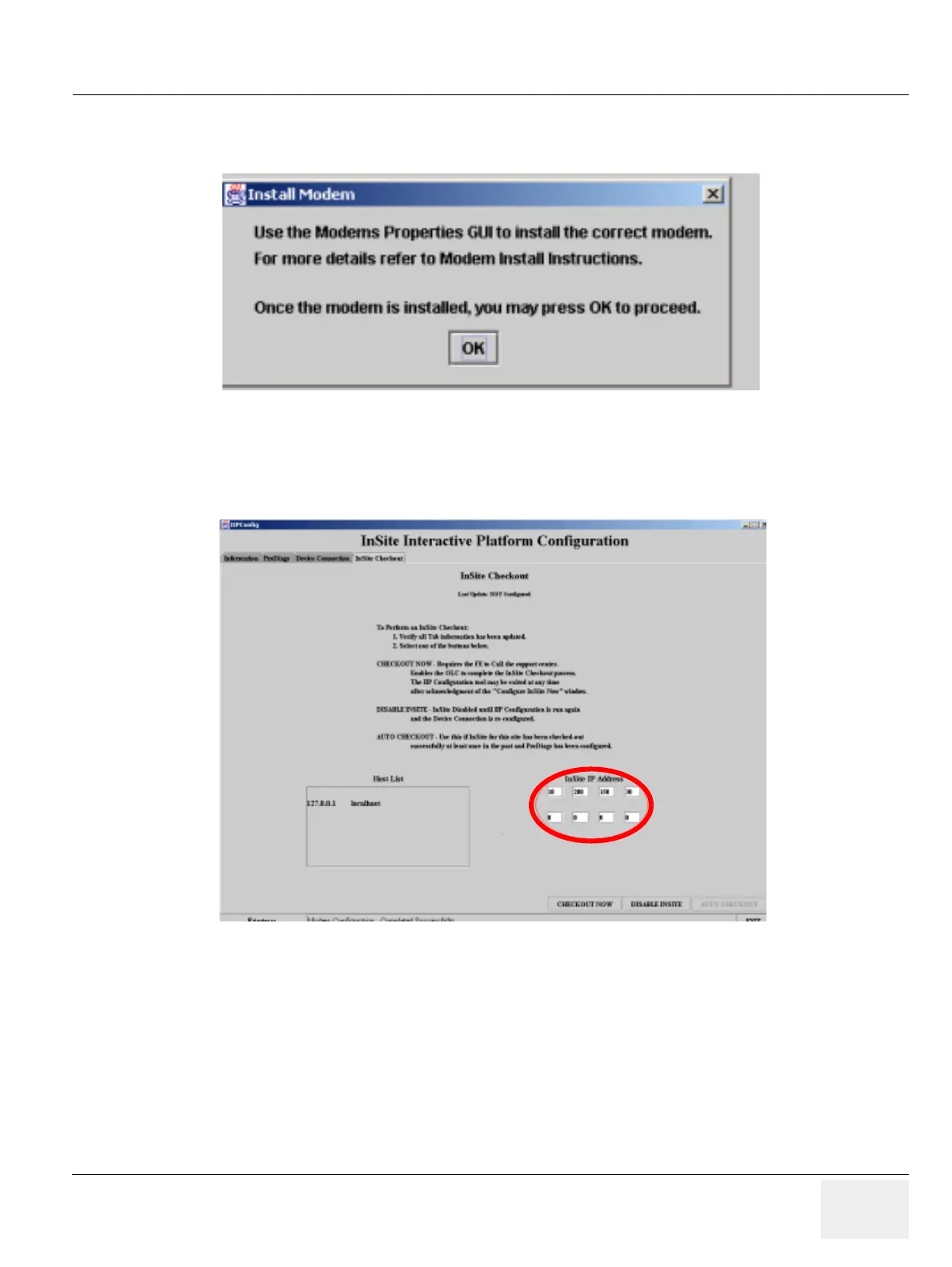
14.)The “Install Modem” system message pops up. Quit with “OK”.
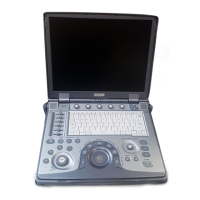
15.)Click on the “InSite Checkout” tab.
16.)Enter the correct GE InSite IP address.
17.)Click “Checkout now” and reboot the system. The PC is ready for OLC checkout now.
3-4-6-2 VPN Configuration
1.) Open the “InSite Interactive Platform Configuration”. See Initialize Service Platform for
LOGIQworks up to Version 2.0 on page 3-62.
Figure 3-50 The “Install Modem” system message
Figure 3-51 The “Insite Checkout” tab



 To Next Page