GE MEDICAL SYSTEMS
DIRECTION 5184024-100, REVISION 5 LOGIQWORKS BASIC SERVICE MANUAL
3-82 Section 3-5 - Configuration
3-5-2-2 General settings (cont’d)
- Compare Patients on: Indicate how you want to view patient studies in a patient worklist: by
name, ID or both. LOGIQworks will collapse all the studies into one folder for viewing on the
Local Patient Worklist, provided that the studies have the same patient name and/or patient
ID.(Default: Both name and ID)
3-5-2-3 Logging
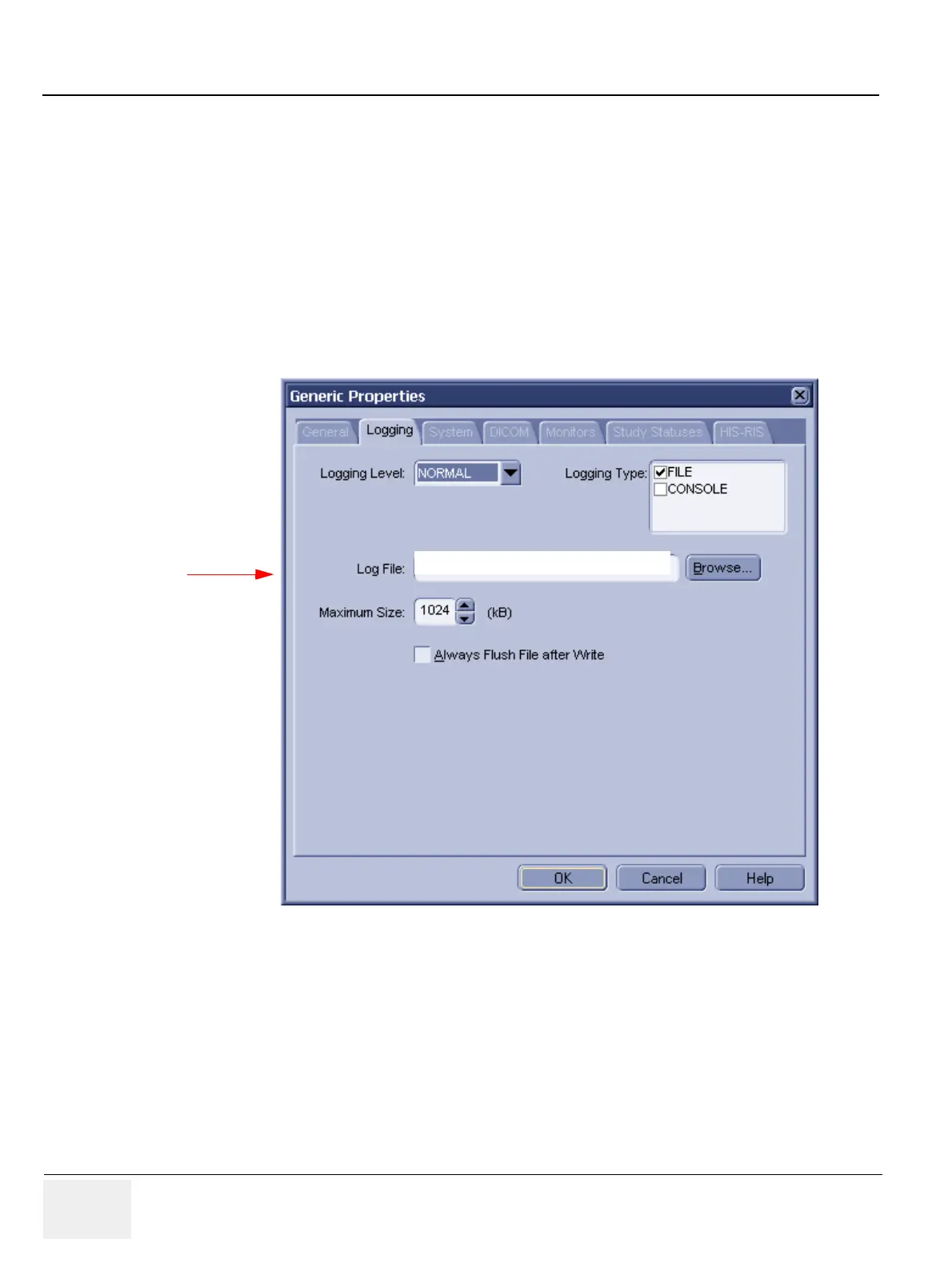
To set and view RA600’s logging properties:
1.) Select Configuration > Generic... from the Data Selector Menu.
2.) Select the Logging tab from the Generic Properties dialog.
Figure 3-71 General Settings - Logging
Do not change!
D:\AMI_61\LOG\Workstation.LOG



 To Next Page