GE MEDICAL SYSTEMS
D
IRECTION 5184024-100, REVISION 5 LOGIQWORKS® BASIC SERVICE MANUAL
Chapter 3 Installation 3-125
3-5-3-12 TripleMonitors for LOGIQworks FX and LOGIQworks SoftwareOnly (cont’d)
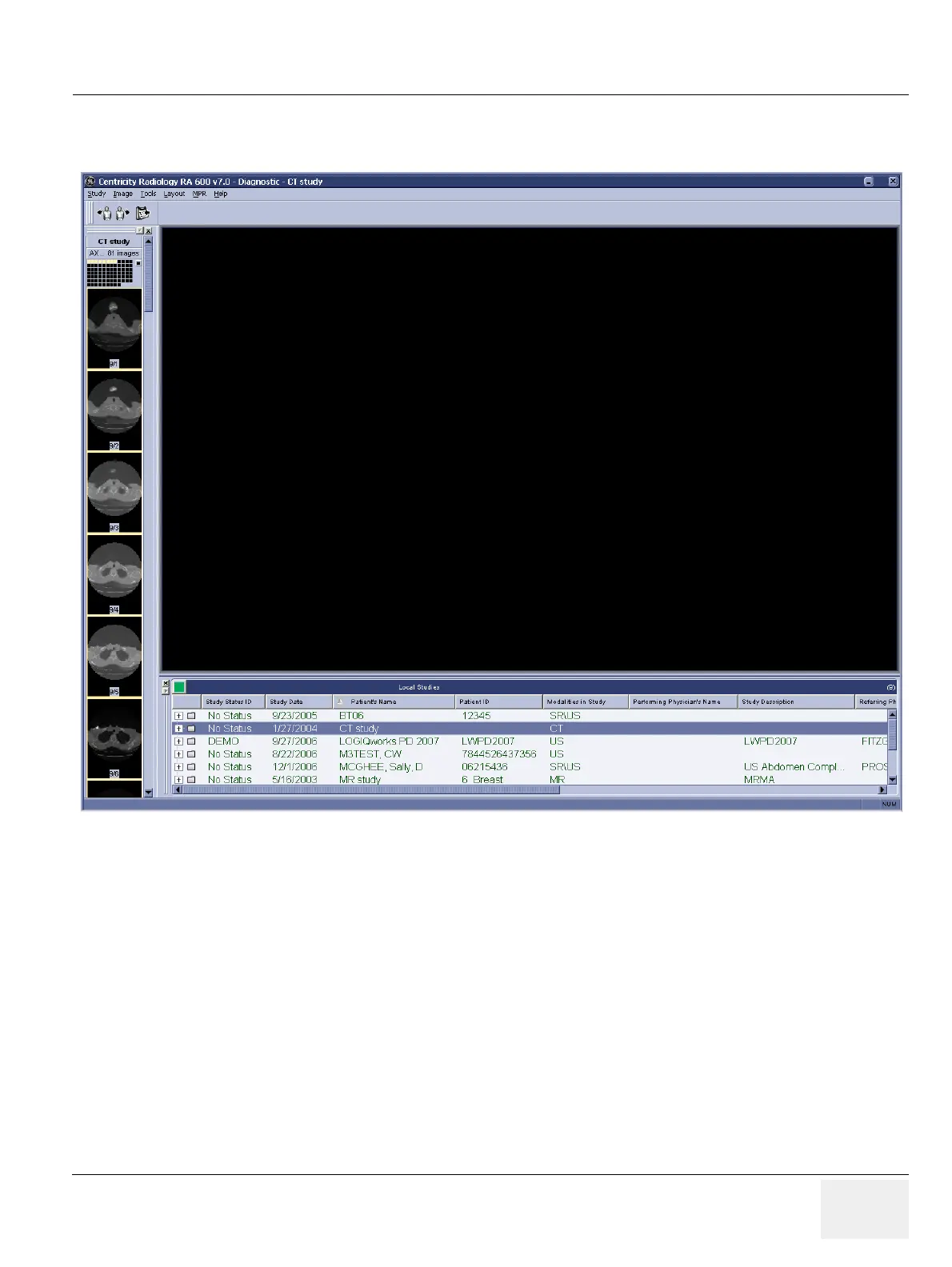
5.) You should now see your data selector on the left-most monitor. Your left-most monitor should look
something like this:
Figure 3-111 TripleMonitor Data Selector



 To Next Page