GE MEDICAL SYSTEMS
DIRECTION 5184024-100, REVISION 5 LOGIQWORKS BASIC SERVICE MANUAL
3-126 Section 3-5 - Configuration
3-5-3-12 TripleMonitors for LOGIQworks FX and LOGIQworks SoftwareOnly (cont’d)
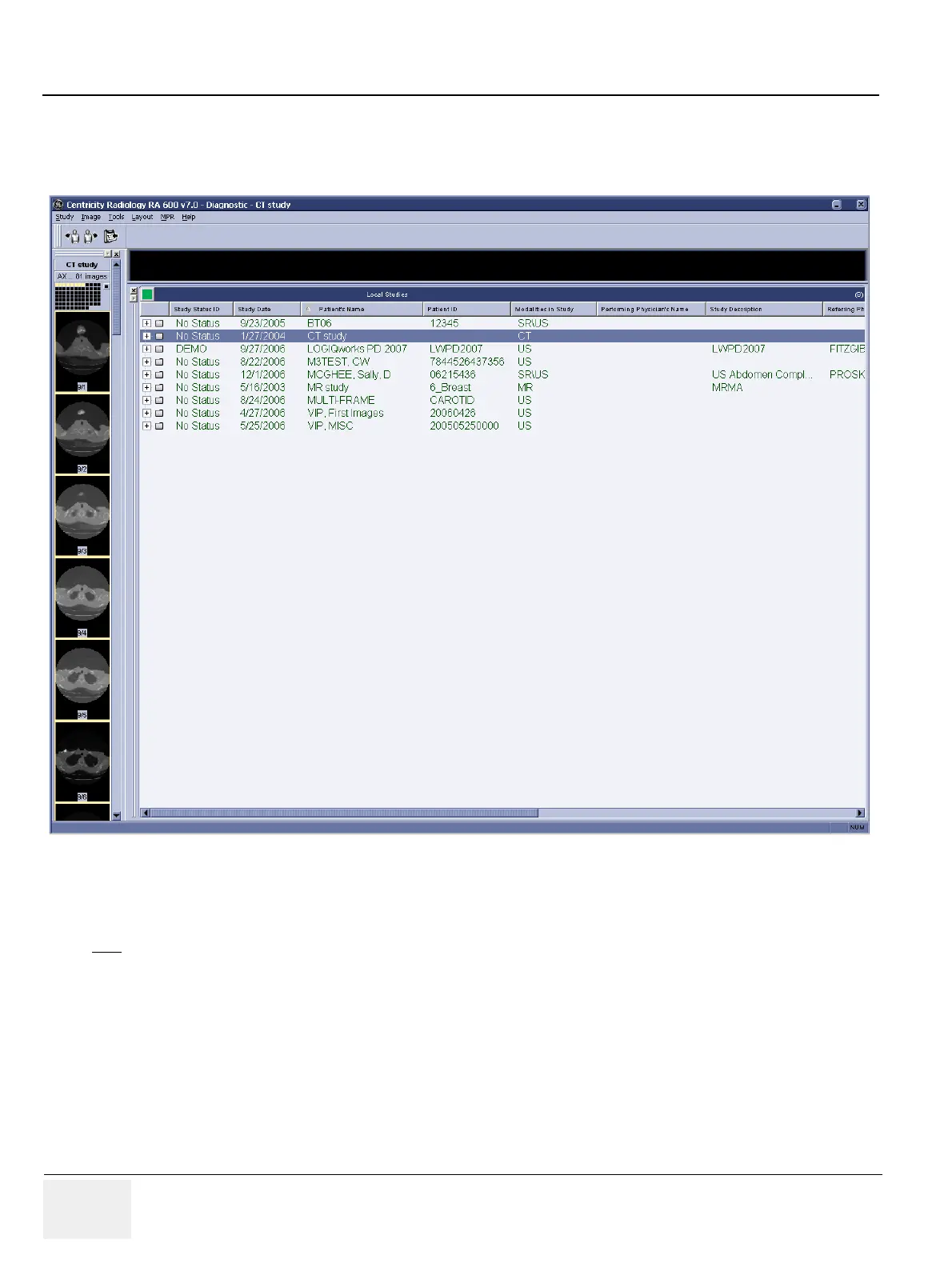
6.) If the data selector doesn't expand to take up the entire workspace of the left-most monitor (as
shown in the above screenshot), then click-grab the top edge of the data selector window, and drag
the window upwards to take up the entire space of the left most monitor:
Figure 3-112 TripleMonitor Expanded Data Selector
7.) On the middle monitor, you may have a pictorial index visible. To maximize your screen real estate,
we recommend that you hide the pictorial index on the middle monitor since you already have a
pictorial index visible on the left-most monitor.
NOTE
Your data selector may not take up the entire space of the left-most monitor (as shown in the above
screenshot). This is fine.



 To Next Page