GE MEDICAL SYSTEMS
D
IRECTION 5184024-100, REVISION 5 LOGIQWORKS® BASIC SERVICE MANUAL
Chapter 3 Installation 3-77
3-5-1-5 Keyboard setup
Depending on your order you will receive a non-US keyboard. All keyboard input locales will be pre
configured. Please check whether settings are correct.
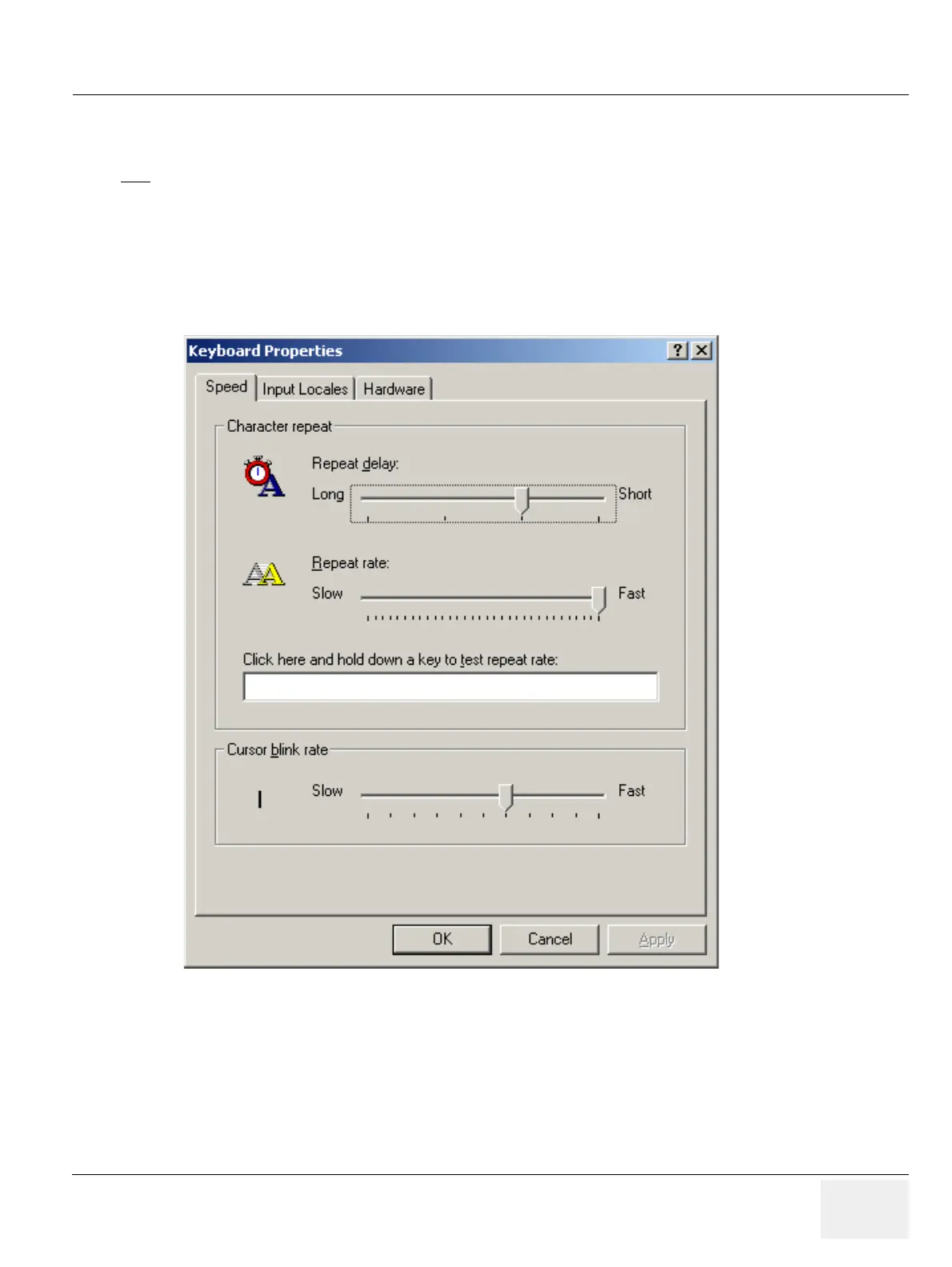
1.) Click on the keyboard setup button, the following window will appear:
NOTE
This Procedure is not required if the keyboard is a US keyboard, since the default setting is set to US,
English keyboards.
Figure 3-66 Keyboard Status Window



 To Next Page