GE MEDICAL SYSTEMS
D
IRECTION 5184024-100, REVISION 5 LOGIQWORKS® BASIC SERVICE MANUAL
Chapter 6 Service Adjustments 6-5
6-2-4 Calibrate CRT Monitor
Before you will be able to view images at their true size, your monitor or monitors will have to be
calibrated. Also, the picture on all display monitors will gradually change over time, so the image may
become slightly smaller or larger. Most of the time this will hardly matter, but for true size display it
means that it is important to periodically re calibrate your monitor or monitors to ensure optimum
accuracy.
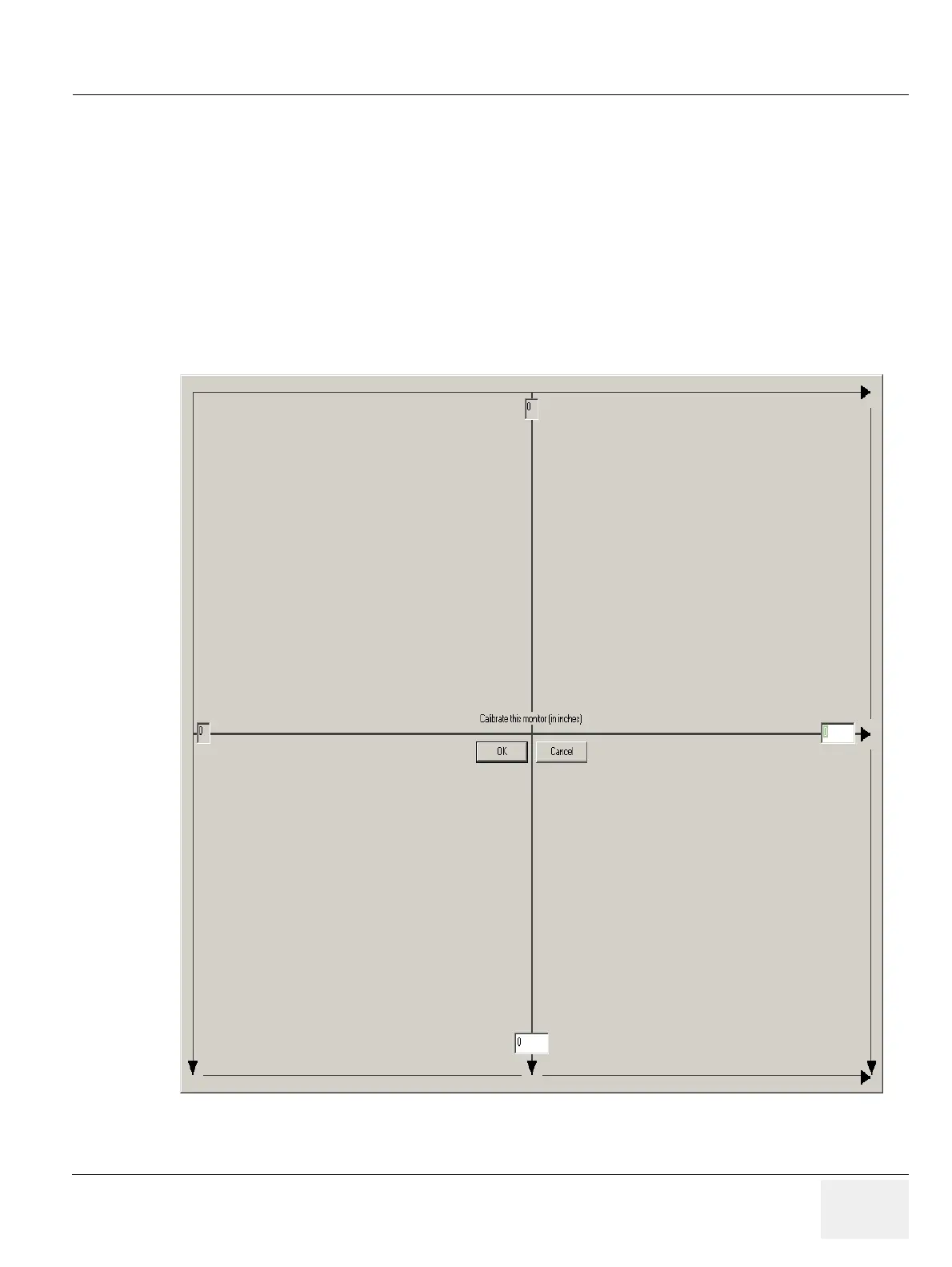
To calibrate a monitor for true size display
1.) Select Viewing -> Calibrate Monitors... from the menu bar in the Data Selector.
Figure 6-1 Monitor Calibration



 To Next Page