GE MEDICAL SYSTEMS
DIRECTION 5184024-100, REVISION 5 LOGIQWORKS BASIC SERVICE MANUAL
7-4 Section 7-3 - Diagnostics
Section 7-3
Diagnostics
The Diagnostics are part of the Service Browser. To enter the Service Browser follow Section 5-5-3-2
"Service Login" on page 5-30.
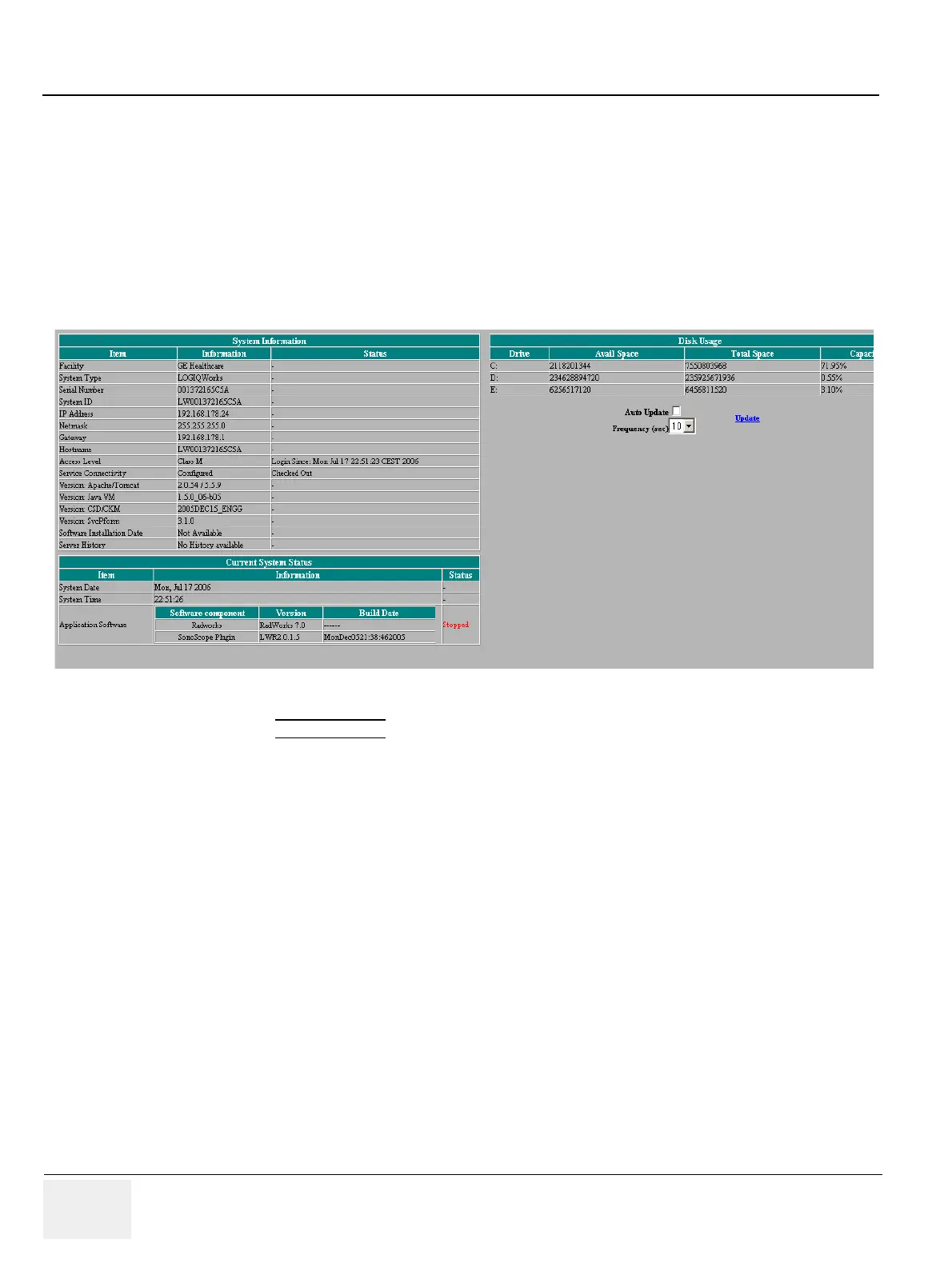
7-3-1 Global Service User Interface (GSUI) Diagnostic
The Diagnostics are started from the Global Service User Interface Main Menu.
1.) Click on the DIAGNOSTICS
Tool Button.
2.) Click on the Common Diagnostic folder to view contents.
The below menu will appear:
Figure 7-3 GSUI main menu for External Service users



 To Next Page