GE MEDICAL SYSTEMS
D
IRECTION 5184024-100, REVISION 5 LOGIQWORKS® BASIC SERVICE MANUAL
Chapter 3 Installation 3-95
3-5-2-9 Study Statuses (cont’d)
After adding the necessary statuses, the System Administrator has to configure the status permissions
for each LOGIQworks user. The Allow (other) users to configure their status permissions check
box must be checked (default after installation) in order to do this. Each user of this particular
workstation should be present while doing so.
Once all the status permissions have been configured, the System Administrator should uncheck the
Allow (other) users to configure their status permissions check box by logging on as Administrator.
3-5-2-10 Study Status Permission
To set/remove Study Statuses Permission for a certain user:
1.) Select Configuration > Generic... from the Data Selector menu.
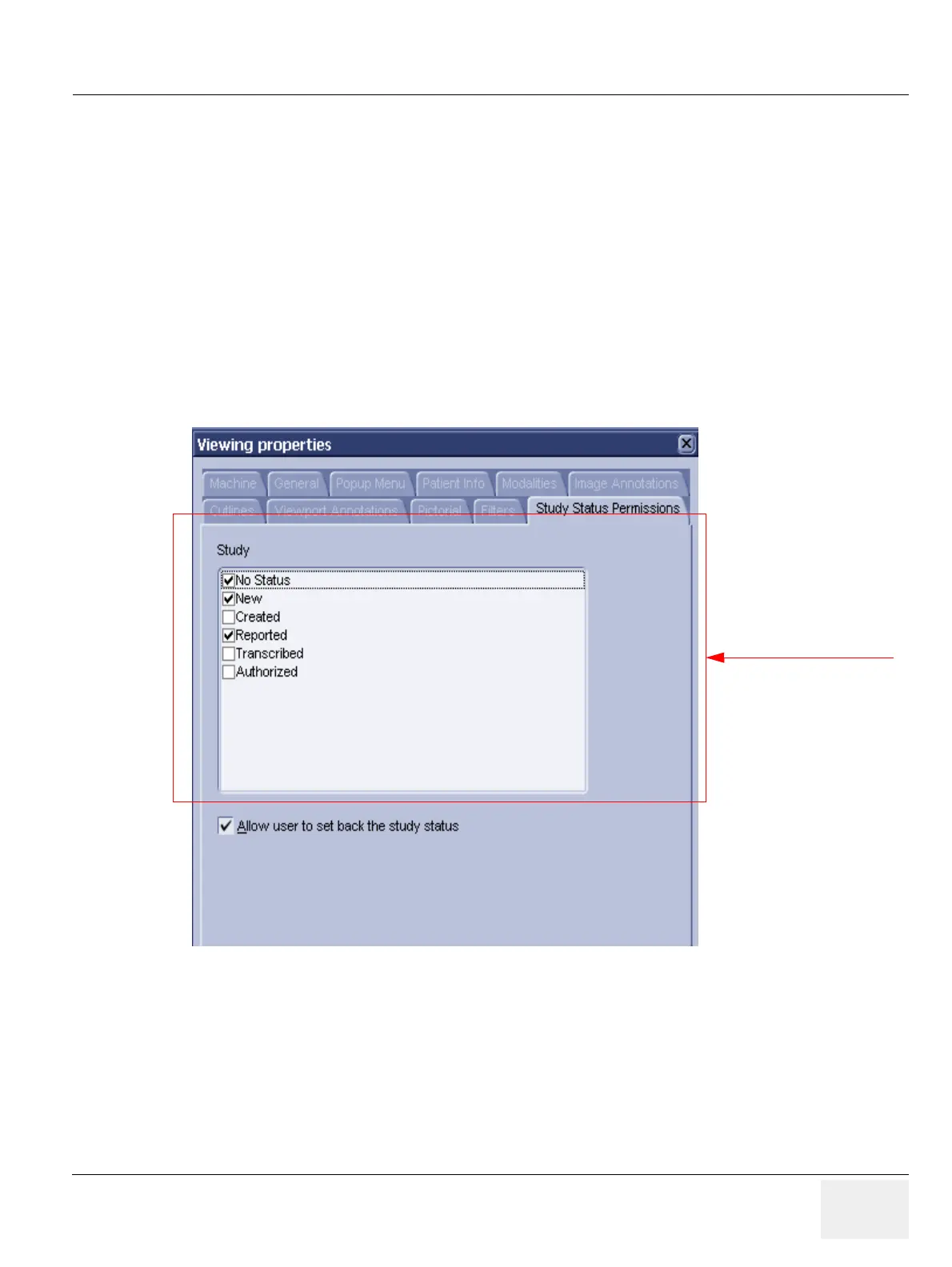
2.) Select the Study Status Permissions tab from the Generic Properties dialog.
Figure 3-84 Generic Properties - Study Status Permission (Default)
Administrator only if option
“Allow (other) users to set back
the study status” is disabled;
will then not be available to
non-admin users.



 To Next Page