GE MEDICAL SYSTEMS
D
IRECTION 5184024-100, REVISION 5 LOGIQWORKS BASIC SERVICE MANUAL
Chapter 8 Replacement Procedures 8-5
8-2-2-3 Monitor Installation
1.) Position new Monitor where old one was positioned.
2.) Connect the Power cable to the wall outlet.
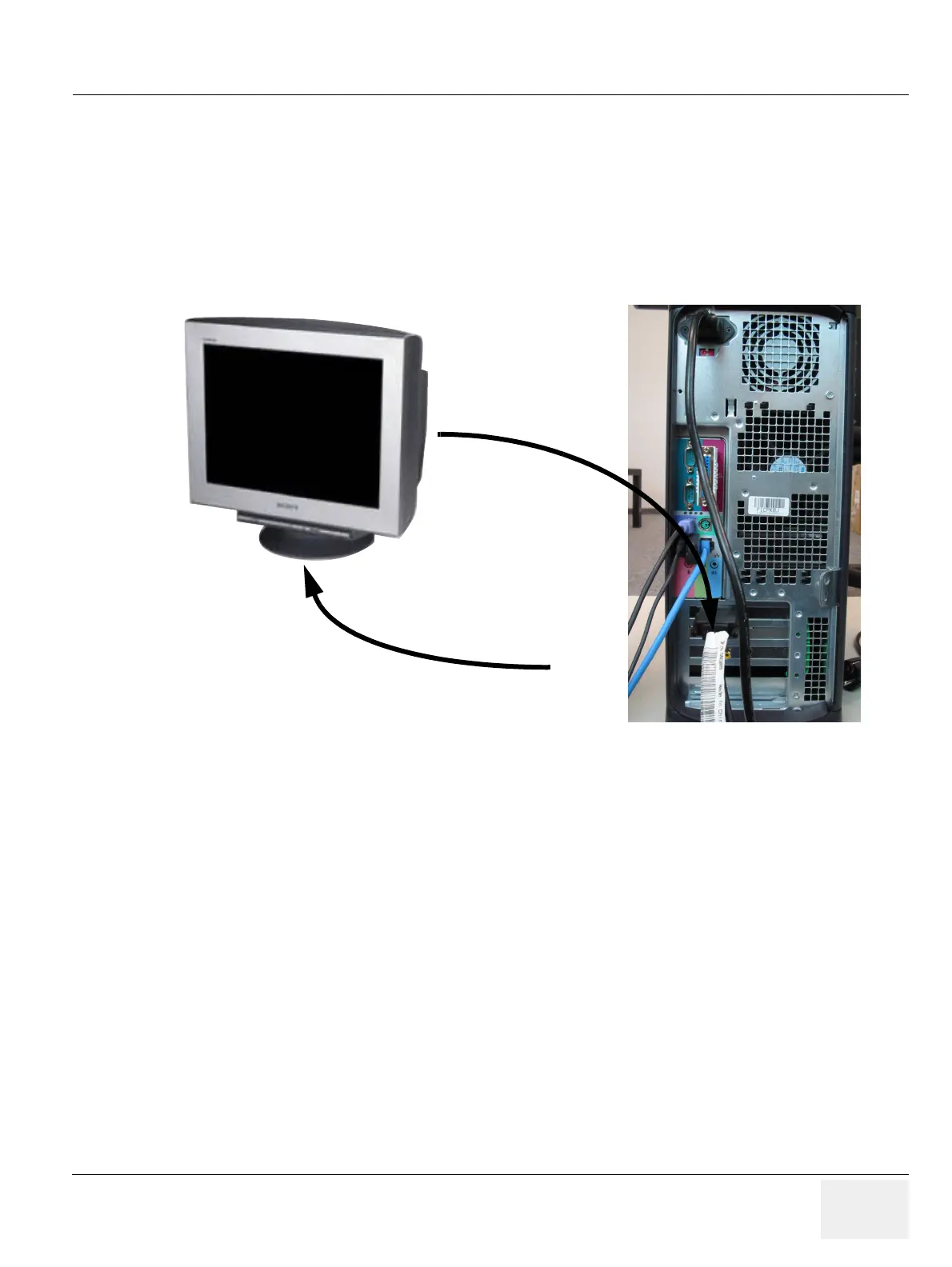
3.) Connect the Signal cables to the PC.
4.) Switch ON the Monitor.
5.) Turn ON the PC.
6.) Calibrate the monitor as described in section 6-2-4.
Figure 8-4 Monitor Connection and installation
Install
Connect



 To Next Page