GE MEDICAL SYSTEMS
DIRECTION 5184024-100, REVISION 5 LOGIQWORKS BASIC SERVICE MANUAL
7-2 Section 7-2 - Collect Vital System Information
Section 7-2
Collect Vital System Information
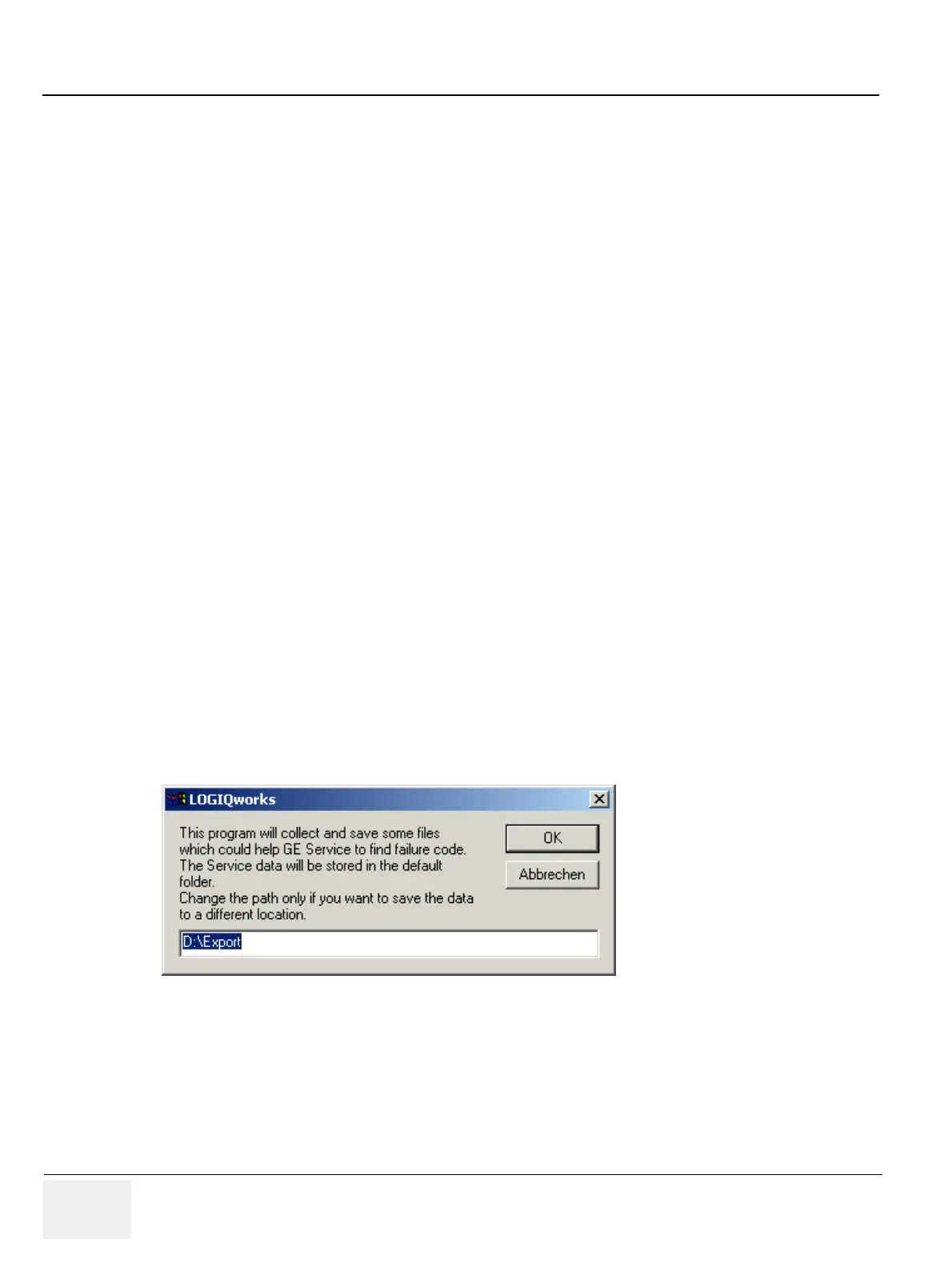
LOGIQworks has a common interface for the user to collect critical system data in the event of a failure.
This mechanism can be invoked by the globally available hotkey <Ctrl-Alt-D>.
After entering the hotkey the default folder 'D:\Export' is suggested. To save the data on a different place
enter a valid path without ending slash.
The procedure will store some system information in a compressed file with a name beginning with
'logfile' and the current time stamp in the name.
Press 'OK', wait until the next message comes up indicating the output file.
The file contains several types of information:
• - screen shot
• - version information
• - registry information
• - main TCP/IP settings
• - modem log files
• - tracing files with debug information
• - application events
• - system events
• - peer-to-peer logfile
• - iip logfile
• - http error logfile
• - http access logfile
• - proDiags logfile
• - application logfile
• - distinct net sniffer logfile
Figure 7-1 Entering the path



 To Next Page