GE MEDICAL SYSTEMS
DIRECTION 5184024-100, REVISION 5 LOGIQWORKS BASIC SERVICE MANUAL
3-70 Section 3-5 - Configuration
3-5-1-2 Select Units
To change the units of measurement use the Windows control panel.
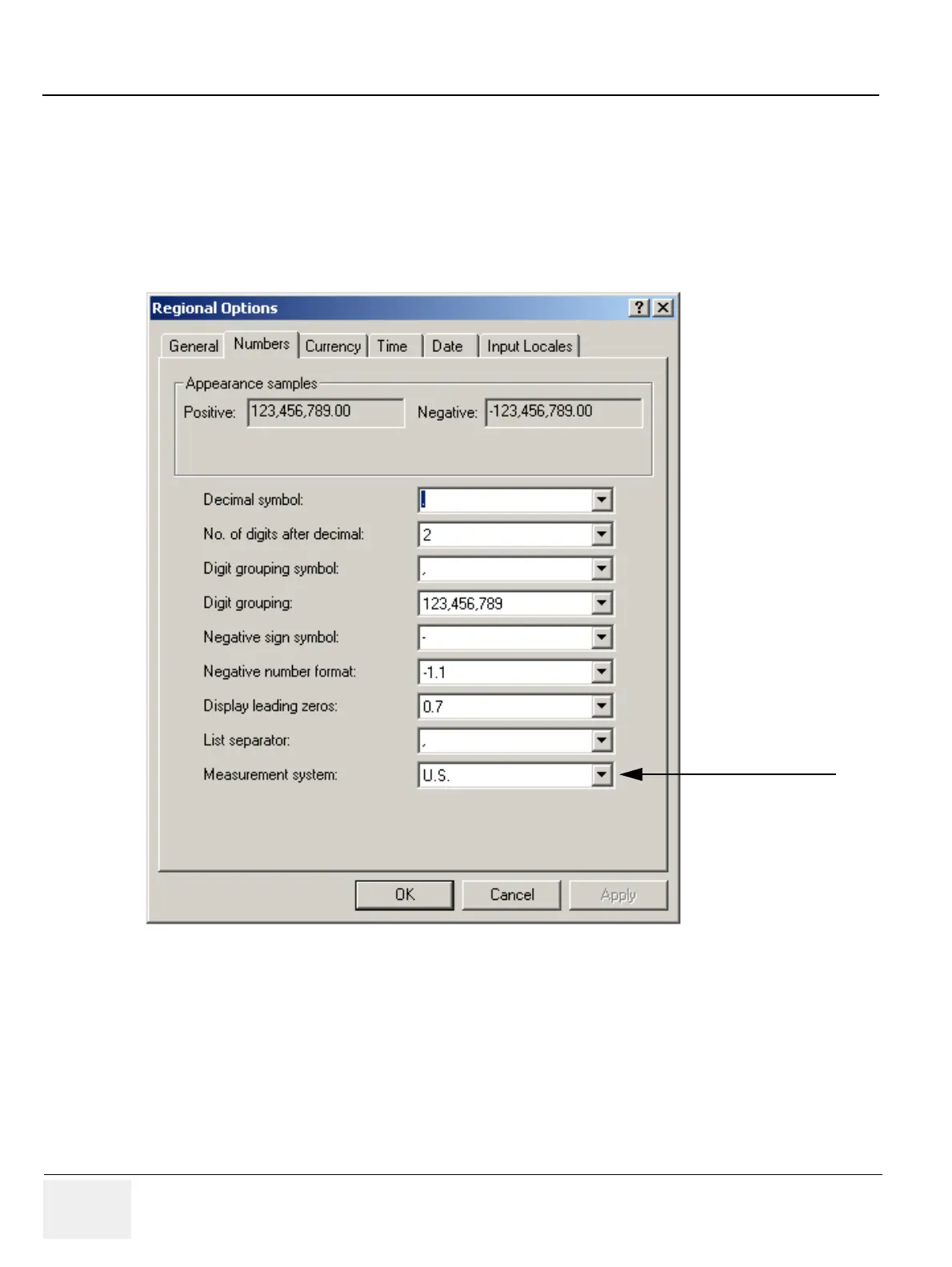
Double click Regional Options in the Windows Control Panel.
Click the Numbers tab and select U.S. or Metric from the Measurement System drop down list. Then
click OK.
If you wish to overrule Windows’ Regional Settings you can select either Metric or U.S.from the drop
down list in the LOGIQworks Generic Properties page (see Section 3-5-2-5 "System Properties" ).
Figure 3-58 Windows Control Panel
Select here U.S. or Metric



 To Next Page